


Xreal Beam Pro nebulaOS 2.0 Update vs. Nebula V3.7.0 Beta Explained
To be direct upfront: this is not a Beam Pro nebulaOS 2.0 update. The source documentation is a 2023 Nebula V3.7.0 beta release note for XREAL Air devices, and it mentions neither the Beam Pro nor nebulaOS 2.0. Anyone searching for Xreal Beam Pro nebulaOS 2.0 patch notes should check Xreal's official channels directly. What the 2023 V3.7.0 release notes do document is worth covering on its own terms: a fix for an AR Space blackout bug that broke the experience every time a user touched their phone, and the return of a 3D media player that had gone missing in a prior version.
Those two fixes are connected. Both address the same core experience: watching video in AR Space without the session falling apart. The blackout fix keeps the glasses running while you navigate away; the restored 3D player expands what you can watch when you stay. Together, they close a gap that made the hardware feel unreliable for the audience it was built for.
What the 2023 Nebula V3.7.0 beta actually documents
Before the specifics: this article covers what the 2023 release notes say. No hands-on testing data is available. Confirmed hardware compatibility covers only the devices listed below.
- What this release is: Nebula V3.7.0 beta, open for early-access testing
- What it adds: a dual-screen display mode that fixes the AR Space blackout, and a rebuilt 3D media player
- Confirmed compatible hardware: XREAL Air, Air 2, and Air 2 Pro
- Not mentioned: the Beam Pro, nebulaOS 2.0, or any Beam-series device
The blackout fix: what the dual-screen display mode changes
The problem had a specific shape. In previous Nebula versions, swiping up from AR Space sent the glasses display to black. Not paused. Not minimized. Off. A user 40 minutes into a film who reached for their phone lost the AR view entirely, per the 2023 release notes. Getting back meant restarting the app and finding your place.
For a device centered on immersive viewing, that is not a rough edge. It is a break in the primary use case, on every session where a user moves between AR content and their phone.
The V3.7.0 beta addresses this with a dual-screen display mode. With the feature enabled, swiping up from AR Space collapses Nebula into a small floating window rather than killing the glasses output. The glasses keep displaying. Switch to another app, reply to a message, return to your content, the display never cuts, the same release notes confirm.
Think of it as the difference between a second monitor that shuts off every time you glance at your laptop versus one that simply stays on. The behavior change is that basic, and for video-focused users, that consequential.
One firm limit: developed AR apps do not support dual-screen display, the release notes state. The fix covers phone navigation, not AR-native software. Users who spend most of their time inside AR applications will not notice any change.
The restored media player: 3D playback returns
The beta ships a rebuilt media player accessible through the TV app inside AR Space. The 2023 release notes describe the optimized 3D player as returning, language that indicates it was absent or degraded in a prior version. No explanation for its removal is given.
Both top-bottom and side-by-side stereoscopic formats are supported, per the notes. Those are the two standard layouts for 3D video files. Users with existing content libraries should not need to convert anything before testing.
The audience for this change is specific but motivated: people using the XREAL Air for extended viewing sessions, personal media libraries, cinema-style watching in AR. Losing a working 3D player in an earlier version was a genuine regression for that group. Getting it back closes that gap, even in beta.
What documentation cannot answer is whether it performs cleanly. Format support and playback stability are separate questions, and that is a question for hands-on testing once the beta matures.
Compatible hardware and setup requirements
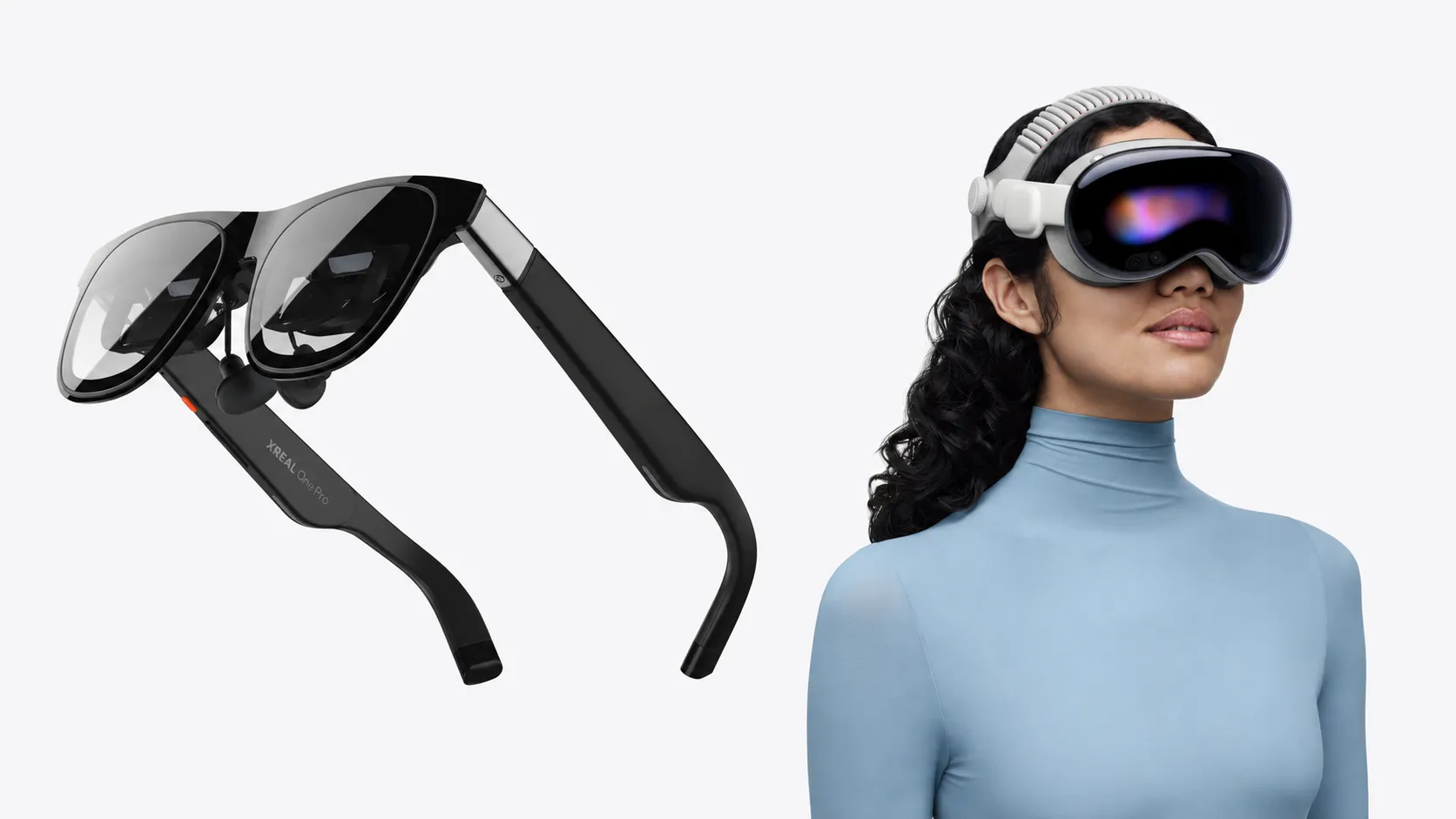
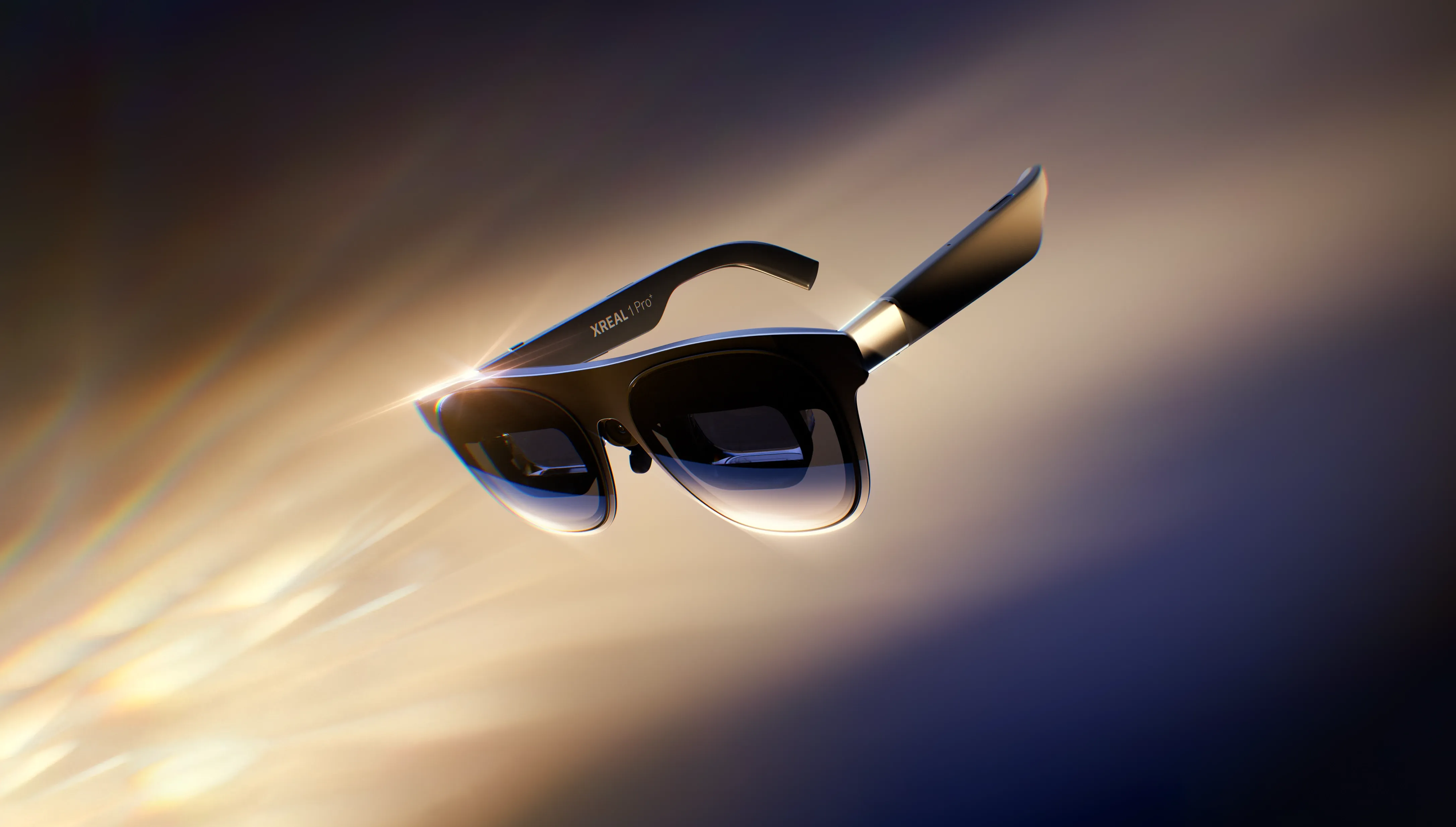
The V3.7.0 beta is confirmed for three devices: the XREAL Air, Air 2, and Air 2 Pro. That is the complete hardware list in the 2023 release notes. No other devices are mentioned.
Dual-screen display does not activate automatically. Four configuration steps are required before the feature works as described, per the same notes:
- Grant Nebula floating window permission
- Allow Nebula as a full-screen application
- Set the phone's refresh rate to Intelligence Mode
- Set the phone's resolution to Intelligence Mode
The setup is front-loaded and non-trivial relative to what it unlocks. Do it once correctly, and the day-to-day behavior is transparent: swipe up, Nebula collapses to a floating window, the glasses keep running.
The Intelligence Mode requirements are worth calling out separately because they are phone-level display settings, not app permissions. Users on devices that do not offer those specific modes may hit compatibility issues before the glasses behavior ever comes into play. The release notes do not address that scenario.
Who this beta is for, and whether to wait
The V3.7.0 beta has a clear primary audience: XREAL Air, Air 2, or Air 2 Pro users who watch video in AR Space and regularly need to use their phone mid-session. The blackout fix removes the most common daily friction point for that group. The restored 3D player expands what they can watch, per the 2023 release notes. If that describes how the glasses get used, these are substantive changes.
AR app users are a different case. Nothing in the documented changes touches the experience inside AR-native software. Dual-screen display explicitly excludes it. For users whose sessions live primarily in developed AR apps, this beta changes nothing visible.
On timing: if video and multitasking are the main use cases, the beta is worth testing once the setup steps are complete, with the understanding that documented features and confirmed real-world performance are not the same thing. If stability matters more than getting the fix early, a stable release is the cleaner path.
For anyone who arrived here specifically searching for the Xreal Beam Pro nebulaOS 2.0 update: the source documentation covers neither. For current Beam Pro compatibility or nebulaOS 2.0 patch notes, Xreal's official channels are the place to look.



Comments
Be the first, drop a comment!