


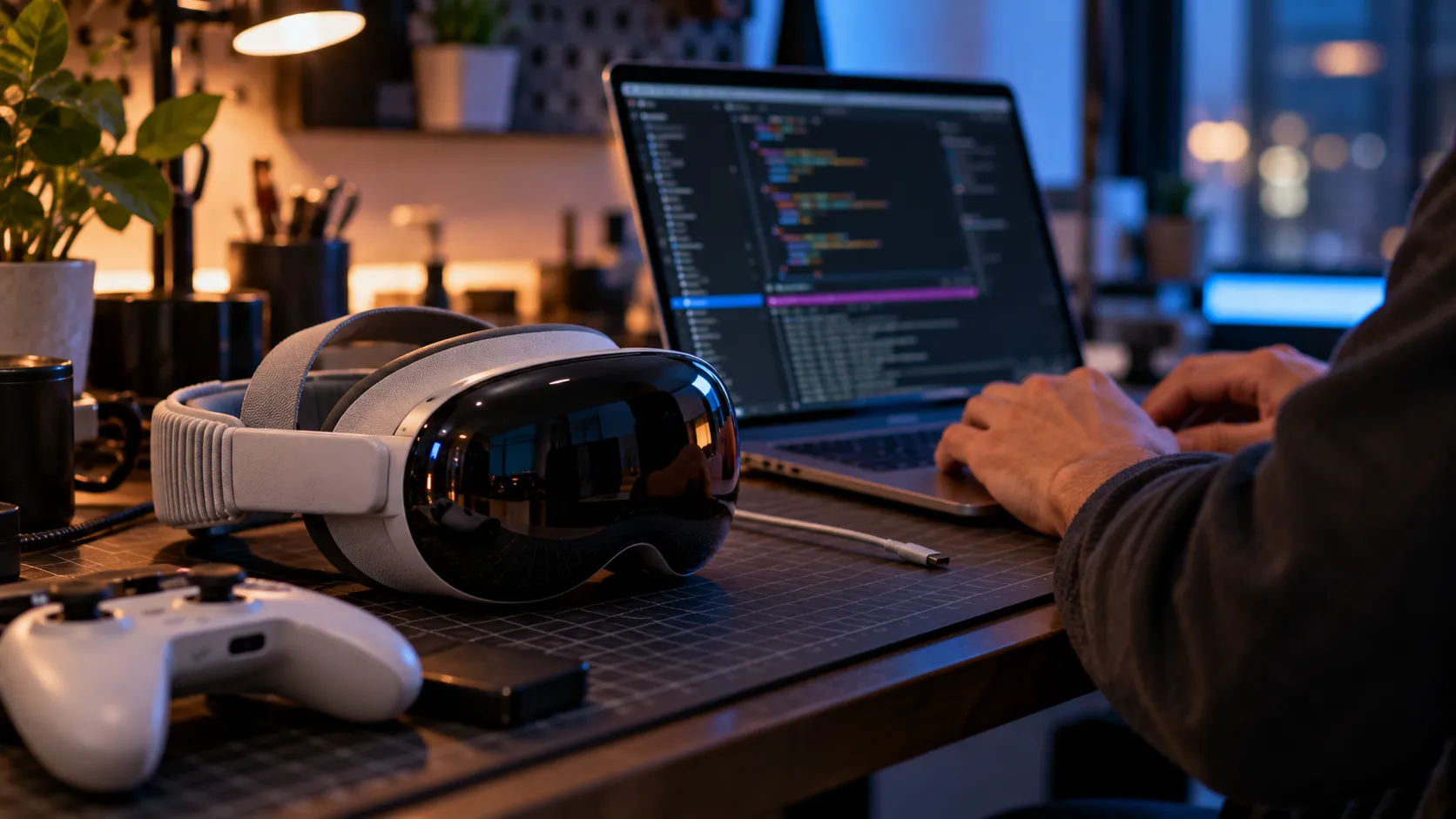
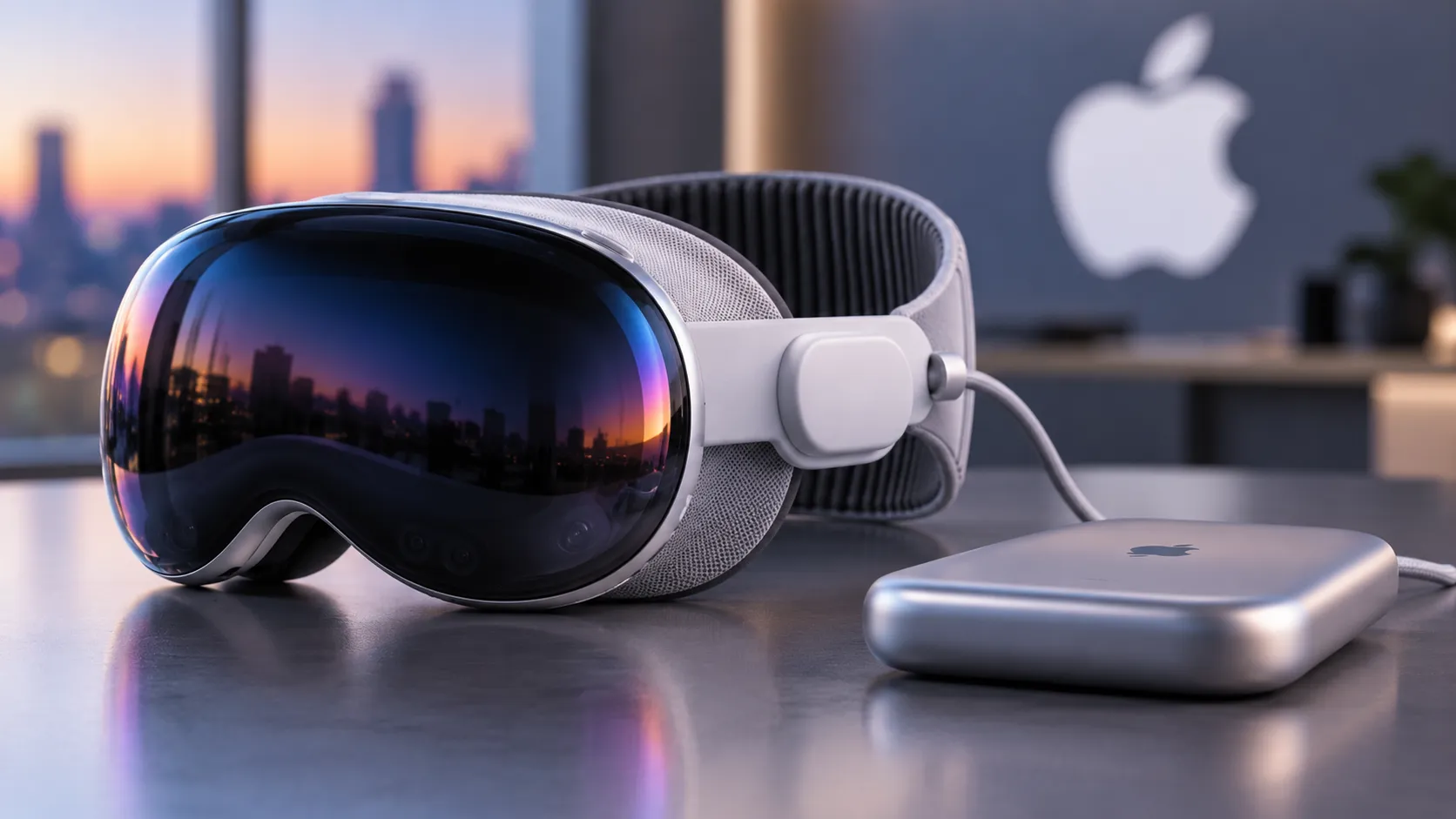
An open-source project called Klepton has pulled off something neither Meta nor Apple officially offers: a way to run compatible Meta Quest games on Apple Vision Pro without an Android emulator or a gaming PC standing between the headset and the game. The project relinks Android VR applications for Apple's hardware, allowing supported games to run directly on visionOS.
Klepton initially demonstrated Beat Saber running on both macOS and visionOS with minor graphical glitches, as El Solitario documented in August 2026. The project has since expanded. Its current GitHub repository lists several working titles, including BONELAB, SUPERHOT VR, Resident Evil 4 VR, and Into the Radius.
This is still a developer workflow, not a download-and-play solution. Running it means owning an Apple Silicon Mac, installing Xcode, and working through a command-line build process rather than tapping install on a store page.
If that sounds like more friction than reward, skip ahead to the streaming section. If it sounds interesting, the rest of this guide covers how Klepton works, how to build a supported game, a separate and far more experimental Half-Life: Alyx demo built on related techniques, and the PC-dependent streaming tools that offer access to a wider VR library.
What Klepton actually does
Understanding Klepton's visionOS APK translation starts with what it isn't: an emulator in the classic sense.
It doesn't interpret Android instructions one at a time or translate bytecode into another format. Instead, it takes ARM64 machine code from a compatible Quest APK, largely untouched, and relinks it against a runtime built for macOS and visionOS.
That's possible because Quest hardware and Apple Silicon both use ARM64 processors: the game's machine code already targets the same instruction-set architecture.
What Klepton rebuilds is everything around that code. Compatibility libraries stand in for the pieces a Quest app expects to find, covering Android system functions, native windowing and sensor calls, a limited Java-compatible environment, and Oculus VR functions.
A separate tool, klepton-ld, converts Android .so libraries into Apple .dylib or .framework files that the Mac or Vision Pro can load.
Graphics calls get similar treatment: OpenGL ES routes through a modified build of ANGLE with a Metal backend, while Vulkan uses MoltenVK. The rendering pipeline therefore communicates with Apple's graphics stack instead of Android's.
That's also why the work is harder than it sounds. Klepton patches uses of the ARM64 x18 register in guest libraries to avoid conflicts with how Apple's operating systems use that register. Mismatches like that, small at the instruction level, can make otherwise compatible code fail.
Klepton can also patch .so files at runtime using mmap, a technique useful on macOS where just-in-time compilation is permitted in supported circumstances. On visionOS, the project instead relies on ahead-of-time relinking to avoid that restriction.
Anyone researching Apple Vision Pro Quest game compatibility should treat this as the project's central technical constraint. Klepton isn't a universal Android runtime that can open any APK.
Its README describes support for "Java-thin" applications only, meaning no Android Runtime (ART) or full embedded Java Virtual Machine. That points toward games built in engines such as Unity with IL2CPP, although meeting that profile doesn't guarantee a title will run.
The project's compatibility list has expanded, but individual games still require their own integration and testing.
Can you play Meta Quest games on Apple Vision Pro without a PC? Setting up Beat Saber
Klepton can run supported games directly on Vision Pro without a gaming PC streaming them during play. However, an Apple Silicon Mac is required to prepare and deploy the builds.
The steps below follow the project's current BUILDING.md instructions. They describe a development workflow, not a guaranteed consumer installation process.
Before starting, you'll need:
An Apple Silicon Mac. Klepton depends on Apple-only frameworks, including Metal, ARKit, and Compositor Services, with no Windows or Linux build available.
Xcode and an Apple Developer signing setup for deploying the visionOS target to a physical headset.
A compatible Beat Saber APK and its required OBB game-data file, obtained through a lawful source. Klepton doesn't distribute game files.
Homebrew and sufficient disk space for graphics dependencies. The project recommends budgeting roughly 20GB for ANGLE's sources and build files alone.
The documented build sequence runs roughly like this:
Install the host dependencies with
brew install pkg-config sdl3 apktool.Place the supported Beat Saber APK in the repository root and unpack it using
apktool d -f -o beatsaber beatsaber.apk.Run
make check, which builds and runs the project's regression checks.Run
make angle-allto prepare ANGLE. Vulkan-based titles also requiremake mvk.Stage the required Beat Saber OBB assets in the location specified by the build guide.
Run
./build_run_viewer.sh beatsaberto build and test the macOS viewer.Run
./build_run_vpro.sh beatsaberto build and deploy the visionOS application to a connected Vision Pro.
The project reports that Beat Saber works on both macOS and visionOS, with minor or no graphical issues depending on the version and build.
The current repository also supports named targets. Running python3 visionos/targets.py --list shows the targets available in that checkout, and the build scripts accept a target name rather than assuming every build is Beat Saber.
That distinction matters because BONELAB, SUPERHOT VR, Resident Evil 4 VR, and other supported games have their own APK versions, asset requirements, and graphics paths.
Steam VR Link integration remains a separate work in progress, so PC VR bridging through Klepton shouldn't be treated as a finished alternative to dedicated streaming tools.
Why the Half-Life: Alyx demo doesn't guarantee wider compatibility
A separate demo has drawn attention beyond Klepton's own repository.
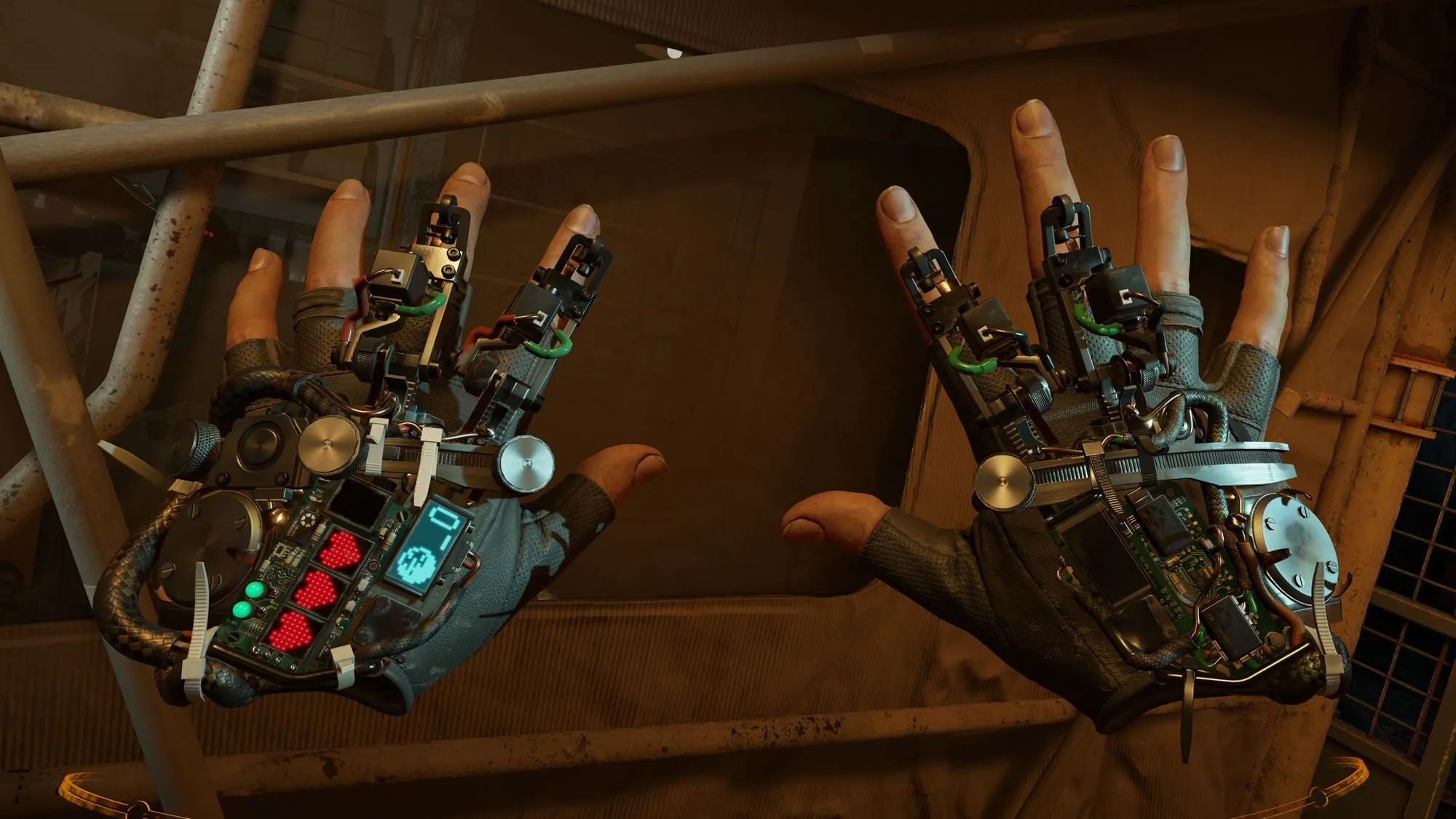
In October 2026, developer Udi Wertheimer demonstrated Half-Life: Alyx, a PC VR title rather than a standard Quest APK, running directly on Vision Pro.
The experiment combined Klepton-related compatibility work with an ARM Linux version of Alyx associated with Valve's Steam Frame headset, plus custom optimization work assisted by Claude AI, according to PC Guide's coverage.
By Wertheimer's account, Valve's Linux port wasn't an Android VR APK, but its ARM-based architecture provided a useful starting point. The experimental adaptation came together over a weekend.
That weekend is worth measuring against the existing engineering work it relied on. Valve had already adapted Alyx for ARM-based VR hardware. A weekend demo on unsupported hardware isn't evidence of comparable engineering or official support.
It demonstrates a different kind of shortcut: adapting an existing port and using AI-assisted patching rather than building native support from the ground up.
It also comes with a real caveat. The demo ran on the M5 Vision Pro, which Apple introduced in 2025.
The newer model has a 10-core CPU, 10-core GPU, hardware-accelerated ray tracing, 153GB/s of memory bandwidth, and support for refresh rates up to 120Hz, according to Apple's technical specifications.
The original M2 Vision Pro launched in 2024 with different performance capabilities. There is no evidence in the cited demonstration that the Alyx experiment works comparably on that older headset.
The reported performance, approximately 3K resolution per eye at 60 frames per second with smoothing to 120Hz, comes directly from Wertheimer.
VR enthusiast Brad Lynch's assessment that it looked "visually indiscernible from playing it on a high-end PC" is a visual judgment, not a controlled benchmark.
Treat this as an experimental demonstration of how ARM-based VR software can be adapted to Vision Pro, not as a build anyone can readily replicate at home.
It required an existing Linux ARM port and engineering specific to Alyx. Those ingredients aren't available for every PC VR game.
PC streaming: KRVR and ClearXR cover more games, but need a PC
If native play matters less than access to a wider PC VR catalog, streaming tools offer a different trade-off.
KRVR streams PC VR games wirelessly to Vision Pro using NVIDIA CloudXR's foveated encoding. OpenXR titles are supported, while SteamVR or OpenVR games may require an OpenComposite compatibility layer, according to the KRVR project documentation.
The workflow is straightforward in principle: launch a compatible VR game on the PC and stream its output to the headset.
KRVR's documentation describes the software as an alpha build, warning users to expect bugs, rough edges, and features that still need tuning.
ClearXR takes a similar approach, connecting Vision Pro to a PC running an OpenXR application and streaming PC-rendered VR content to the headset using Apple's Foveated Streaming framework, with NVIDIA CloudXR handling the server side, according to ClearXR's GitHub repository.
Both tools share the same basic requirement: a PC running the actual game, connected to the headset over the network, rather than the game executing on the headset itself.
That's the fundamental trade-off against Klepton. Streaming needs a gaming PC running the whole time, in exchange for access to more existing PC VR games without individually relinking their Android binaries.
Compatibility, controls, latency, and performance still vary by game and streaming setup.
Which route fits your goal?
Neither documented route provides a one-click way to run an entire Quest library on Vision Pro.
Play supported Quest games directly on Vision Pro: Use Klepton. You'll need an Apple Silicon Mac, Xcode, compatible game files, and the willingness to work through developer tools.
Access a broader PC VR library: Try PC streaming through KRVR or ClearXR. You'll need a gaming PC running the VR title and a suitable network connection.
Play Half-Life: Alyx without a PC: The October demonstration shows an experimental possibility, but it isn't a publicly documented, supported installation method.
Install Quest games through a normal consumer storefront: Neither approach currently provides an official, one-click Quest library experience on Vision Pro.
Pick Klepton if native execution matters and you're comfortable with Xcode, command-line tools, and troubleshooting individual games.
Pick streaming if a gaming PC is already part of the setup and game selection matters more than where the software executes.
Klepton's architecture, scoped around Java-thin apps built in engines such as Unity with IL2CPP, could plausibly stretch to cover additional Quest titles.
Its growing compatibility list demonstrates that the project has moved beyond a single-game proof of concept. However, that doesn't mean arbitrary Quest APKs will work, or that every supported game will run without issues.
For now, Klepton remains an experimental compatibility project rather than a replacement for the Quest platform or a conventional Vision Pro gaming storefront.



Comments
Be the first, drop a comment!