


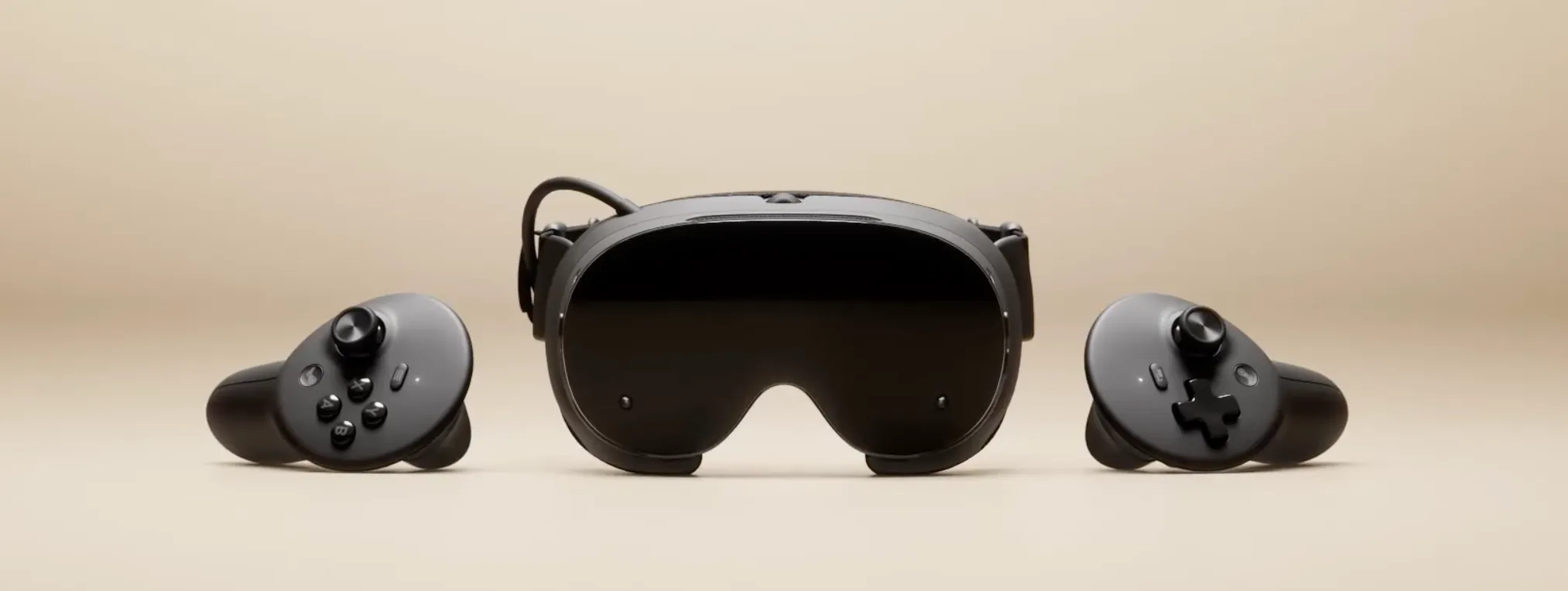
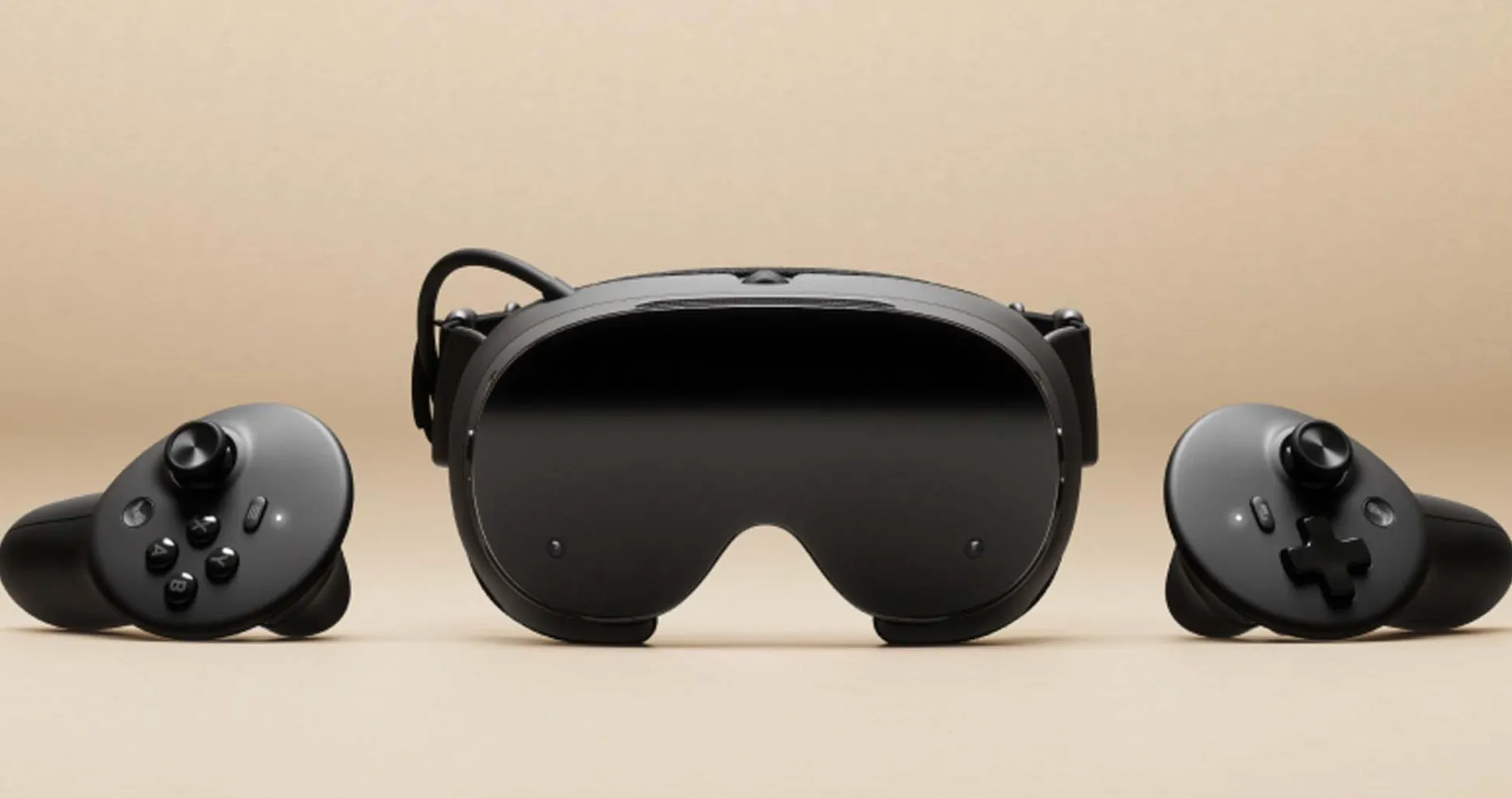
Steam Frame's limited battery life has been one of its most noticeable compromises, particularly when running demanding VR games directly on the headset. Valve is addressing that weakness with a software update that it says can extend battery life by up to 12% during both standalone gaming and wireless PC streaming.
The improvement debuted in SteamOS 0.4.3 Beta on October 1, 2026, before reaching all users in the October 8 SteamOS 0.4 stable release, according to Valve's official update notes. The company cautions that results vary by frame rate and content, and it has not published standardized before-and-after runtime measurements. Owners can, however, measure their headset's endurance and, with a suitable pre-update baseline, determine how much difference the software makes.
Why standalone VR drains the battery faster
Steam Frame's battery life varies considerably depending on whether games run locally or stream from a PC. In a September review, Tom's Hardware measured roughly one hour of standalone Half-Life: Alyx gameplay at 72 Hz. Streaming the game from a PC at the same refresh rate delivered more than twice that runtime.
The publication also recorded slightly more than an hour while running Gunman Contracts "Stand Alone" locally. Separately, Road to VR reported approximately 1 to 1.5 hours of battery life during mixed use, switching between the headset's Performance and Playtime presets.
The difference largely comes down to where games are processed. Steam Frame uses a Snapdragon 8 Gen 3 processor for standalone operation, with FEX emulation and Proton enabling supported Windows PC games to run on its Arm-based hardware. Those compatibility layers can add processing overhead, particularly in demanding titles.
Streaming shifts most game rendering to a separate computer, reducing the headset's computational workload. The headset still consumes power for tracking, displays, wireless communication and decoding the incoming stream, but it no longer needs to render the entire game locally.
Valve's claimed improvement could therefore translate into different amounts of additional playtime depending on the workload. A 60-minute session would extend to approximately 67 minutes with a 12% increase, while a two-hour session would gain about 14 minutes.
Those figures are illustrative, not independently verified results of the update. The more important question is whether the headset maintains comparable visual quality, tracking accuracy and frame pacing while running longer.
How to test Steam Frame battery life after the update
Before starting, open Settings → System on Steam Frame and check the installed SteamOS version. The battery-efficiency improvements are included in the October 8 stable release, so owners no longer need to switch to the beta channel to receive them.
Those interested in testing experimental software can change channels under Settings → System → System Update Channel. Record the exact version before each test. Comparing the current stable release with a newer beta measures differences between those builds, which may not isolate the battery improvement originally introduced on October 1.
A reliable comparison requires the same game, workload and settings throughout testing. Standalone gameplay and PC streaming should be measured separately rather than combined into one result.
Run a controlled battery test
Fully charge the headset. Disconnect the charger and let the device reach a comparable starting temperature before each run. Avoid testing immediately after an unusually demanding session that leaves the headset warm.
Choose a repeatable workload. Select a game that runs reliably on Steam Frame, preferably one with a scene or sequence you can reproduce. Half-Life: Alyx is a useful starting point because its standalone battery performance has already been documented.
Keep performance settings consistent. Match refresh rate, resolution, brightness, audio volume and the selected power preset. Changing these settings between runs can affect battery consumption independently of any software improvement.
Measure a fixed battery interval. Start at 100% and record how long the headset takes to reach 20%, for example. Use identical starting and ending percentages rather than comparing different portions of a charge.
Repeat each test. Complete at least two runs per configuration, fully recharging and allowing the headset to cool between sessions. Record unusual heat, background downloads or interruptions that could affect the results.
Compare the averages. Calculate the mean runtime for each software version or configuration. Check whether frame pacing, tracking and image quality remained consistent.
For each run, keep a brief testing log containing:
Software: Exact SteamOS build number and update channel.
Game: Title, repeatable scene and whether gameplay is standalone or streamed.
Display: Refresh rate, resolution and brightness.
Power settings: Performance, Playtime or another selected profile.
Battery: Starting and ending percentages, plus elapsed runtime in minutes.
Connection: Wireless adapter, home Wi-Fi or Multi-Link Streaming, if applicable.
Performance: Any stutter, dropped frames or tracking problems.
Results: Runtime for each attempt and the average across repeated runs.
A headset already running the updated software can establish its current battery life using this procedure. However, owners who did not collect measurements before updating cannot reliably determine the software's effect by comparing their results with someone else's September review.
Different gameplay sequences, battery conditions and display settings can produce substantially different results. An authentic before-and-after comparison requires measurements from the same headset under comparable conditions, ideally using a properly recorded pre-update baseline.
Settings that can distort battery results
Refresh rate is one of the most important variables. Steam Frame supports 72 Hz to 120 Hz, with 144 Hz available experimentally. Raising or lowering the refresh rate changes display and rendering demands, potentially obscuring a smaller efficiency improvement.
Power presets introduce another variable. Performance mode prioritizes higher performance, while Playtime favors battery endurance. Switching presets between measurements makes it difficult to distinguish a software-related gain from reduced power consumption caused by the selected profile.
Foveated streaming and passthrough settings should also remain unchanged. Foveated streaming uses eye tracking to prioritize visual detail around the wearer's gaze, while passthrough displays the surrounding environment through the headset's cameras. Their individual battery effects were not established in the cited reviews, making them better suited to separate experiments.
PC-streaming tests require additional care because connection conditions can affect the experience. Steam Frame includes a dedicated wireless adapter that connects to a computer, while Valve's Multi-Link Streaming system can manage traffic across the adapter and home Wi-Fi.
Keep the headset and PC in the same locations throughout testing. Record the connection method and any dropouts, unusually high latency or interruptions that might affect frame delivery. A session disrupted by wireless instability may not be comparable with one that runs smoothly.
Game selection matters, too. Valve's compatibility designations can help identify titles that run on Steam Frame, but compatibility does not guarantee consistent frame rates or similar power consumption. For meaningful measurements, favor repeatable gameplay over switching between unrelated titles.
How to measure the battery-life improvement
Once comparable results are available, calculate the percentage change by subtracting the original runtime from the updated runtime, dividing the difference by the original runtime and multiplying by 100.
For example, if a headset lasts 60 minutes before an update and 67 minutes afterward under identical conditions, the increase is approximately 11.7%. A change from 90 to 95 minutes represents a smaller improvement of about 5.6%.
The calculation is straightforward, but interpreting it requires care. Measurements taken across different battery intervals, performance settings or workloads cannot reliably establish how much power the software update saved. Battery-percentage readings are also estimates, so small differences may fall within normal testing variation.
Longer runtime should not come at the expense of noticeably worse performance. If a headset lasts longer only after reducing its refresh rate, lowering rendering quality or changing power presets, the result does not isolate the update's effect. Likewise, an improvement during PC streaming does not establish an equivalent gain in standalone VR.
Valve's stated increase of up to 12% offers a useful reference, not a guaranteed outcome. A few additional minutes may seem modest, but they become more valuable when they arrive without sacrificing the experience. The clearest measure of success is not whether every headset reaches Valve's headline figure, but whether the same games run longer under the same conditions, with no noticeable compromise in how they look or play.

Comments
Be the first, drop a comment!