


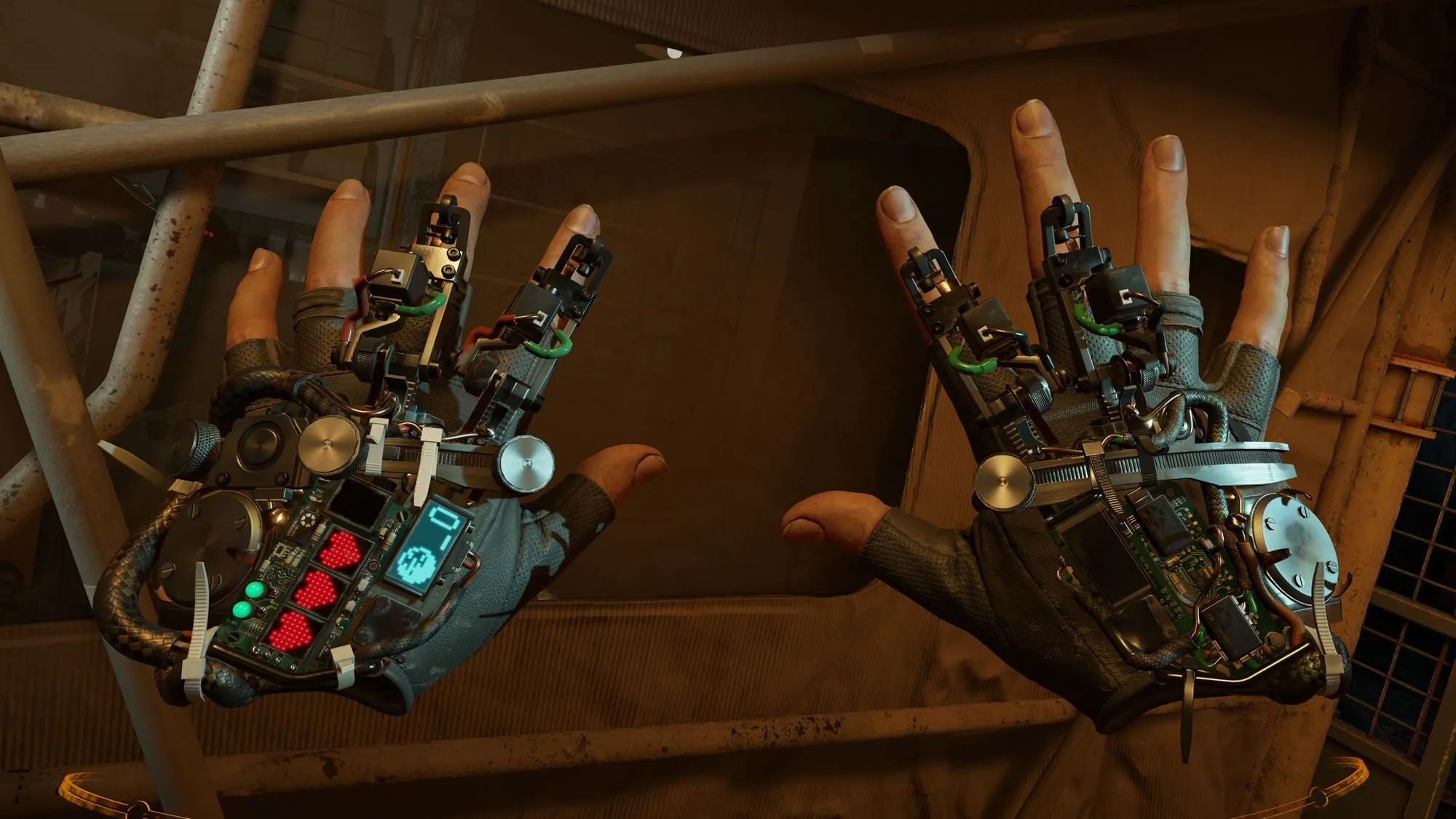
More than six years after its release, Half-Life: Alyx has gained a rendering feature that could help PC VR players get smoother performance without lowering graphics quality across the entire image. Valve's October 26, 2026, update introduces foveated rendering for compatible desktop GPUs, with additional benefits available to headsets that support eye tracking.
The change also extends beyond Valve's own hardware. Players using supported NVIDIA, AMD, and Intel graphics cards can access the feature, while VR headsets from Meta, Sony, Apple, and other manufacturers may take advantage of gaze-tracked rendering through compatible software. Eye tracking is optional, but getting the best results depends on the headset, graphics API, and how the two communicate.
According to Valve's official update notes, the setting can improve rendering performance, although the company has not published benchmarks showing how much. The update follows a separate September overhaul that brought Half-Life: Alyx to Valve's Steam Frame headset as a standalone game.
Which GPUs support the new foveated rendering feature?
The new setting is available under Advanced Performance in Half-Life: Alyx, but GPU support depends on the rendering API. NVIDIA users have a DirectX option, while AMD and Intel users must run the game through Vulkan.
The supported hardware includes:
NVIDIA GeForce: GTX 16-series, RTX 20-series, and newer supported NVIDIA GPUs, using DirectX.
AMD Radeon: RX 6000 series and newer, using Vulkan.
Intel Arc: A-series and newer supported generations, using Vulkan.
Valve's short patch notes explicitly identify the NVIDIA families and AMD's Vulkan requirement. The more detailed compatibility information for AMD and Intel comes from the Foveated Rendering on PC setup guide, which also documents supported headset integrations and performance-testing options.
For AMD and Intel users, switching to Vulkan is necessary because the feature is not supported through the game's default DirectX rendering path on those cards. The requirement concerns the GPU and graphics API, not the brand of VR headset connected to the PC.
A supported graphics card does not guarantee higher frame rates. Actual results depend on the rendering workload, headset resolution, and whether the GPU is the component limiting performance.
How to enable foveated rendering in Half-Life: Alyx
The setting is optional and disabled by default. Players can enable it through the game's performance menu once the October 26 update is installed.
Follow these steps:
Update the game. Open Steam and ensure Half-Life: Alyx has downloaded the latest patch.
Check the graphics API. NVIDIA users with supported GPUs can use DirectX. AMD and Intel users need Vulkan.
Enable Vulkan if required. In the Steam Library, right-click Half-Life: Alyx, select Properties, and find Launch Options under General. Enter
-vulkan, then start or restart the game.Open the performance settings. In Half-Life: Alyx, navigate to Options → Performance and select the gear icon to open Advanced Performance.
Enable Foveated Rendering. Switch the setting on if it appears in the menu.
Configure eye tracking if available. Enable the headset's eye-tracking functionality and allow its SteamVR driver or streaming software to share gaze data.
If the option does not appear, check the GPU and rendering API first. A headset without eye tracking should not, by itself, prevent the feature from being enabled.
Steam Frame users can enable eye tracking in the headset's VR settings and permit eye-tracking data sharing through Steam Link. Other headsets may require different software, drivers, or connection settings.
Players using compatibility layers such as OpenComposite or xrizer should also check whether those tools pass eye-tracking information to SteamVR. A headset may support eye tracking without making its gaze data available to Half-Life: Alyx through a particular connection method.
Which VR headsets work with eye tracking?
Foveated rendering takes advantage of how human vision works. The eyes perceive fine detail most clearly near the center of their gaze, while peripheral vision is less sensitive to the same level of detail.
Instead of rendering the entire image at equal resolution, the technique concentrates detail in a smaller area and reduces rendering work elsewhere.
There are two approaches:
Fixed foveated rendering: The highest-detail region stays near the center of the display, regardless of where the player looks.
Eye-tracked foveated rendering: The high-detail region follows the player's gaze, allowing reduced detail in areas outside the current point of attention.
Eye tracking can make the reduction in peripheral detail less noticeable, although the experience still depends on tracking accuracy, latency, and the game's implementation.
Valve's setup guidance identifies several headset families capable of supplying eye-tracking information through SteamVR. Supported integration routes include:
Valve Steam Frame: Steam Link.
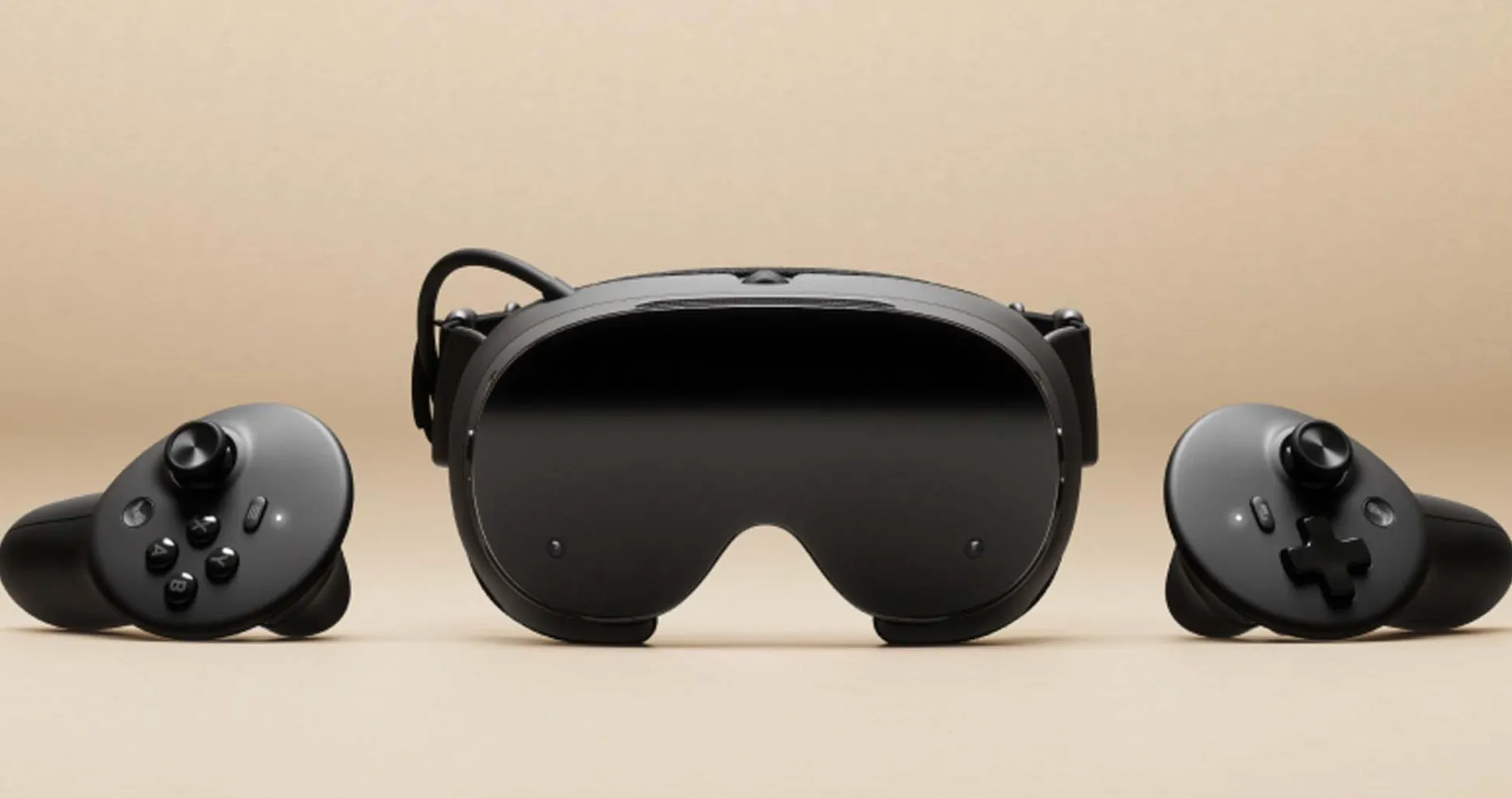
Meta Quest Pro: Steam Link or Virtual Desktop.
HTC VIVE Focus Vision: Steam Link or Virtual Desktop.
Samsung Galaxy XR: Steam Link or Virtual Desktop.
Pico 4 Pro / Enterprise: Steam Link.
Play For Dream MR: Steam Link or Virtual Desktop.
Bigscreen Beyond 2e: Native SteamVR driver.
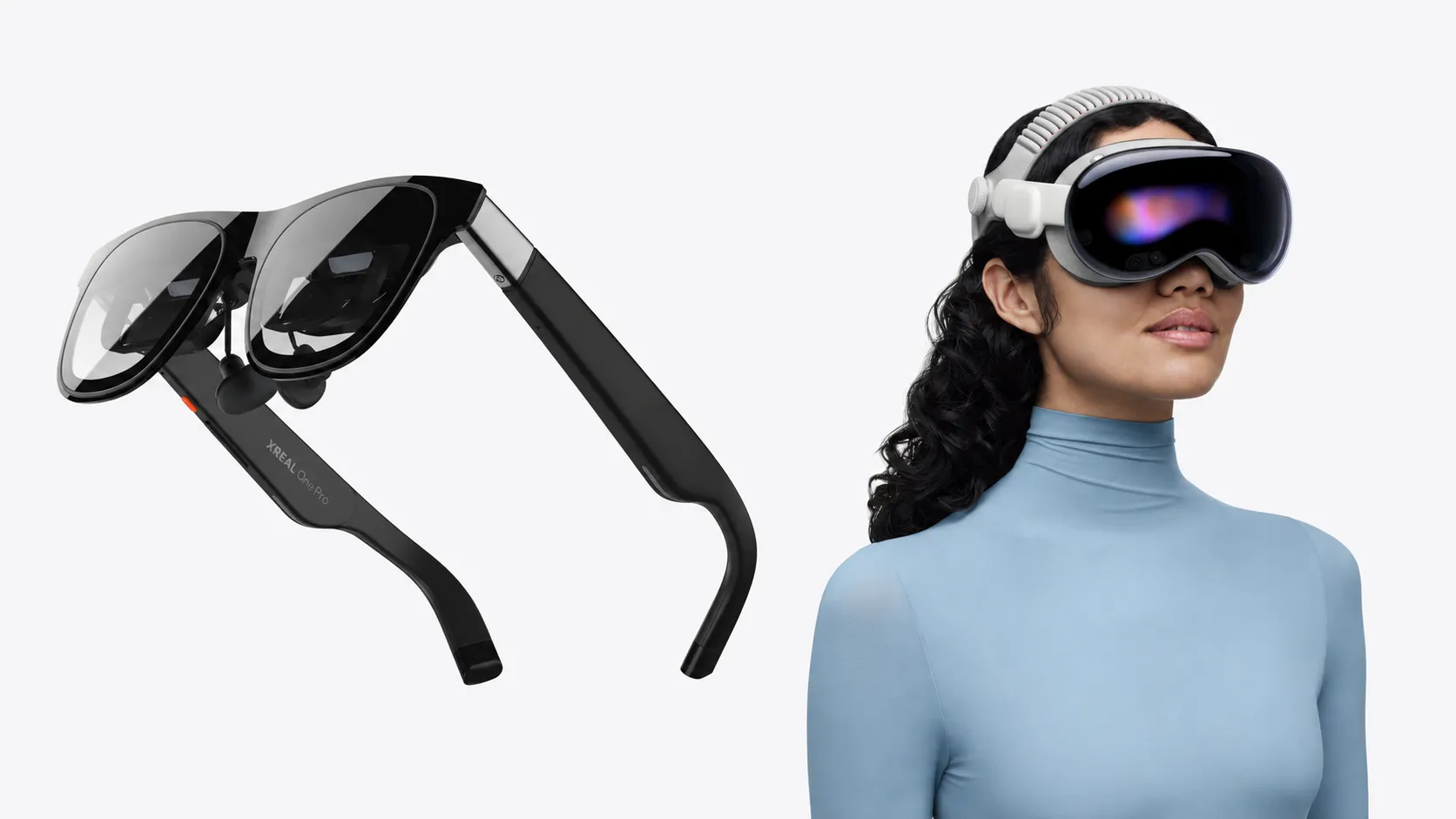
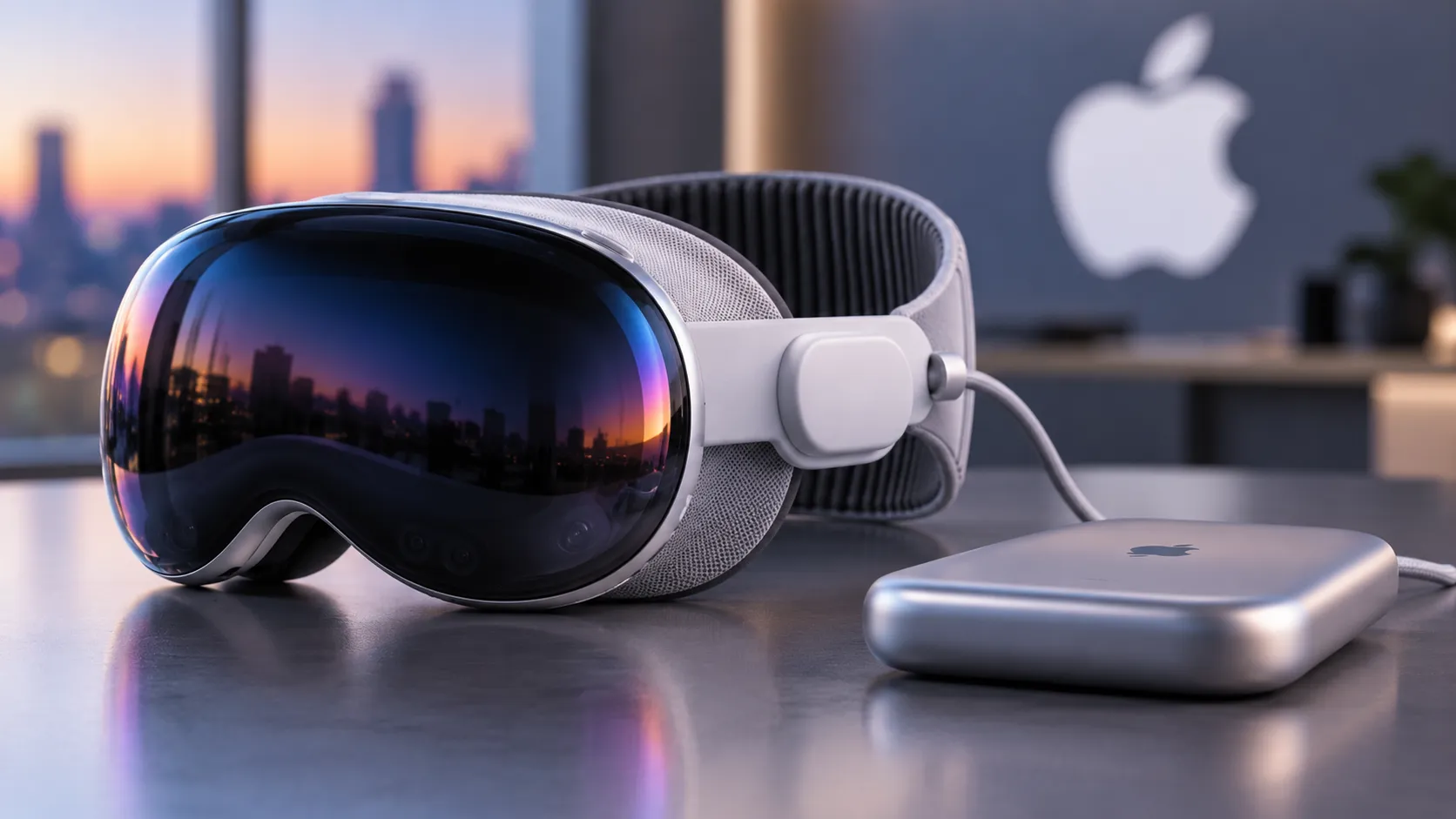
Apple Vision Pro: KRVR.
PlayStation VR2: Third-party PSVR2 Toolkit.
Pimax Crystal / Dream Air series: Additional SteamVR drivers.
Varjo Aero and supported VR/XR models: Additional SteamVR drivers.
HP Reverb G2 Omnicept: Oasis for Windows Mixed Reality.
Supported Somnium VR1 editions: SteamVR driver.
These are documented SteamVR eye-tracking integration methods, not guarantees of successful operation on every software or driver configuration. Some require third-party software, and compatibility can change with driver updates.
PlayStation VR2 deserves particular attention. Although the headset contains eye-tracking hardware, Sony's standard PC implementation does not provide the same eye-tracking functionality available on PlayStation 5. Community-developed software offers an alternative route, but it should not be mistaken for native Sony support.
Apple Vision Pro likewise requires additional software to connect its eye-tracking capabilities to the PC VR environment.
Headsets without eye tracking, including many popular consumer models, can still use fixed foveated rendering when paired with supported PC graphics hardware.
What changes visually, and how much performance can improve?
The potential advantage is reduced GPU work without lowering image quality everywhere. Rather than cutting the game's overall rendering resolution, foveated rendering selectively reduces detail toward the edges of the view.
That trade-off is not always invisible.
In PC Gamer's hands-on assessment, hardware editor Jacob Ridley reported noticing transitions between higher- and lower-quality regions while using the feature. The observation suggests that players sensitive to peripheral image changes may prefer less aggressive settings.
Valve's implementation offers multiple foveation quality presets. More aggressive settings can reduce rendering demands further, but may also make the difference in image quality easier to notice.
The game also adjusts rendering fidelity dynamically, complicating simple frame-rate comparisons. If foveated rendering frees up GPU resources, Half-Life: Alyx may use that additional capacity to increase image quality rather than deliver a visibly higher frame rate.
For a more controlled comparison, players can temporarily disable automatic fidelity adjustment by adding these Steam launch options:
+vr_fidelity_level_auto 0 +vr_fidelity_level 3
Test the same demanding scene with foveated rendering enabled and disabled, keeping the headset refresh rate, resolution, and other graphics settings unchanged. Compare GPU frame times, dropped frames, and peripheral clarity rather than relying on frame rate alone.
Remove the temporary fidelity options after testing to restore the game's automatic adjustments.
The distinction between foveated rendering and foveated streaming also matters. Rendering reduces the graphics work required to generate an image, while foveated streaming targets the amount of image data transmitted to a headset. The two can complement each other, but they solve different performance problems.
How the update builds on Steam Frame
The desktop feature follows Valve's September 14, 2026, overhaul of Half-Life: Alyx for Steam Frame. That release introduced native ARM64 support, substantial engine optimizations, standalone foveated rendering, and depth reprojection to help maintain smooth gameplay at lower rendering frame rates.
The October 26 patch brings foveated rendering to compatible desktop systems while adding stencil-buffer tagging to improve reprojection quality when the game runs natively on Steam Frame.
It also fixes several rendering crashes affecting Steam Workshop content and a problem that prevented some players from unlocking the "Gnome Alone" achievement.
The desktop addition means players do not need to purchase Steam Frame to experiment with the rendering feature. Existing PC VR setups can benefit where the graphics hardware and software meet the requirements.
Valve has not published a universal performance figure, and results will vary across hardware configurations. For players using high-resolution headsets, however, the new setting offers another way to manage rendering demands before lowering overall image quality.
Six years after its debut, Half-Life: Alyx now supports an optimization increasingly relevant to modern VR hardware. Whether it delivers a smoother experience or simply more rendering headroom will depend on the setup, but players can test that trade-off directly using hardware they already own.


Comments
Be the first, drop a comment!