



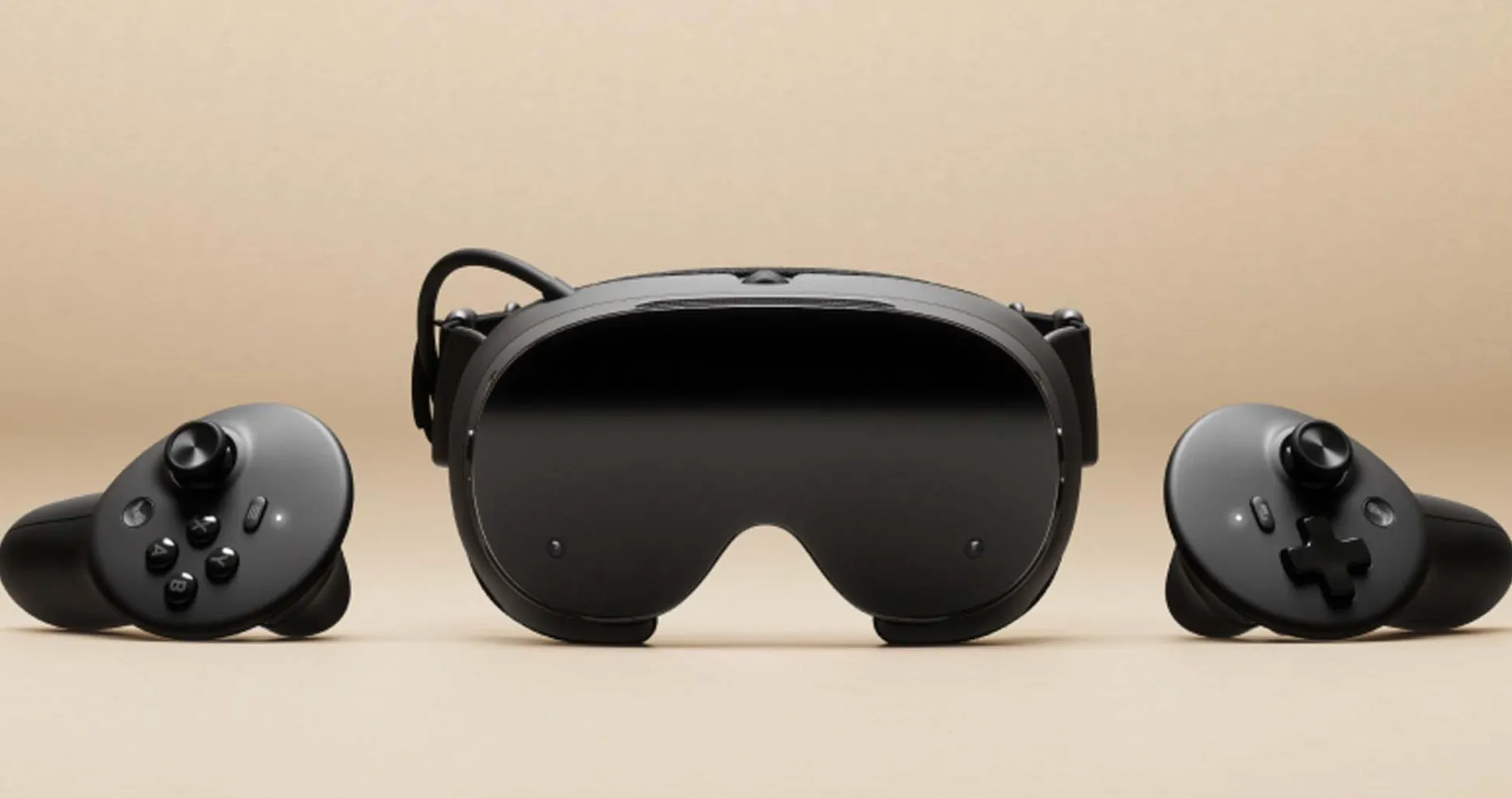
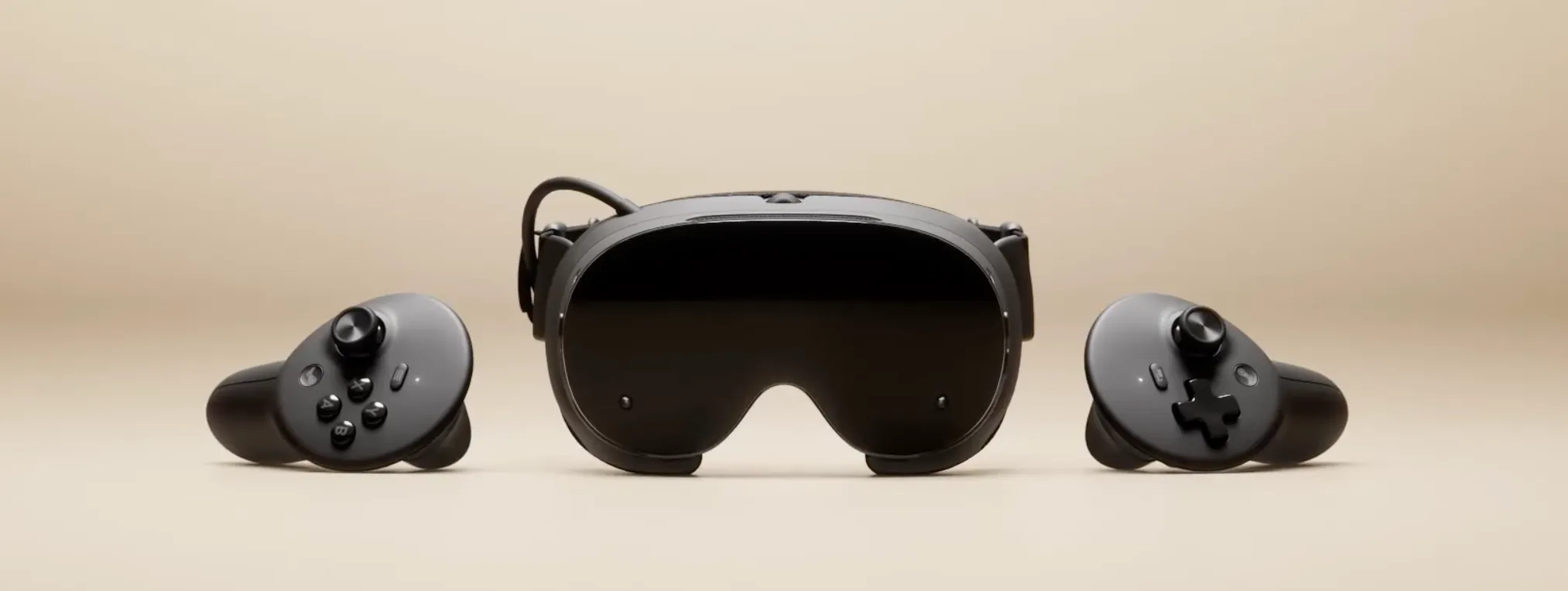
Pimax has unveiled the Crystal Pro, a wireless PC VR headset built around technology it calls Native Foveated Streaming, designed to send the GPU's native image to the headset within the eye-tracked focus area without the video encoding most wireless headsets rely on, according to Pimax. The announcement sets up a direct Pimax Crystal Pro vs Steam Frame contest for the future of wireless PC VR, arriving just over three weeks after Valve opened reservations for its headset.
Steam Frame was priced on September 14, 2026, as a standalone SteamOS headset that also streams PC VR wirelessly. Valve began sending purchase invitations to selected reservation holders on September 18. Pimax frames Crystal Pro as a direct answer to a question posed in its launch video: what if a headset could cut the cable and still send the image without visual compression in the area where the user is looking?
What follows is a look at the specs, the mechanics behind each company's wireless approach, and the costs of choosing one path over the other.
Pimax Crystal Pro vs Steam Frame: standalone flexibility versus PC VR fidelity
Crystal Pro is primarily designed for PC VR. It connects through a bundled Wi-Fi 6E adapter, an optional 60G AirLink kit, or a wired DisplayPort connection.
However, Pimax confirms that the headset can also run some Android and OpenXR mobile applications without a PC, including media playback. Its standalone capabilities are more limited than Steam Frame's, but they aren't nonexistent.
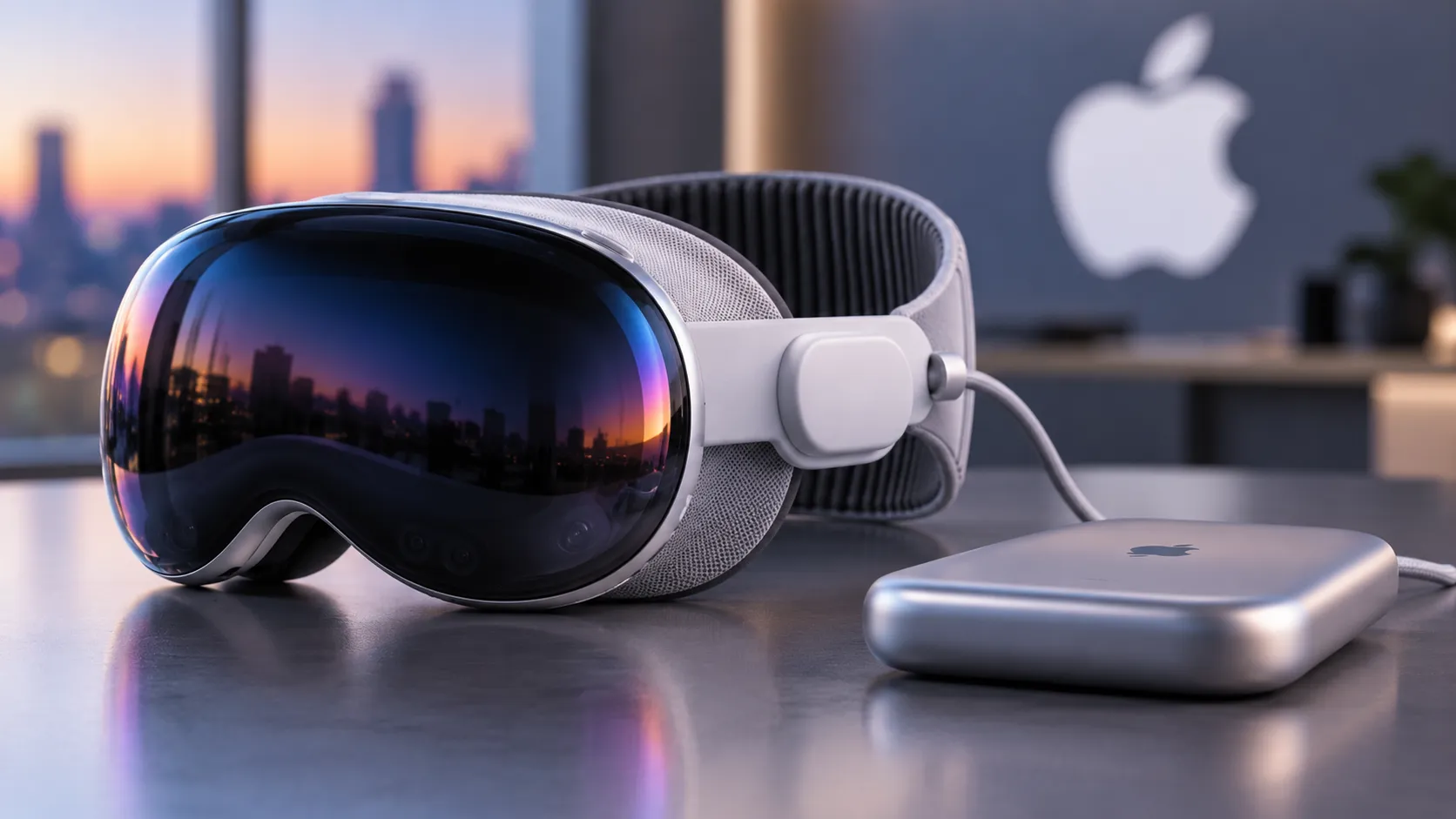
Steam Frame takes a different approach. It runs on a Snapdragon 8 Gen 3 chipset with 16GB of RAM and SteamOS, letting it function as a standalone device while also streaming from a PC when one is available, according to UploadVR.
It skips dedicated DisplayPort and HDMI video inputs, putting its emphasis on wireless PC streaming and locally running compatible games.
Pimax isn't stopping at the headset. The company is also building the Spation, a mini-PC pairing an AMD Ryzen 7 9800X3D with either an AMD RX 9070 XT or Nvidia RTX 5070 Ti, and running Windows or SteamOS.
Pimax hasn't framed Spation as part of a broader strategy, but pairing a headset focused on PC VR with a dedicated PC of its own design is a notable step beyond selling hardware for someone else's rig.
Both companies have also developed controllers that can be combined into a conventional gamepad. However, Crystal Pro's standard package includes two ringed SLAM controllers. Pimax's newly announced Ringless VR Controllers, which clip together into a gamepad, are a separate product with pricing and availability still to be announced.
Steam Frame's controllers are designed to combine into a gamepad as part of its broader standalone gaming approach.
Crystal Pro's tracking relies on SLAM 2.0, combining four cameras, a motion sensor, and infrared illumination for low-light use.
Steam Frame is designed around standalone SteamOS gaming and PC streaming. Crystal Pro prioritizes PC VR, with limited standalone functionality and an optional 60GHz link. Nearly every other engineering choice in this comparison flows from that split.
How Pimax's native foveated streaming works
Conventional wireless VR compresses video because ordinary Wi-Fi connections generally can't carry full-resolution, uncompressed frames at the required rates.
The encode-and-decode process adds latency, although it's only one part of total wireless VR latency, alongside rendering, transmission, display processing, and tracking.
Steam Frame's PC-streaming mode uses a dedicated wireless adapter and eye tracking to prioritize image quality in the gaze area while allocating less bandwidth to peripheral regions.
Pimax's optional 60G AirLink kit takes a different route. It uses a 60GHz, 2x2 MIMO connection with combined throughput of up to 6 Gbps.
According to Pimax, it sends native-resolution image data to the eye-tracked focus area without the video encoding step that conventional Wi-Fi streaming requires. The rest of the view is transmitted more efficiently and combined with the focus region inside the headset.
That claimed native-resolution AirLink mode tops out at 90Hz, a ceiling tied to the streaming kit rather than the headset's display, which supports refresh rates up to 120Hz.
Pimax claims the kit adds under 2 milliseconds of transmission latency. The company's presentation put the figure at approximately 1.8ms, compared with roughly 12ms for standard Wi-Fi streaming, although independent testing of those figures isn't available yet.
Crucially, the sub-2ms claim concerns added link latency, not total motion-to-photon latency.
Pimax isn't promising to eliminate compression everywhere, only within the eye-tracked focus area when using the optional 60G AirLink system.
Pimax Crystal Pro resolution and display specs against Steam Frame
Crystal Pro uses 2880x2880 QLED panels per eye, paired with aspheric glass lenses, a 110-degree horizontal field of view, 35 pixels per degree, and Mini-LED backlighting with 576 dimming zones per eye at a claimed 200 nits.
Steam Frame uses 2160x2160 LCD panels per eye with pancake lenses. Valve describes those lenses as delivering good sharpness across the field of view, while the headset offers a field of view of approximately 110 degrees.
Both headsets support refresh rates from 72Hz to 120Hz. Steam Frame adds an experimental 144Hz mode, while Crystal Pro tops out at 120Hz, and its claimed native-resolution focus-area streaming over 60G AirLink reaches 90Hz.
Pimax's higher panel resolution gives it approximately 8.3 million pixels per eye, compared with Steam Frame's 4.7 million. That's a substantial difference on paper, but it doesn't establish a winner for perceived clarity without accounting for optics, rendering resolution, compression, and comfort.
That resolution lead also comes with physical constraints on the wireless connection.
A 60GHz radio doesn't penetrate walls and needs suitable line-of-sight coverage between transmitter and headset. Pimax uses two room antennas and two headset antennas to create redundant signal paths, reducing the risk of interruption when one path is briefly blocked.
Pimax also says conventional Wi-Fi remains available as a fallback if the 60GHz connection is lost.
Crystal Pro's display numbers are higher on paper. Whether those advantages hold up in use depends partly on the dedicated 60GHz setup, which Steam Frame's conventional wireless streaming doesn't require.
Price, setup, and availability
Crystal Pro starts at $1,399 for the standard wireless package, $1,899 bundled with the third-generation 60G AirLink kit, or $599 for the AirLink kit alone.
Adding AirLink through the bundle costs $500 more than the base configuration. Buying the headset and kit separately at their listed prices would total $1,998.
Pimax says hands-on demonstrations begin in the fourth quarter of 2026, with shipping scheduled to start in spring 2027. It hasn't announced an exact shipping date.
Steam Frame's announced US pricing is $1,059 for the 256GB model and $1,299 for the 1TB model, according to The Verge's September launch coverage.
Valve opened a randomized reservation process in September, with purchase invitations beginning September 18 for selected customers. Availability therefore depends on reservation status and fulfillment, rather than unrestricted stock at every retailer.
Using US starting prices, Crystal Pro costs $340 more than the 256GB Steam Frame. With the 60G AirLink bundle, that gap rises to $840. Taxes, shipping, and optional accessories can change the final total.
Weight and power tell a similar story. Steam Frame's full system weighs 440 grams with a replaceable 21.6Wh rear battery.
Crystal Pro uses an included 16,000mAh external battery pack rather than an onboard battery, and Pimax hasn't disclosed a complete headset weight or confirmed battery runtime.
Steam Frame is built to work standalone or stream from a PC. Crystal Pro offers limited standalone use but is primarily designed for PC VR, with the optional 60G AirLink requiring carefully positioned room antennas.
Buyers considering Crystal Pro also face a wait until spring 2027 under Pimax's current schedule.
What's still unverified
Compared on announced specifications alone, Crystal Pro's panels pack more pixels, and its optional 60G AirLink promises native-resolution delivery inside the eye-tracked focus area.
Steam Frame offers a lower US starting price, a standalone SteamOS environment, and wireless PC streaming without requiring a separate premium 60GHz kit.
Pimax's performance claims, including the sub-2ms added latency, 6 Gbps throughput, and native-resolution focus-area streaming, originate with the company itself. Independent testing of the complete 60G AirLink system remains necessary.
Several questions won't get answered until that testing happens: whether the 60GHz link holds its claimed latency figures in an ordinary room, how image quality looks outside the eye-tracked focus area, how SLAM 2.0 tracking performs outside controlled demonstrations, how reliably the connection holds up around furniture and moving users, and how long Crystal Pro's external battery lasts.
For buyers focused on demanding PC VR games and simulation, Crystal Pro's higher resolution, wired DisplayPort option, and optional uncompressed focus-area streaming are compelling specifications, provided the performance claims hold up.
Steam Frame is the more flexible choice on paper for people who want standalone SteamOS gaming alongside PC streaming, with a lower announced starting price.
Until independent reviewers can compare image quality, latency, tracking, comfort, and battery endurance directly, Crystal Pro's wireless performance advantage remains a manufacturer claim rather than a demonstrated result.







Comments
Be the first, drop a comment!