


What Can Snap Specs Do? Confirmed Features, Price & Date
This fall, Snap will finally sell a consumer version of the augmented reality glasses it has spent more than half a decade building. The price is $2,195, arriving after two generations of Specs that never made it past a small circle of developers (The Verge, yesterday). So what can Snap Specs do that you could actually use the day they ship, versus what Snap has only shown off in a controlled demo?
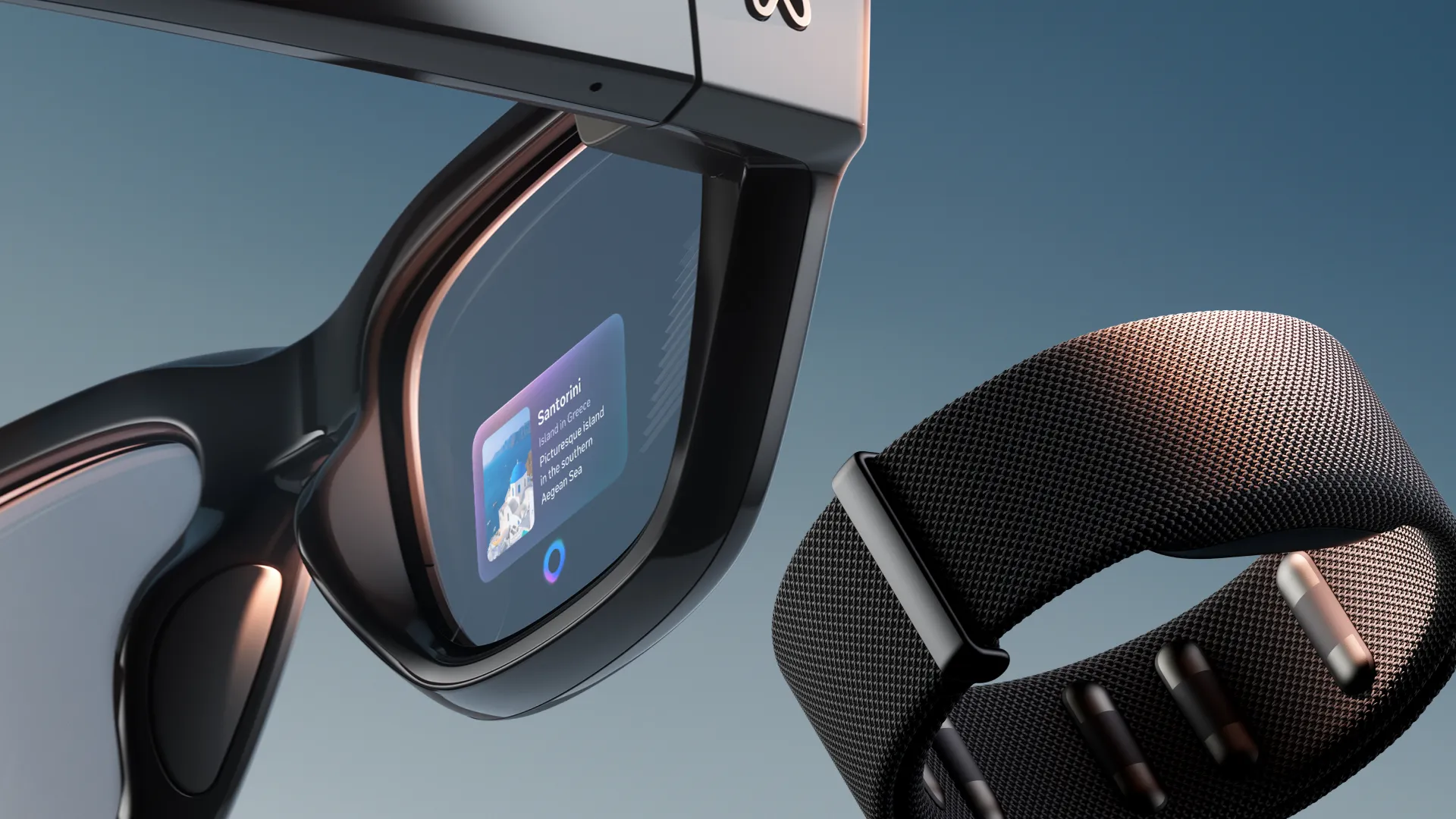
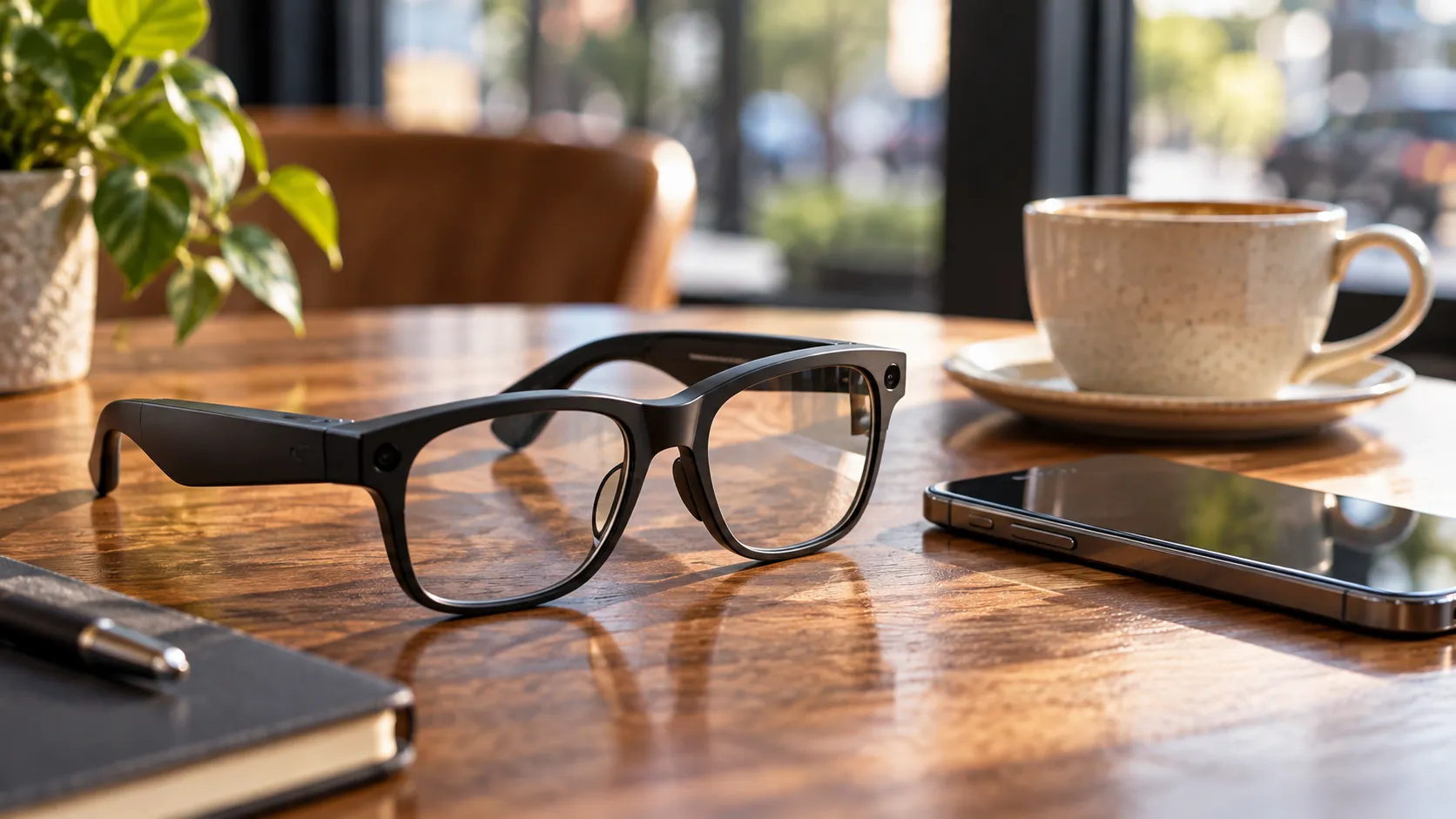
That distinction matters more than any spec sheet. Snap Specs are not camera glasses with a voice assistant clipped on. They're see-through display glasses that scan the room around you and place interactive digital objects into it, all without a tethered phone, a separate compute puck, or an external battery pack, though a phone still needs to sit nearby for connectivity (The Verge, yesterday; Techsponential, 3 months ago).
Sorting out what Snap Specs can do means separating three different things: what's been verified on the actual $2,195 consumer hardware, what's only ever been demonstrated on the older developer kit, and what remains a promise from Snap's own marketing. Treat those as three different confidence levels, because reviewers, including Snap's own hands-on testers, have already found gaps between them.
Snap Specs features confirmed for the consumer model
Start with what's solid. The consumer Specs are self-contained: no phone tether, no compute puck, no external battery pack strapped anywhere. They come in two lens sizes, 47mm at 132 grams and 52mm at 136 grams, and use waveguide displays that Snap says render "16 million colors," though the company hasn't published an exact resolution figure (The Verge, yesterday).
That weight is worth pausing on. At 132 to 136 grams, Specs land far below older AR headsets: Microsoft's HoloLens 2 weighs 566 grams, and Magic Leap 2 comes in at 260 grams plus an external puck. They're still heavier than display-free smart glasses like Meta's Ray-Bans, which weigh 71 grams (Techsponential, 3 months ago). Going from a headset you strap on to something that looks like ordinary, if chunky, glasses is the real engineering achievement here, even before software enters the picture.
A few other hardware details are confirmed for the consumer version: electrochromic lenses that automatically dim depending on whether you're indoors or out, and magnetic prescription inserts that snap in or out, handy for quickly letting someone else try the glasses on (Techsponential, 3 months ago).
One limitation is worth flagging before getting to the more exciting stuff. A reviewer who tested Snap's prior developer hardware found that the AR imagery stopped well short of covering peripheral vision, meaning digital objects appeared in a defined window rather than wrapping around the full field of view (TechRadar, nearly 2 years ago). That's a comfort and immersion issue that matters more day to day than a raw field-of-view number, and no independent reviewer has re-tested it on the actual consumer glasses yet.
What can Snap Specs do: confirmed software versus demo-only features
Here's where the confirmed-versus-demonstrated split gets interesting, because Snap showed off a lot at AWE and in developer builds that hasn't yet been verified on the consumer product itself.
Confirmed on the consumer Specs, from a hands-on with the actual retail hardware: a "Hey Specs" voice command pulled up YouTube search results and played a video in the background, though the search took roughly 15 seconds to complete. The glasses also support photo and video capture, plus a magnetic cable that can turn them into a laptop's virtual display (The Verge, yesterday).
That same hands-on flagged a real weak spot. Specs ship with a built-in AI chatbot assistant, and in that limited test it was slow and inconsistent, a meaningful gap between the pitch and how it actually behaves (The Verge, yesterday). That's not a dealbreaker on its own, but it's the kind of daily-use friction a 20-minute demo can paper over and a week of ownership can't.
A native browser with WebXR support does exist in Snap's software platform, but that comes from Snap OS 2.0 as documented on the developer-kit side, not from the consumer hands-on. Until an independent reviewer confirms it ships unchanged on the $2,195 hardware, file it under platform capability rather than a verified consumer feature (RBKAVIN, 5 months ago).
Shown only on the fifth-generation developer kit, which is different, heavier hardware Snap has leased to studios for $99 a month: testers created shared AI-generated 3D images, drew in midair, and watched other wearers interact with those same virtual objects in real time. A piano tutorial app highlighted which keys to press, and a DJ-style app let users drop virtual records onto a turntable (Tom's Guide, last year; TechRadar, nearly 2 years ago).
Two more developer-kit capabilities stand out. A partnership with Niantic enables centimeter-accurate AR placement at real-world locations, and a feature called Colocated Lenses lets up to three Spectacles units share a single AR space over Bluetooth (RBKAVIN, 5 months ago). These shared-AR demos are arguably the most genuinely different thing Snap has shown, the closest the company has come to proving why glasses beat a phone screen for this kind of experience. But no independent report has yet confirmed any of it ships, unchanged, in the consumer software Snap will sell this fall.
On the more speculative end, Snap has floated golf assistance and repair guidance as future use cases for Specs without confirming either as a shipping feature (Techsponential, 3 months ago). Separately, during a developer-kit demo, one developer said they were exploring smart-appliance control, turning lights on and off with a glance and a gesture, though that remains an idea a developer was investigating rather than a confirmed feature of any kind (Tom's Guide, last year).
How you control them: a rougher edge than the demos suggest
Confirmed on the consumer Specs: holding up your palm brings up a home button, a status bar, and a Control Center-style menu, and snapping your fingers takes a photo inside the Snapchat app (The Verge, yesterday).
The interface is built primarily around hand tracking rather than eye tracking, with voice as a secondary input, and that's true of both the developer kit and Snap's stated approach for the consumer version (Techsponential, 3 months ago; RBKAVIN, 5 months ago).
Reviewers who tested that same underlying gesture system on the developer kit didn't fully agree on how it feels. Tom's Guide called the pinch-to-scroll navigation "impressively intuitive." TechRadar found the system occasionally less natural, specifically because it tracks where your hands are rather than where you're looking (Tom's Guide, last year; TechRadar, nearly 2 years ago).
Both reactions can be true at once. Gestures tend to work fine in a five-minute demo staged by a company representative standing next to you. Whether they feel effortless, or socially comfortable, over hours of solo daily use in public is a question nobody has answered yet.
Snap Specs price and release date
Snap has said Specs will arrive sometime this fall; the company hasn't named an exact date (The Verge, yesterday). The price is $2,195 before any prescription lens insert. That figure has shifted slightly since Snap first unveiled the product: reporting from the AWE conference three months ago put the price at $2,200, suggesting Snap has firmed the number up as launch gets closer rather than changed it dramatically (Techsponential, 3 months ago).
The battery claim deserves a careful read. Snap says the consumer model delivers four hours of mixed use, plus three additional charges from the carrying case, with the ability to charge while worn (Techsponential, 3 months ago). That's a meaningful jump from the developer kit, which ran for roughly 45 minutes per charge, with one unit reportedly dying mid-demo during a hands-on test (Tom's Guide, last year). The gap between those two numbers shows the four-hour figure is a manufacturer claim, not yet an independently verified one. It doesn't mean the claim will fail, only that nobody outside Snap has clocked it.
Software readiness is the other open question. When Specs debuted at AWE, Techsponential reported that no consumer software partners were announced (Techsponential, 3 months ago). That leaves the launch lineup, and whether any of the shared-AR experiences shown on the developer kit make the jump to consumer software, unresolved as of this week.
Who should actually buy Snap Specs at $2,195
Based on what's confirmed so far, Specs read as an early-adopter, developer-adjacent product rather than a mainstream recommendation. The hardware story is genuinely good: a self-contained pair of see-through AR glasses at 132 to 136 grams is a real step down in bulk from anything comparable that came before it. The software story is thinner, built on a voice assistant that was slow in its own maker's demo, a battery claim that hasn't been independently tested, and a launch lineup with no announced partners.
The Verge's framing of the moment is fair: Specs will be "the first real test of what AR glasses can be" (The Verge, yesterday), though that's a judgment about the opportunity in front of Snap, not a settled verdict on the finished product. New hardware paired with a software ecosystem that's still almost entirely untested by outside reviewers is exactly the kind of bet that rewards patience.
Anyone who wants genuine see-through spatial AR today, and can tolerate an unproven assistant and thin launch software, has enough here to consider buying at launch. Everyone else should wait for the tests that actually matter: all-day comfort at that weight, real field of view and outdoor visibility, battery life under display-heavy use, gesture and voice reliability outside a staged demo, and whether enough software shows up beyond Snap's own booth to make daily use worthwhile. Those answers arrive only once independent reviewers get to wear Specs for full days, in ordinary settings, after the fall release.






Comments
Be the first, drop a comment!