


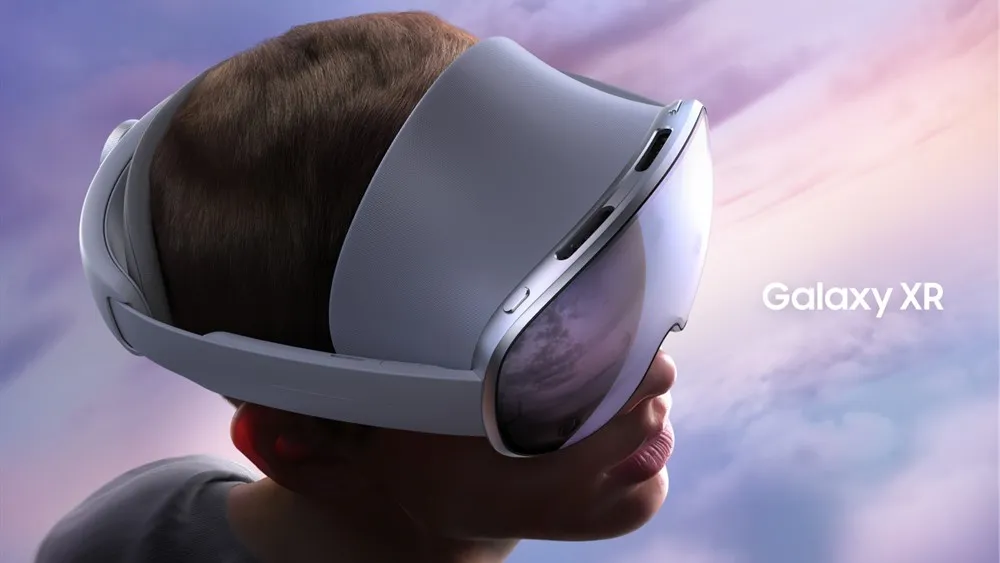
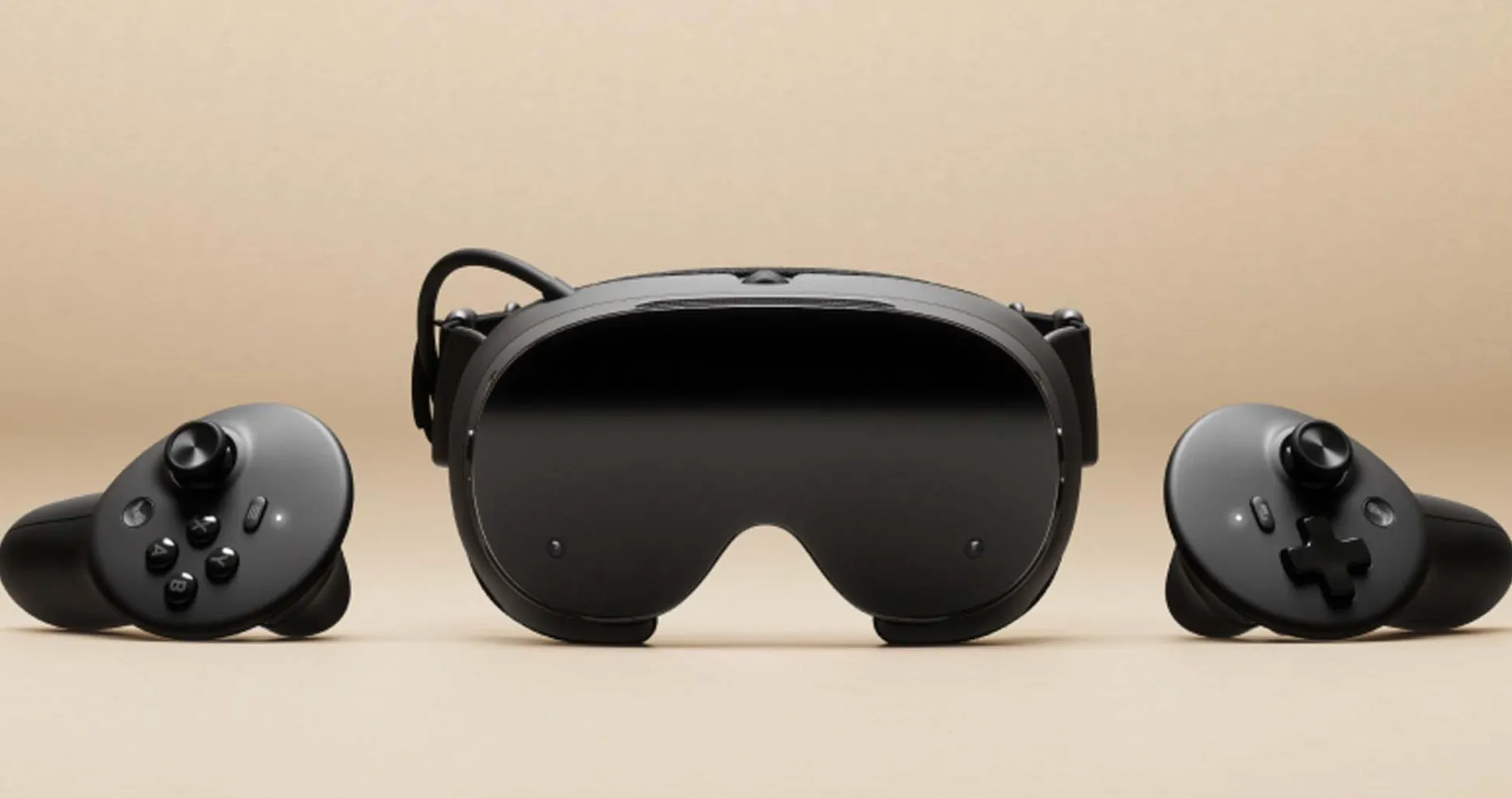
The Samsung Galaxy XR promised to bridge the gap between mobile VR and desktop gaming, but out of the box, it felt more like a polished tech demo than the gaming powerhouse many of us hoped for. That changed completely when users discovered a surprisingly simple path to transform this sleek headset into a "Steam Frame"—essentially turning Samsung's latest XR device into a wireless portal for your entire Steam library.
The transformation hinges on an unlikely hero: a free GameSir app that, combined with innovative streaming solutions, creates a surprisingly robust gaming pipeline. After weeks of testing different streaming protocols and wrestling with compatibility issues, this streamlined approach delivered the seamless experience users had been chasing since unboxing the Galaxy XR. What started as a weekend experiment has fundamentally changed how users think about mobile VR gaming.
The GameSir app: your gateway to Steam freedom
The magic begins with GameSir's streaming application, which transforms the Galaxy XR from a standalone device into a wireless gaming terminal. Unlike bulky PCVR setups that tether you to your desk, this solution maintains the freedom that makes mobile VR compelling while unlocking the vast game library that makes PC gaming irresistible.
What caught users' attention immediately was the app's remarkable simplicity. No complex network configurations to wrestle with, no driver installations that inevitably break something else, and no compatibility matrices that read like ancient scrolls. Once installed, it automatically detects your PC's Steam installation and establishes a low-latency connection that rivals dedicated streaming hardware costing hundreds more. The interface feels native to the Galaxy XR's ecosystem, creating an experience that's both intuitive and powerful.
The real breakthrough came during my extended testing sessions. The app's intelligent bandwidth management dynamically adjusted streaming quality based on network conditions, maintaining smooth gameplay even when my home Wi-Fi was juggling multiple devices (thanks to my family's impressive ability to stream four different shows simultaneously). This isn't just screen mirroring with VR goggles strapped on—it's a purpose-built gaming solution that actually understands VR's unique latency requirements.
Pro tip: For optimal performance, ensure your PC and Galaxy XR are connected to the same 5GHz network band. The difference in streaming quality is immediately noticeable compared to mixed network configurations.
Advanced streaming protocols: the technical foundation
While GameSir provides the interface, sophisticated streaming protocols handle the heavy lifting of game optimization and data transmission. Modern game streaming has evolved far beyond simple video compression, incorporating predictive rendering techniques that anticipate user movements and pre-calculate frames to minimize the motion-to-photon latency that can make or break VR experiences.
The streaming pipeline operates as a sophisticated bridge between Steam's desktop environment and mobile VR platforms, translating traditional mouse-and-keyboard inputs into VR-compatible controls. What makes this particularly impressive is how it enhances certain games for VR consumption in ways that genuinely surprised me. Titles that were never designed for headset play suddenly feel natural in the Galaxy XR's immersive environment.
Strategy games become tactical command centers where you're literally hovering over your empire, examining every detail of your cities and armies. Exploration titles transform into genuine virtual tourism experiences that make you forget you're wearing a headset. The intelligent input translation handles the conversion between different control methods seamlessly—games expecting mouse precision get gesture-based alternatives that feel intuitive rather than forced.
Performance reality check: what works and what doesn't
After extensive testing across dozens of Steam titles (my weekend disappeared entirely), the Galaxy XR's transformation into a Steam Frame delivers genuinely impressive results, though with some important caveats that are worth understanding before you dive in.
Fast-paced competitive games like Counter-Strike maintain surprisingly low latency—response times that feel practically instantaneous for wireless streaming. Meanwhile, graphically intensive single-player experiences showcase the Galaxy XR's display capabilities in ways Samsung's native content never quite achieved. The headset's screen really shines when rendering high-end PC graphics rather than mobile-optimized content.
The performance sweet spot centers on games that benefit from immersive environments without requiring split-second timing. Civilization VI becomes an absolutely engrossing strategy experience where you're literally surrounded by your empire. Subnautica gains an entirely new dimension of presence—diving into those alien depths while wearing a VR headset creates an experience that desktop gaming simply can't match.
However, rhythm games and precision platformers reveal the subtle input delays inherent in streaming solutions. While not dealbreaking, competitive players might find themselves reaching for traditional setups when milliseconds matter most.
PRO TIP: Battery optimization becomes crucial for extended sessions. Lowering the headset's brightness by 20-30% can extend gaming time by nearly an hour without significantly impacting visual quality.
Battery life emerges as the practical limiting factor rather than performance. Extended gaming sessions drain the Galaxy XR faster than Samsung's optimized native apps, typically providing 2-3 hours of intensive play. This represents a meaningful trade-off, but one that grants access to thousands of additional games while we wait for battery technology to catch up.
Where mobile VR gaming goes from here
This transformation from Galaxy XR to Steam Frame represents more than a clever technical workaround—it's a glimpse into the future of platform-agnostic gaming. The seamless integration between Samsung's hardware, third-party streaming solutions, and established gaming libraries suggests the industry is moving toward more open, interconnected gaming ecosystems.
We're witnessing the early stages of a fundamental shift in how we think about gaming hardware. Traditional boundaries between mobile and desktop, between VR and flat-screen experiences, are blurring in ways that would have seemed impossible just a few years ago. Your Galaxy XR isn't just a VR headset anymore—it's a universal gaming display that happens to offer unparalleled immersion.
As 5G networks mature and edge computing becomes more prevalent, the distinction between "mobile" and "desktop" gaming may become largely meaningless. The Galaxy XR's current ability to access Steam's vast library feels like an early preview of tomorrow's unified gaming landscape, where your game library follows you regardless of the device in your hands.
For VR enthusiasts willing to experiment, this streaming solution offers immediate access to a dramatically expanded content library. It's not perfect—the battery limitations and occasional input lag remind you this is still an emerging technology. But it's remarkably close to the seamless, platform-agnostic future many of us have been anticipating.
The best part? This transformation is available right now, requiring nothing more than a free app download and a bit of network optimization. Samsung may have built the Galaxy XR as a standalone VR device, but innovative streaming solutions have turned it into something far more ambitious: a window into the future of unified gaming experiences.





Comments
Be the first, drop a comment!