


Xreal XBX a01+ Review: 9 AR Glasses Tested by 5 Outlets
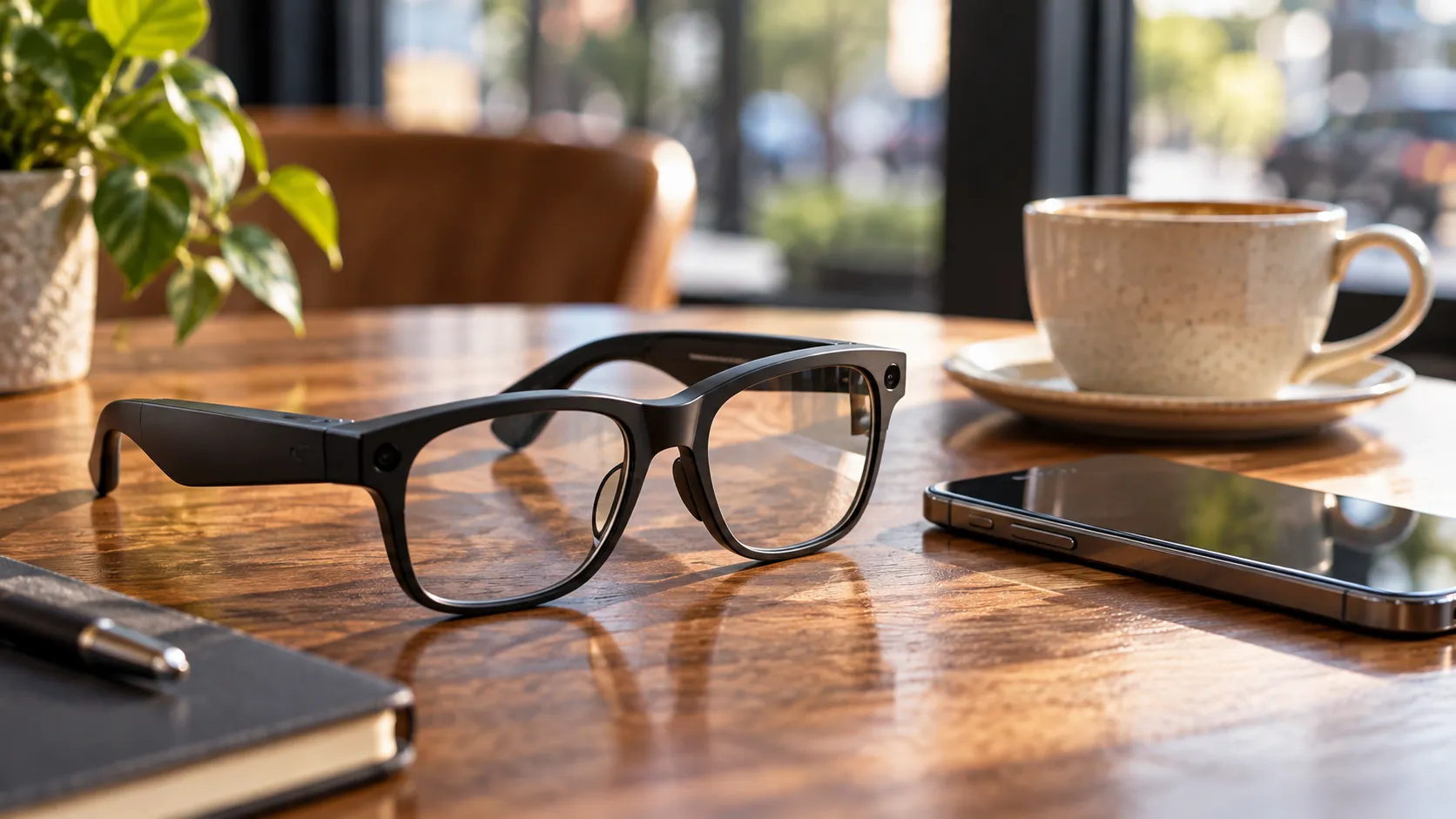
Early reviews of the Xreal XBX a01+ landed this week with unusual consensus for a product category that usually divides testers sharply. Across Tom's Guide, The Verge, Gizmodo, PCMag, and Lifehacker, reviewers broadly agreed: the a01+ succeeds not because it does everything, but because Xreal made disciplined cuts. Spatial tracking, electronic dimming, and an internal battery are all gone. The display and the weight are not.
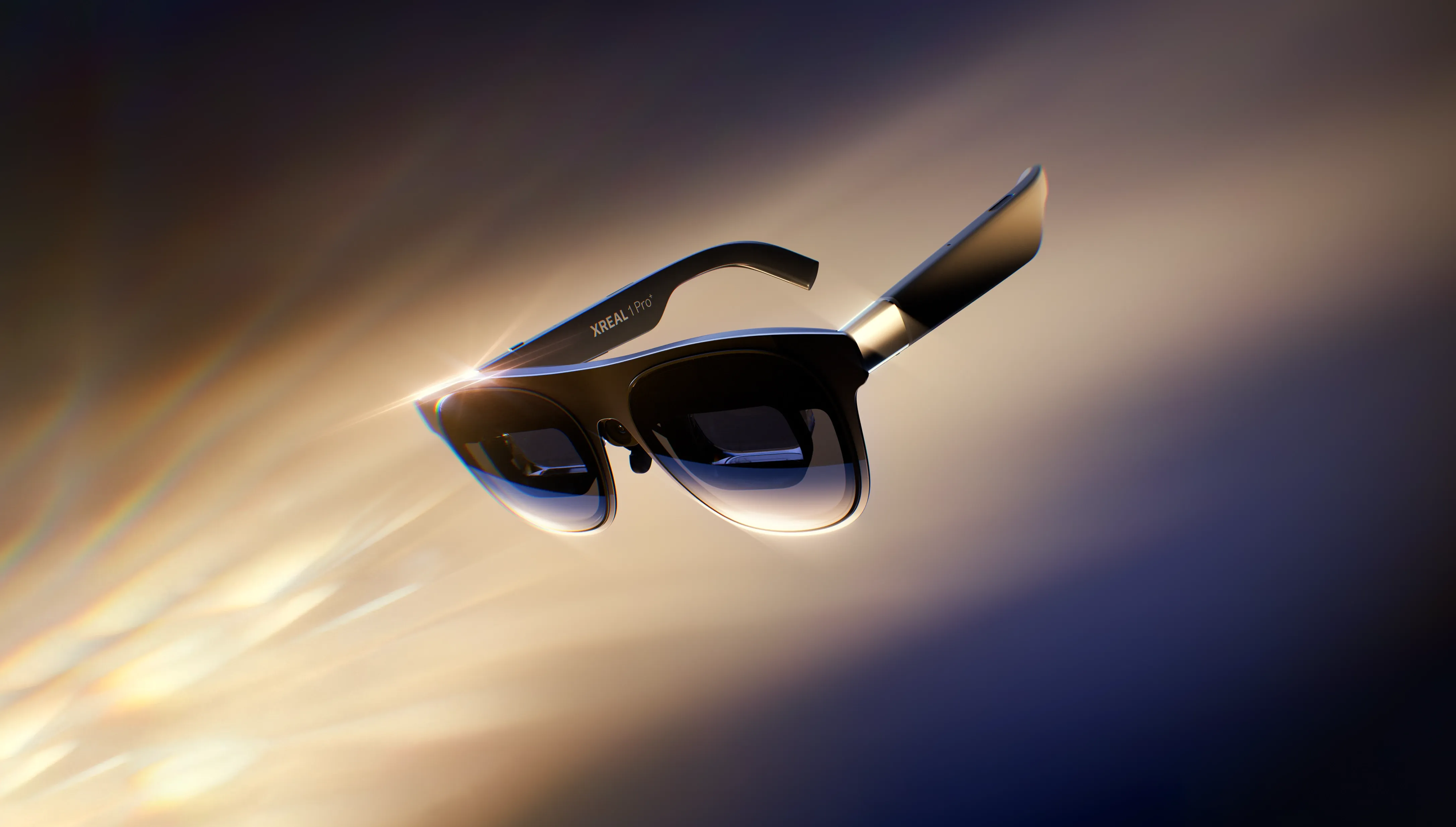
The hardware specs are consistent across all five outlets: a 1080p micro-OLED panel rated at 1,600 nits peak brightness, a 50-degree field of view, and a 120Hz refresh rate. At $299, Gizmodo notes this is Xreal's cheapest product to date and, by their read, its most accessible. Whether that framing holds depends on what you need it to do.
What the a01+ actually is: a face-mounted screen, not a spatial computer
Getting this wrong going in is the fastest route to disappointment. The a01+ has no spatial tracking whatsoever. No cameras, no environment mapping, no ability to anchor a virtual screen in a fixed point in the room. The display moves with your head because it's locked to your face. The Verge called the missing three degrees of freedom the single biggest feature omission; Gizmodo was more direct: "There is no spatial computing element to these glasses."
Xreal includes a toggleable 2D stabilization mode that works something like a gimbal for bumpy conditions. The Verge describes it as operating "kind of like a gimbal" it softens large head movements but introduces jitter that's easy to spot with text on screen. Tom's Guide observed similar warping artifacts during turbulence testing, calling the mode promising but imperfect. Useful for rough transit; distracting for reading.
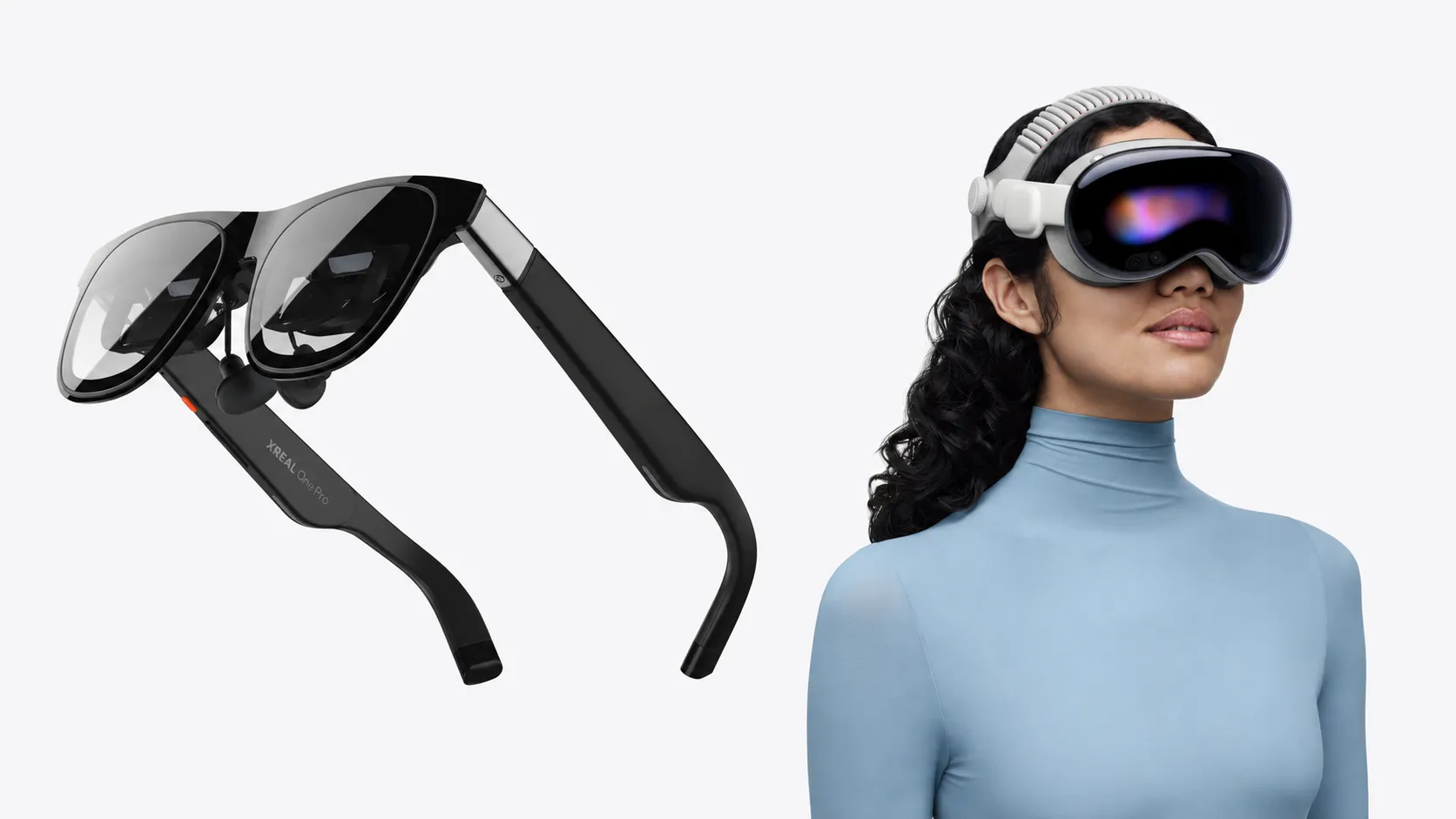
The most clarifying framing came from Tom's Guide, which tested the device across 25,000 miles of travel before concluding that the a01+ proves "we don't need fancy spatial tracking, we just need a cheaper screen." Buyers who walk in expecting a budget Vision Pro alternative are in the wrong product category. Buyers who want a private wearable display for travel and gaming are exactly who this was made for.
Xreal XBX a01+ review: where early testers agree and where they split
The 1,600-nit micro-OLED display is the strongest area of consensus. Tom's Guide found the brightness outpaces the RayNeo Air 4 Pro at the same $299 price point; PCMag called it "the best picture quality in its class." Weight is similarly praised across the board. At 62 grams with the front frame attached and 56 grams without, the a01+ is lighter than the RayNeo Air 4 Pro's 78 grams and over 20 grams lighter than Xreal's own 1S, according to Gizmodo and The Verge. For a device meant to sit on your face for a six-hour flight, that's not a marginal difference.
Image clarity is where reviewers diverge, and the split is significant enough to affect purchase decisions. Lifehacker found the edge-to-edge clarity sharp and consistent. Tom's Guide flagged slightly blurred edges and colors that run a little drained compared to RayNeo's tuning. The Verge had a harder time: screens appeared blurry until Xreal provided prescription lens inserts, which improved clarity substantially. Those inserts run about $50 and don't come in the box. The IPD range is 54.5mm to 74.5mm with no manual adjustment, so fit and visual clarity may vary by wearer. The Verge advises factoring that potential $50 into the real purchase price before committing.
The display is the product's core selling point. The fact that its consistency varies across reviewers is the single biggest open question the early coverage leaves unanswered.
Gaming and media: where reviewers found the a01+ at home
Gaming performance was a consistent bright spot. Gizmodo played Fortnite on a laptop via wired USB-C and detected no input lag; Lifehacker confirmed smooth, low-latency handling of fast-paced action at high frame rates. The 120Hz refresh rate holds up in practice, not just on spec sheets.
For media consumption, reviewers were broadly positive. Lifehacker described the 50-degree field of view as equivalent to a 147-inch screen floating in front of you. The glasses support side-by-side 3D content and HDR10, and Gizmodo notes there's also an AI mode that upscales standard dynamic range content to approximate HDR.
Productivity is where the case falls apart. Tom's Guide reported noticeable struggles with text legibility; The Verge found the stabilization jitter actively distracting when trying to read documents. Both reviews treated this as a material limitation, not an edge case. Anyone who needs a portable work monitor should treat these findings as a hard constraint, not a caveat.
The real cost of ownership: friction that doesn't show up in the headline price
The $299 figure is accurate, but the all-in cost is closer to $350 for buyers who need prescription lens inserts, and the experience involves a few non-obvious dependencies.
Compatibility is wired-only and requires USB-C DisplayPort output. Gizmodo confirmed compatibility with iPhone 15, 16, and 17, Android phones and gaming handhelds that support DisplayPort, and notes they'll "generally work" with laptops and desktops that have USB-C input. There's no wireless option and no companion app. Setup is plug-and-go, but confirming device compatibility before purchasing is worth the extra step.
Battery draw is real. The a01+ has no internal battery; it pulls power directly from the host device. Gizmodo tested an iPhone 17 at 100% screen brightness, 75% volume, and SDR in cinema sound mode, and measured the phone dropping from 100% to 87% in 45 minutes. Long portable sessions will require a battery pack.
Audio is functional but limited. The Verge found the open-ear speakers considerably quieter than the 1S, with noticeably less presence in the low and mid frequencies. Lifehacker recommends Bluetooth headphones for any serious session, especially in public spaces. On the dimming front, there's no electrochromic lens tech instead, a physical light shield clips on in brighter environments. The Verge noted the modular shield actually blocks light more effectively than the electrochromic solution on the pricier 1S, so this particular trade-off cuts both ways.
None of these limitations are unreasonable for $299. But they're worth knowing before the box is open.
Who reviewers think this suits, and where they found the trade-offs hardest to ignore
PCMag called the a01+ "the new benchmark for budget-friendly AR smart glasses," and the cross-outlet consensus on brightness and weight backs that verdict. The display hardware punches above its price. Whether any given buyer fully benefits from it depends on fit, visual acuity, and how they plan to use the device.
Reviewers at Tom's Guide and Lifehacker pointed to travel, gaming, and media consumption as the natural fits a private screen for a plane seat or a hotel room setup. Tom's Guide and The Verge were consistent in finding text-heavy work and document reading the weakest use cases, given legibility issues and stabilization artifacts.
For those willing to spend more, The Verge identified the $150 jump to Xreal's own 1S as the most obvious upgrade path. The 1S adds three degrees of freedom, louder audio with more bass, and electrochromic dimming, and The Verge notes it may suit buyers for whom the a01+'s out-of-box experience proves inconsistent.
The a01+ is part of a wider shift in how wearable display makers are approaching the market. Stripping spatial computing down to a bright, light, cheap screen opens a segment that full spatial computing headsets have repeatedly failed to reach at this price. Whether that constitutes a durable product category or a well-executed niche accessory remains an open question. The early travel and gaming reception suggests the use cases are real. The rest gets worked out by the people who actually buy one.

Comments
Be the first, drop a comment!