


GeForce Now Apple Vision Pro vs Quest: What the 90FPS Update Delivers
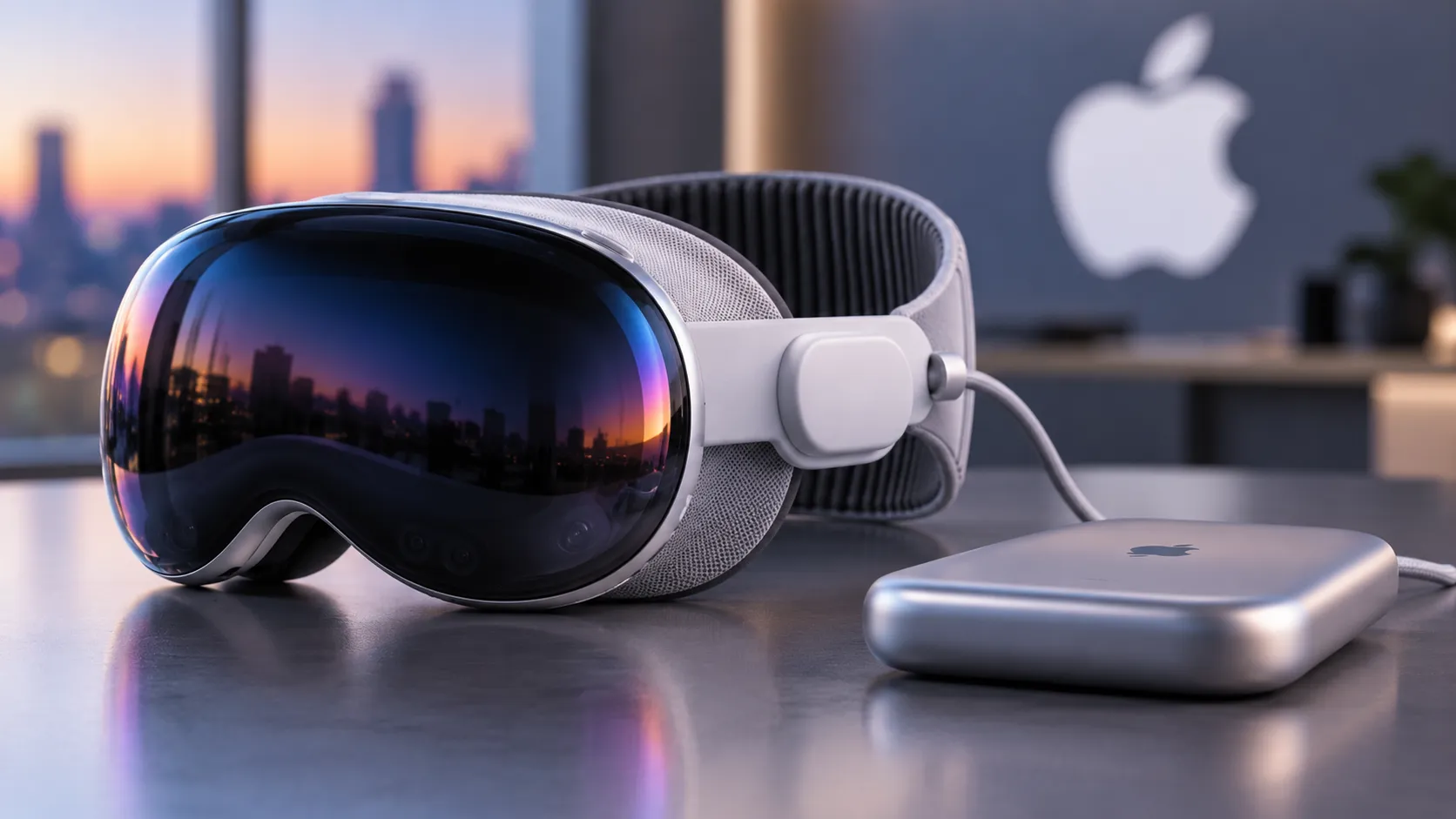
Nvidia's March 19 GeForce Now update raised the streaming frame rate to 90 fps across all supported mixed-reality headsets, including Apple Vision Pro, Meta Quest 3, Quest 3S, Pico 4, and Pico 4 Ultra. The headline number is universal. The implementation underneath it is not, and the gap between what GeForce Now delivers on Apple Vision Pro versus what Quest and Pico users get is wider than a single spec comparison suggests.
The 90 fps upgrade is exclusive to Ultimate subscribers at $20/month or $200/year, per the Nvidia Blog. In Custom mode, Vision Pro reaches 4K 90FPS while Quest and Pico top out at 1440p 90FPS. Beyond that resolution gap, Vision Pro's built-in eye-tracking enables a separate foveated PC streaming path through Nvidia's CloudXR platform, capable of up to 120 fps. That capability is distinct from the March 19 GeForce Now headset update and unavailable on any other supported headset, as Road to VR reports.
Two questions are worth answering: what Vision Pro technically gets from GeForce Now that other headsets don't, and whether any of it is meaningful enough to change a purchase decision.
What the 90 fps update delivers and what it doesn't
The March 19 update establishes one new baseline: 90 fps streaming for all supported headsets on the Ultimate tier. Free and Performance ($10/month) subscribers remain capped at 60Hz. That ceiling hasn't moved, per Road to VR.
At the default Balanced quality setting, every supported headset receives the same stream: 1080p at 90FPS. The split only appears in Custom mode. There, Quest and Pico cap at 1440p 90FPS; Vision Pro reaches 4K 90FPS. Ultimate also brings RTX 5080-class GPU rendering for demanding titles, RTX 4080-class for lighter ones, and four times the vCPU and RAM of the free tier, as 9to5Mac details.
The 120 fps figure that appears in some coverage requires a careful distinction. The 90 fps update describes the standard streaming mode now available to all supported headsets on Ultimate. The 120 fps figure describes something separate: a foveated PC streaming path that Nvidia's CloudXR integration with visionOS enables specifically for Vision Pro, using eye-tracking data to concentrate rendering quality where the user is actually looking. These are related but not the same thing. Road to VR is explicit about that distinction. The 120 fps CloudXR path is not part of the standard GeForce Now headset update; it is a Vision Pro-only capability built on top of it.
Hardware ceilings also vary by Vision Pro model. The M5 Vision Pro supports up to 120Hz; the original M2 version tops out at 100Hz, per 9to5Mac.
GeForce Now Apple Vision Pro vs Meta Quest streaming: why the gap exists
The numbers by device, in Custom mode on Ultimate:
| Headset | Max resolution | Max FPS (standard) | Foveated streaming | |---|---|---|---| | Apple Vision Pro (M5) | 4K | 90 fps | Yes (up to 120 fps via CloudXR) | | Apple Vision Pro (M2) | 4K | 90 fps | Yes (up to ~100Hz display ceiling) | | Meta Quest 3/3S | 1440p | 90 fps | No | | Pico 4 / Pico 4 Ultra | 1440p | 90 fps | No |
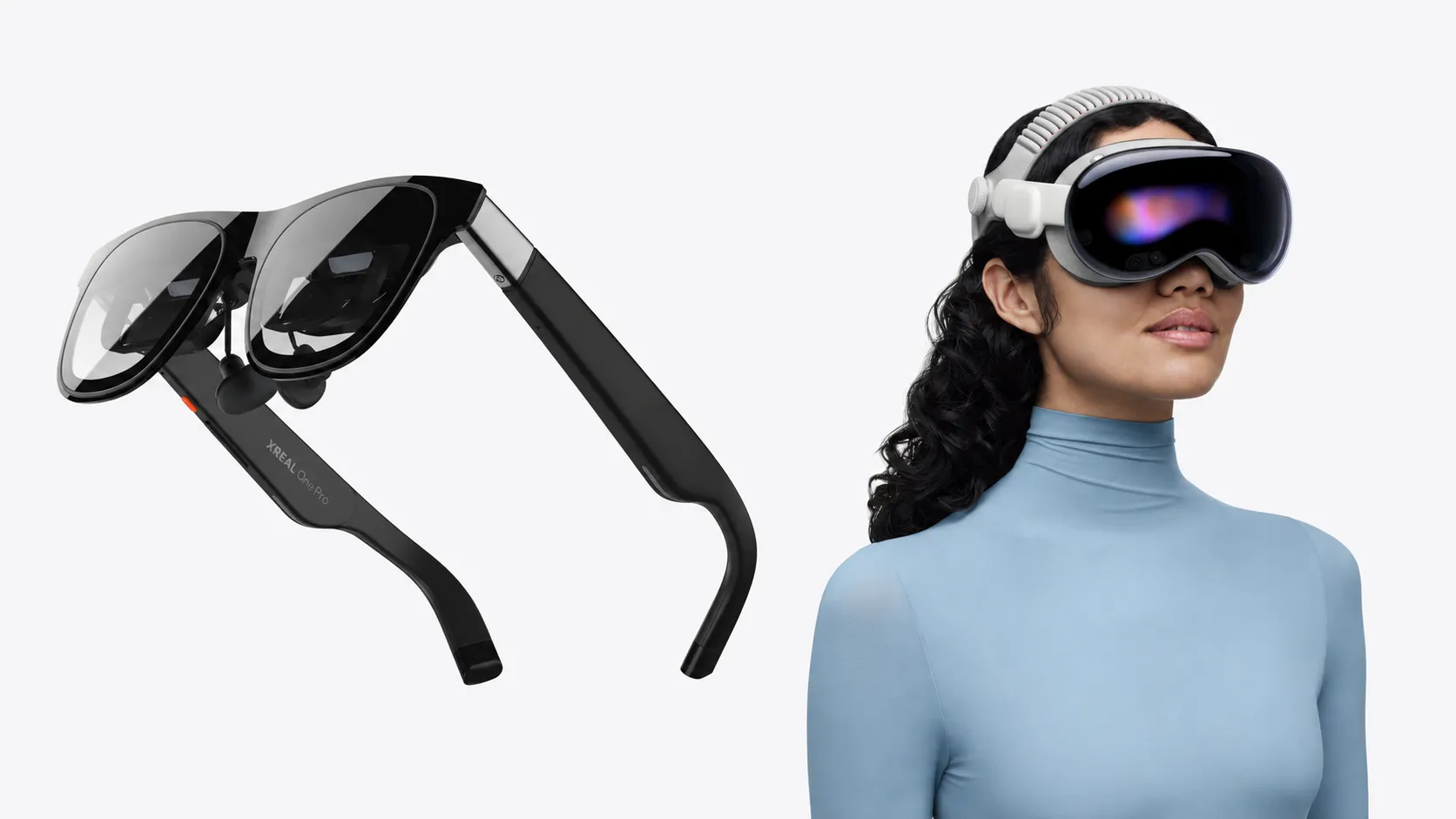
Vision Pro's higher resolution ceiling isn't an arbitrary policy decision. The hardware creates genuine room for it. Vision Pro's micro-OLED displays combine for roughly 23 million total pixels; Quest 3's LCD panels deliver around 4.5 million pixels per eye, according to an independent hardware analysis by Ragnar Heil from last May. Sending a 4K stream to a display that can actually resolve it produces sharper output. Sending the same stream to Quest 3's panels would yield diminishing returns, which is why the resolution caps differ.
Where the difference shows up most isn't in fast action sequences. It's in the interface: strategy game menus, inventory screens, in-game maps, text labels on HUDs. These elements are rendered at fixed pixel sizes, and the gap between 1440p and 4K becomes immediately apparent when you're trying to read small text or parse dense UI. The Ragnar Heil comparison found this difference immediately apparent for text-heavy content. For fast action where motion blur obscures fine detail, the gap is harder to perceive. For anything that involves reading, it's not.
The more consequential differentiator is foveated streaming. Vision Pro's eye-tracking lets Nvidia concentrate rendering quality precisely where the user is looking and reduce it elsewhere, delivering higher perceived sharpness without proportional bandwidth cost. Quest and Pico give Nvidia no equivalent input. This capability exists because Nvidia integrated CloudXR directly with visionOS through a partnership with Apple, as Road to VR explains. No equivalent arrangement exists for Quest or Pico.
The net effect: in games with dense UI or fine detail, the combination of 4K streaming and foveated delivery means what you're actually focused on is rendered at higher fidelity than any Quest or Pico user can access on the same update. Quest's 1440p stream at 90FPS is not a bad experience. It's a genuine upgrade from the 1080p default. The ceiling is just lower, both technically and perceptually.
The tradeoffs: who this actually makes sense for
For existing Vision Pro owners, the update is a clear improvement. GeForce Now already gave Vision Pro users access to over 2,000 titles that Apple's native ecosystem doesn't support, including Fortnite, which remains absent from the App Store due to the ongoing Epic dispute, as Gadgets360 noted when headset support launched in early 2025. The March 2026 update pairs that catalog access with a higher-resolution stream and a Vision Pro-only foveated delivery path. For someone already using the headset and interested in cloud gaming, upgrading to Ultimate at $20/month is an easy call.
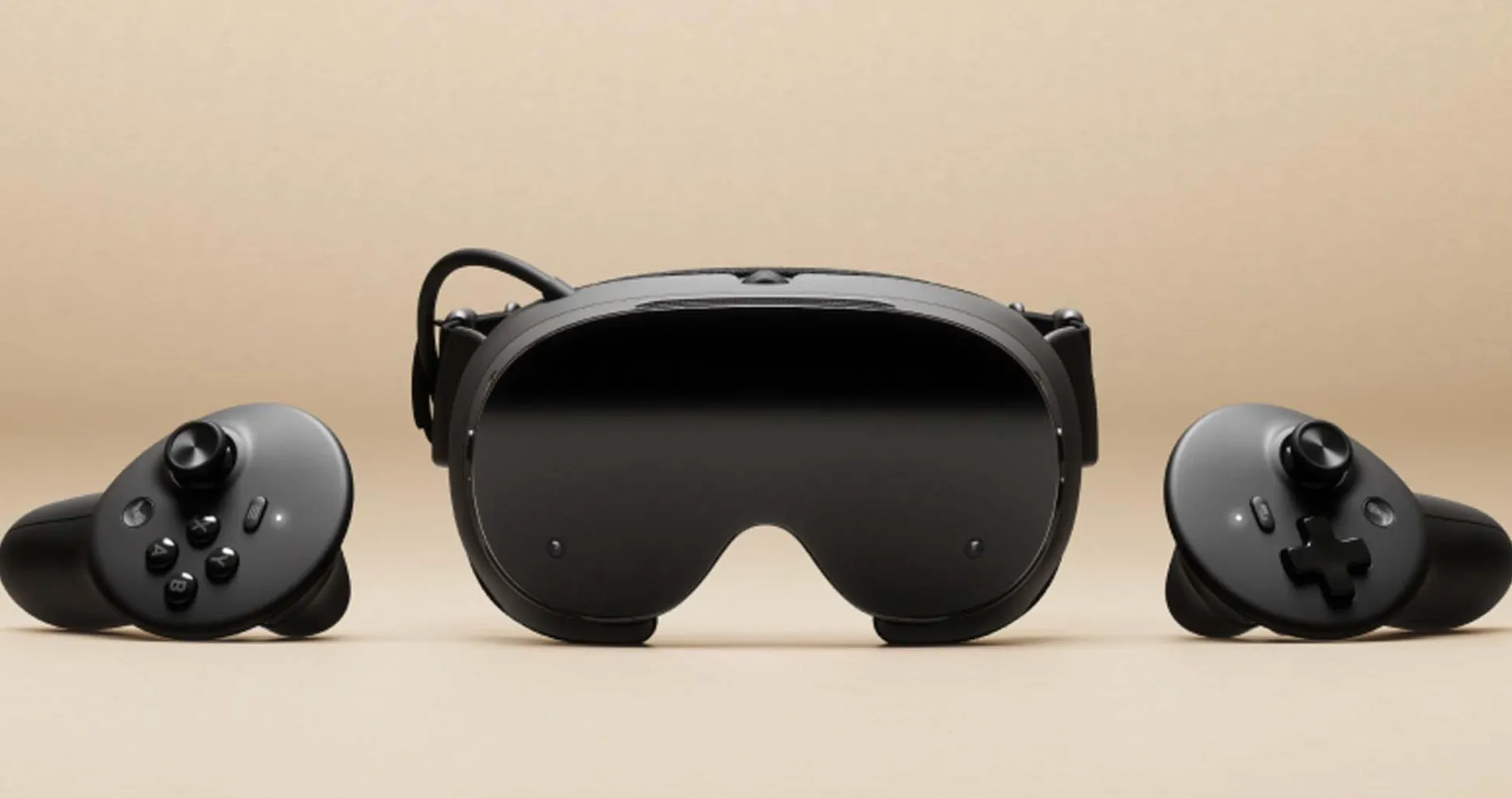
For anyone choosing a headset primarily for cloud gaming, the math is harder. Quest 3 starts at around $330; Vision Pro starts at $3,500, per the Ragnar Heil comparison. Vision Pro also weighs between 600 and 650g versus Quest 3's approximately 515g, a gap that registers during extended sessions. The 1440p stream Quest delivers in Custom mode is a legitimate upgrade from the default. It's a lower ceiling, not a broken experience.
One note on the setup requirements, which are identical across all supported devices. A Performance or Ultimate tier membership is needed to access the full catalog on mixed-reality headsets; the 90 fps upgrade is Ultimate-only, per Gadgets360. The remaining requirements are non-negotiable regardless of headset:
- Minimum 15 Mbps connection with latency at or below 80ms
- A supported Sony or Microsoft controller; Vision Pro's gesture controls handle login but are not recognized during gameplay
What comes next
Nvidia's March 2026 update establishes 90 fps as the new standard for cloud gaming on major XR headsets. It's a genuine improvement, and it's gated behind a $20/month Ultimate subscription across every supported platform, per the Nvidia Blog.
Vision Pro's technical lead 4K in Custom mode versus 1440p on Quest and Pico, plus the foveated streaming path through Apple's CloudXR integration is grounded in real hardware and platform differences. For existing Vision Pro owners, the update materially strengthens the headset's case as a cloud gaming display, as Road to VR documents. For everyone else, Quest 3 at 1440p 90FPS and $330 remains an entirely rational alternative.
The forward-looking question is whether foveated streaming, currently tied to Vision Pro's eye-tracking and Apple's visionOS integration, eventually reaches other headset platforms. Nvidia hasn't said. The architecture is clearly in place.




Comments
Be the first, drop a comment!