


RayNeo Air 4 Pro Review: Great Value, Modest HDR Gains
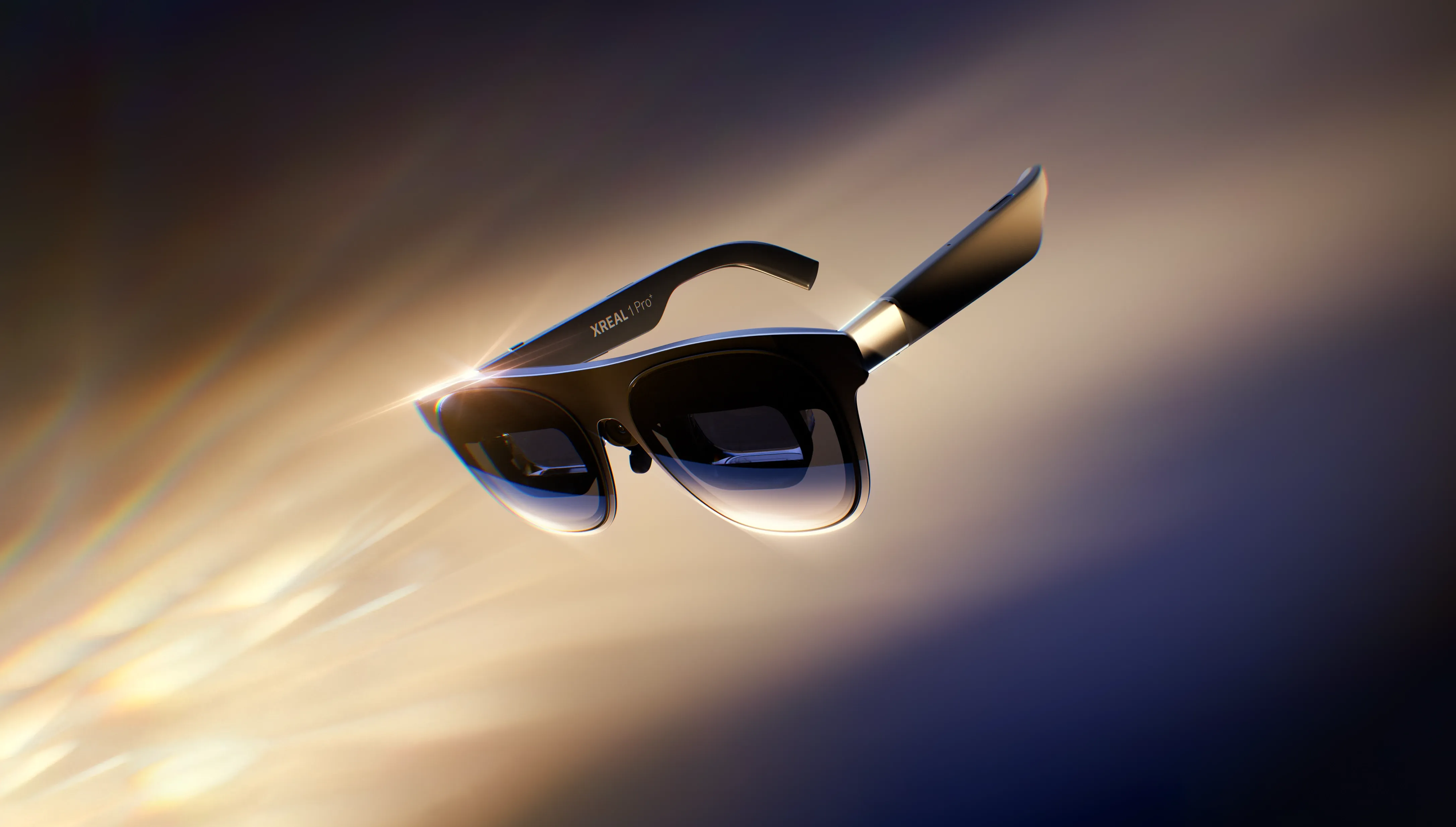
The most honest thing about the RayNeo Air 4 Pro is that it succeeds by not overreaching. At $299 MSRP, this RayNeo Air 4 Pro review covers a product that undercuts the nearest comparable competition by $150 or more while delivering display quality that trades blows with glasses costing twice as much (Tom's Hardware reviewed it earlier this year). The "AR glasses" label the industry hangs on these is a category convention, not a functional description. There are no navigation arrows, no spatial overlays, no heads-up anything. What you get is a wearable private screen, tethered to your phone or laptop by USB-C, built for a plane seat or a dark room. Understanding that distinction is essentially the whole review.
The Air 4 Pro carries the same core display specs as its predecessor, the Air 3s Pro, with one meaningful addition: HDR10 support, which PCMag calls a first for the prism display category. The glasses draw power from the connected device rather than an onboard battery; a 90-minute film can drain roughly 30% of a phone's charge, per Android Police. MSRP is $299, though the glasses have appeared for $249 through RayNeo's own store and $269 at some retailers (Android Police; Geeky Gadgets).
RayNeo Air 4 Pro display quality: bright specs, modest HDR gains
Each eye gets a 0.6-inch Micro-OLED panel running at 1920x1080, with peak brightness of 1,200 nits and a native contrast ratio of 200,000:1 (AllThingsGeek; Tom's Hardware). RayNeo's marketing frames this as equivalent to watching a 201-inch screen from 20 feet away, a figure cited across multiple reviews but not independently verified in any practical sense. The 47-degree field of view is narrower than higher-end competitors: the Viture Beast, which costs roughly twice as much, offers a 58-degree view, which makes the virtual image feel noticeably larger, though PCMag found overall picture quality between the two to be very close.
The settings menu offers three picture modes (Standard, Movie, Eye Comfort), two refresh rates (60Hz and 120Hz), and three color modes: SDR, AI-HDR upscaling, and native HDR10. Switching between HDR modes requires the glasses to restart, briefly interrupting the connection to the source device (PCMag).
HDR10 is the Air 4 Pro's headline feature, and the spec sheet genuinely supports the excitement. The standard can carry signal data for 10.7 billion colors, compared to SDR's 16.8 million (PCMag). The real-world story is less dramatic. Reviewers watching Disney+ content in side-by-side comparisons with the Air 3s Pro noted only slightly richer colors and marginally deeper contrast (Tom's Hardware; AllThingsGeek). PCMag found that most content looked equally good in AI-HDR mode, which upscales standard signals without the friction of switching into native HDR10 (PCMag).
The compatibility picture makes this worse. Netflix restricts HDR content to its most expensive Ultra tier; Disney+ requires Premium. HDR gaming needs a Nintendo Switch 2 or Steam Deck OLED, not the original Switch or the LCD Steam Deck. Android phones present their own wall: HDR10 output over DisplayPort is uncommon, and a Google Pixel 8 tested by PCMag delivered only SDR (Android Police; PCMag). One reviewer also reported distracting flicker when HDR10 mode was active (Android Police). Given those barriers, AI-HDR upscaling is likely where most buyers spend their time anyway.
Audio and comfort: the more honest upgrade story
The audio improvement over the Air 3s Pro is, by most accounts, more perceptible than the visual one. That's a telling inversion given how much of the marketing centers on HDR10. Tom's Hardware found the audio gains more noticeable than the display gains. The four speakers are tuned by Bang & Olufsen; reviewers consistently describe the result as cleaner and better-balanced than the previous generation, with no muddiness or hiss (Tom's Hardware; AllThingsGeek). AllThingsGeek cites an 80% reduction in audio loss compared to the Air 3s Pro, though that figure originates from manufacturer materials and hasn't been independently validated (AllThingsGeek).
Better quality doesn't solve the volume ceiling. PCMag found the speakers easily drowned out by ambient coffee shop noise. RayNeo includes rubber "sound tubes" that channel audio closer to the ear canal, but enabling Sound Tube mode in the settings menu actually reduces output volume, a counterintuitive quirk noted by PCMag. In anything louder than a quiet room, captions become a practical necessity.
Comfort is broadly positive, with caveats. At 76 grams, the Air 4 Pro is light enough for extended sessions. Android Police completed a feature-length film over two hours without discomfort. Gizmodo had a different experience: the display worked well but nosepad fit was a persistent irritant, summarized as "my eyes love these video glasses, but my nose disagrees." Two nosepad sizes ship in the box, with a third available separately; the divergence in reviewer experience suggests fit is highly face-dependent.
Prescription lens wearers face an added step that's worth flagging before purchase. Standard glasses don't fit underneath the Air 4 Pro, so a corrective insert is effectively required. An insert frame ships in the box; buyers can take it to their own optometrist or order a completed insert from HonsVR for $79.95 (PCMag).
What the Air 4 Pro can't do
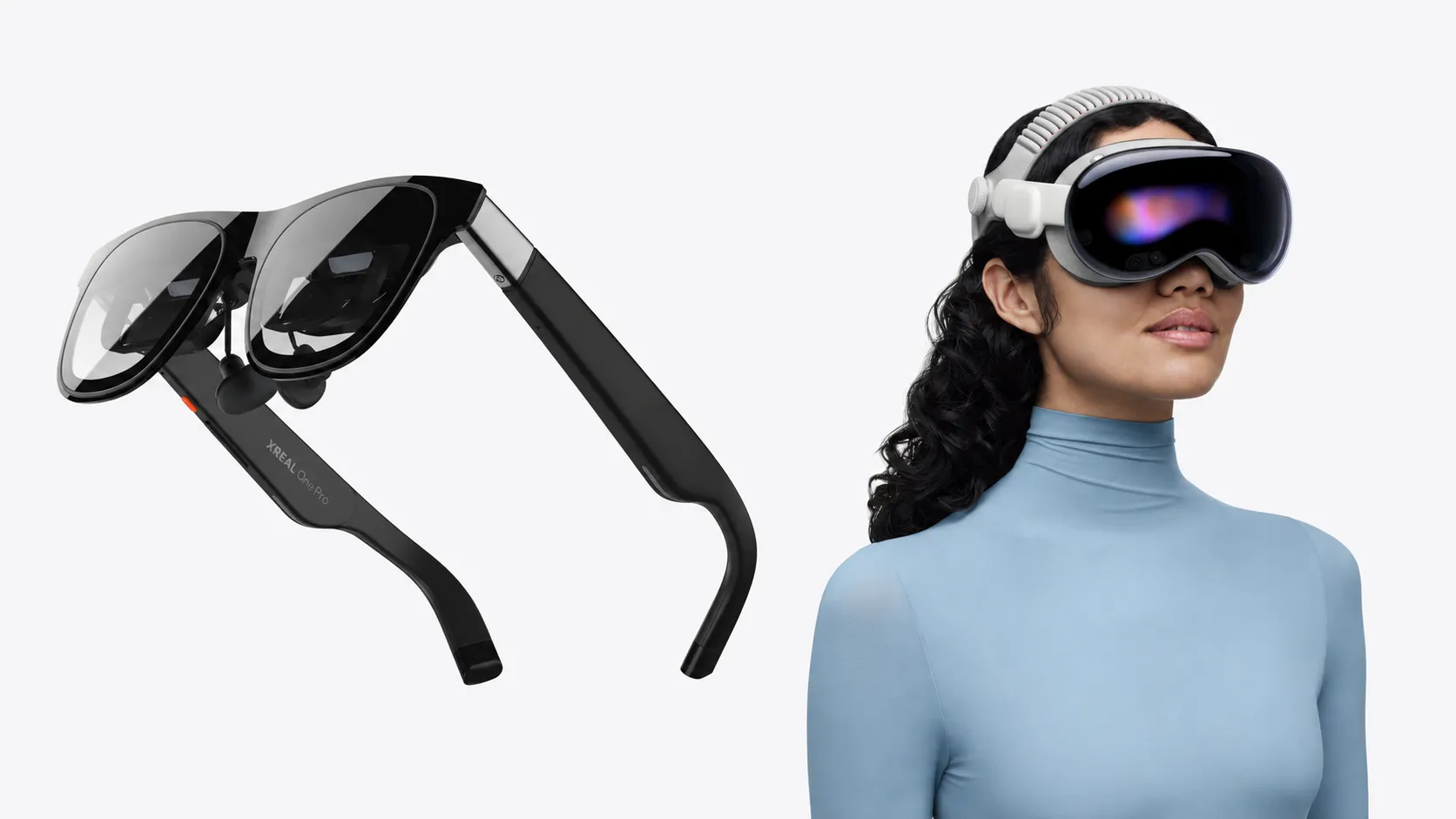
The virtual screen floats in your field of view and moves with your head. There is no spatial anchoring. Competitors at higher price points, including the Xreal One Pro, Xreal 1S, and Viture Beast, offer picture-anchoring modes that keep the virtual screen stationary relative to the room, along with ultrawide monitor simulations at up to 3840x1080 when connected to a PC. The Xreal 1S starts at $449 (PCMag). For seated media consumption, the absence of spatial anchoring is rarely disruptive. For productivity use or extended computing sessions, it's a genuine limitation.
On the specific question of head-tracking: PCMag states explicitly that RayNeo has not built head-tracking into its prism glasses, while Tom's Hardware lists "3 DoF" in the Air 4 Pro's specifications, which would imply some orientation sensing (Tom's Hardware). The available research data doesn't resolve this conflict definitively. Buyers who care about spatial anchoring should verify directly with RayNeo before purchasing, since the practical implications are significant.
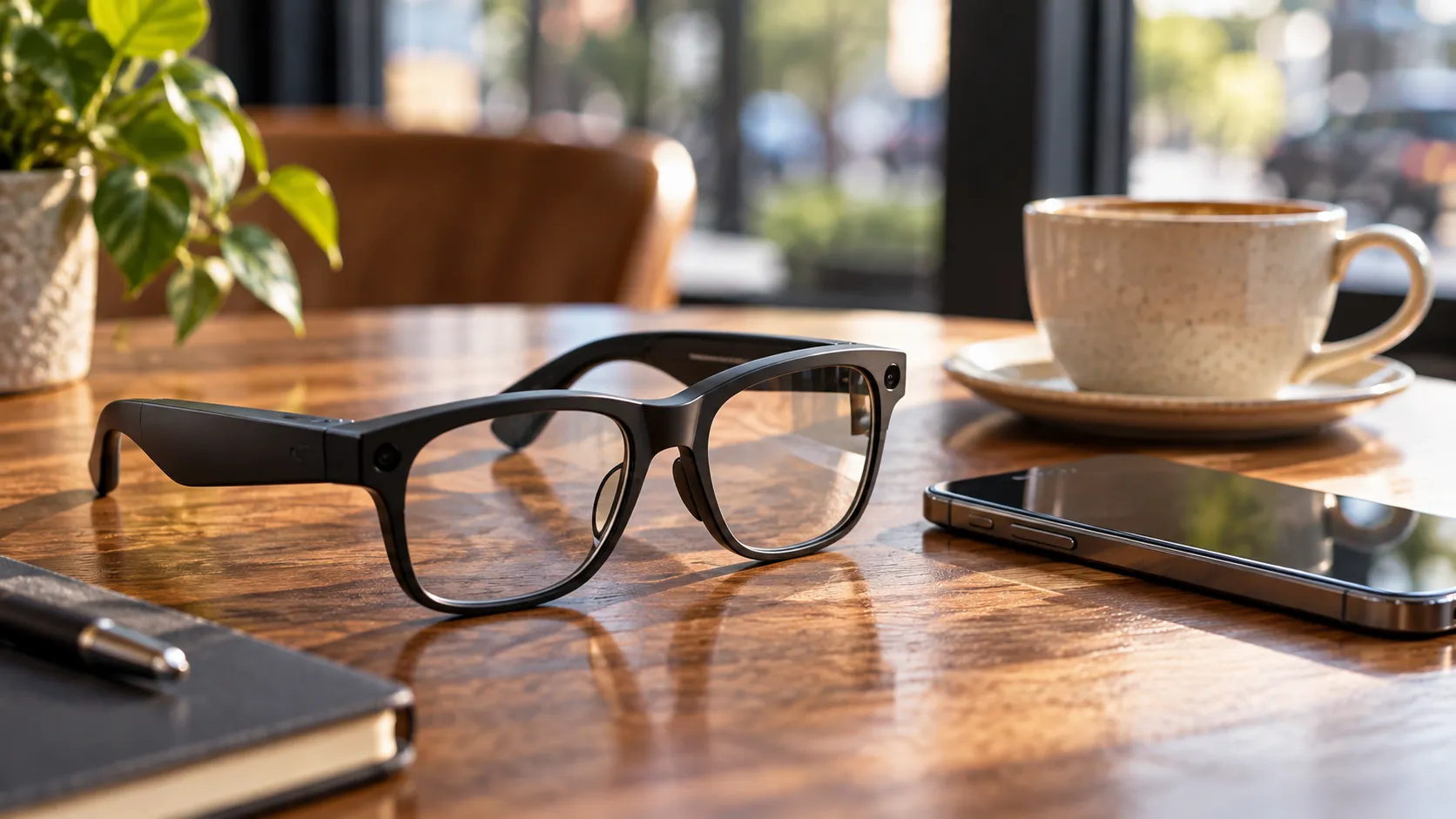
The "AR glasses" label deserves scrutiny. The Air 4 Pro doesn't overlay digital content onto the physical world. It has no camera, and it connects to your phone only via USB-C, not Bluetooth (Android Police). The prism display limits usable vision to the area below the glasses, making them impractical and unsafe to wear while walking (Android Police; PCMag). Calling them AR is the industry's convention. It's not a functional description, and it's the most common source of buyer disappointment in the category.
Build quality is where the value trade-off becomes most visible. AllThingsGeek, which conducted a three-month extended review, called build quality "the biggest disappointment," citing cheap-feeling plastics that seem mismatched to the display quality inside. Gizmodo flagged the nosepads as feeling insubstantial. At $299, some of this is expected. It doesn't undermine the value proposition, but buyers expecting a premium material feel will be disappointed.
Who should buy the RayNeo Air 4 Pro smart glasses
For first-time buyers, this is the clearest entry point in the category. PCMag confirms that HDR10 over DisplayPort is supported by most recent iPhones, iPads, Macs, and PCs, while AllThingsGeek notes additional USB-C compatibility with phones, Steam Deck, Nintendo Switch, PlayStation 5, and Xbox, though HDR support varies by specific model and content source. The use cases where the Air 4 Pro genuinely excels are real and common: long-haul flights, hotel rooms, private movie watching, portable gaming from a Steam Deck or Switch 2.
Air 3s Pro owners should hold. PCMag, AllThingsGeek, and Android Police arrive at the same conclusion independently: the upgrade is hard to justify. The Air 4 Pro delivers essentially the same display and form factor, with HDR10 as the incremental addition, a feature whose practical value depends on your device, your streaming subscriptions, and your tolerance for its current implementation quirks. The Air 3s Pro has dropped to around $229 on the secondary market, which makes the value gap starker (Tom's Hardware; PCMag).
Anyone who wants spatially anchored display, an ultrawide virtual monitor, or deeper spatial computing capability should budget for the Xreal 1S or above. The Air 4 Pro wasn't designed for those use cases and doesn't pretend to be.
Verdict
The Air 4 Pro earns its position as the best-value entry point in the prism display category by making a clear, defensible trade: fewer advanced features in exchange for a price that undercuts the field by a significant margin. The display is genuinely bright and detailed. The audio is a real step up from the previous generation. The use cases the product was designed for, seated private viewing, travel, portable gaming, it handles well.
HDR10 is the honest asterisk. Multiple hands-on reviews found minimal perceptible difference from the AI-HDR upscaling mode, and the ecosystem requirements mean a meaningful portion of buyers may never access native HDR10 in practice (PCMag; Tom's Hardware; AllThingsGeek). The feature isn't fraudulent. It just outperforms its real-world impact by a considerable margin.
The more durable takeaway is about where the category is heading. Wearable displays spent years being expensive enough to stay niche. The Air 4 Pro sits at a price point where the barrier to entry is low enough that most newcomers can try the format without a significant financial commitment. That's a category shift, not just a product win. Whether the next generation finally delivers on HDR in a way that matches the spec sheet will be worth watching.

Comments
Be the first, drop a comment!