


visionOS 27 Vision Pro Upgrades: 4 Key Areas to Watch
Apple will likely unveil visionOS 27 at WWDC on June 8, and no credible feature leaks have surfaced yet, according to UploadVR. That absence of rumors is itself useful information. It forces a more grounded question: given what's already documented about why people are returning their Vision Pros, what would a meaningful visionOS 27 Vision Pro upgrade actually look like?
Early adopters have been sending back their $3,500 headsets within Apple's 14-day return window, citing physical discomfort, a thin content library, and productivity that hasn't come close to replacing a desk setup, Recode reported last month. The complaints are specific and well-documented. The question for June 8 is whether the software response matches them.
In the absence of leaks, the clearest guide is Apple's recent platform direction and the reported reasons buyers walked away.
Where Vision Pro stands before visionOS 27
The most relevant pre-WWDC development is visionOS 26.4, which brought PC VR foveated streaming to Vision Pro, enabling content streamed from a connected PC rather than requiring a native visionOS app for every experience, UploadVR reported earlier this year. That's a meaningful capability expansion that didn't wait for a major release.
At WWDC25, Apple described visionOS 26 as delivering "new volumetric APIs, advanced sharing capabilities, exciting immersive media tools, and powerful enterprise features," along with simplifyd game development tools, per the Apple Developer keynote. Those aren't vague commitments. They're specific capability categories that map onto documented user complaints, and they define the most plausible trajectory for what comes next.
The problems visionOS 27 is implicitly working against
Understanding what the update could realistically fix requires separating the hardware constraints from the software ones. That distinction matters more here than with almost any other platform.
What software cannot touch
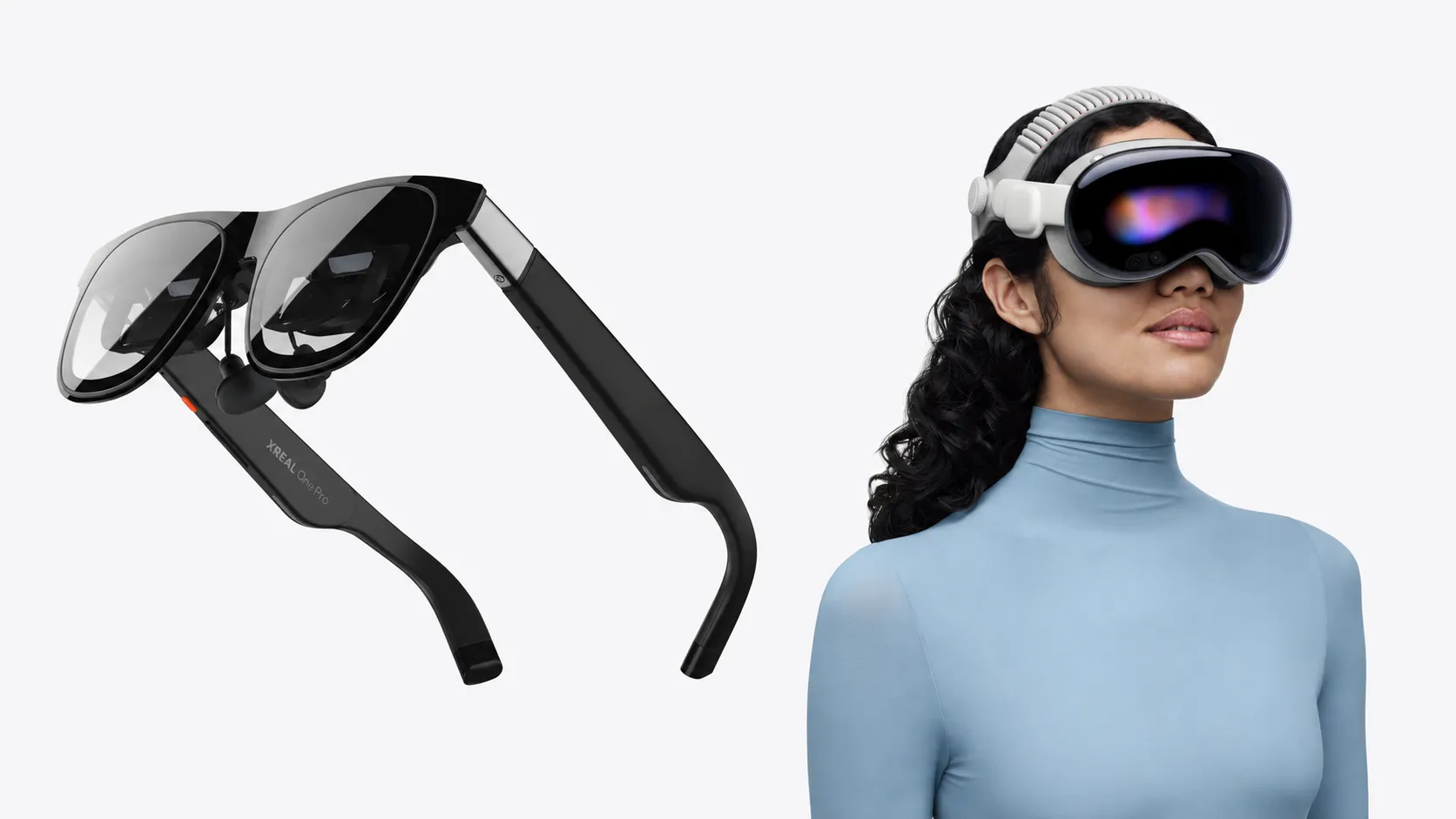
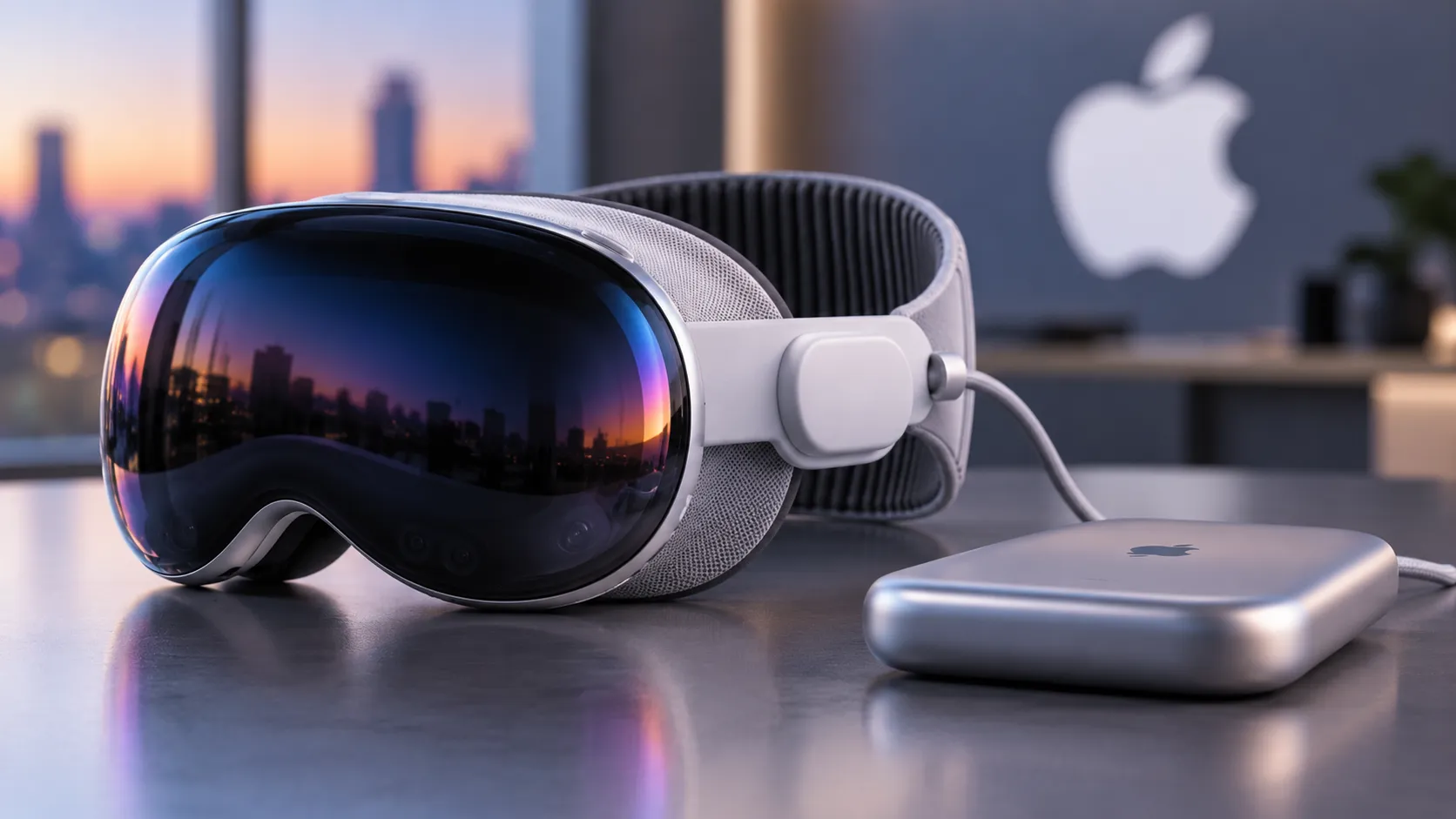
At approximately 650 grams, the headset creates noticeable facial and neck pressure during sessions longer than 30 minutes. Early adopters reported headaches, neck strain, and marks from the seal. Some capped daily use under an hour solely because of physical discomfort. The two-hour battery tethered to an external pack compounds that disruption. These are engineering constraints. No OS release changes them.
The headset's appearance creates its own friction. Family members report feeling excluded even when pass-through is active, and some buyers returned the device over discomfort with its sensor array and eye-tracking scope. Software features can reduce this friction at the margins; they can't dissolve it.
Where software can make a difference
The input problem is real and squarely in Apple's lane. Eye tracking and hand gestures require more conscious effort than traditional input methods for many professional tasks, and users report that precise selections, text editing, and detailed manipulation feel slower and more fatiguing than mouse-and-keyboard interactions, according to Recode. That's a software problem, and a solvable one.
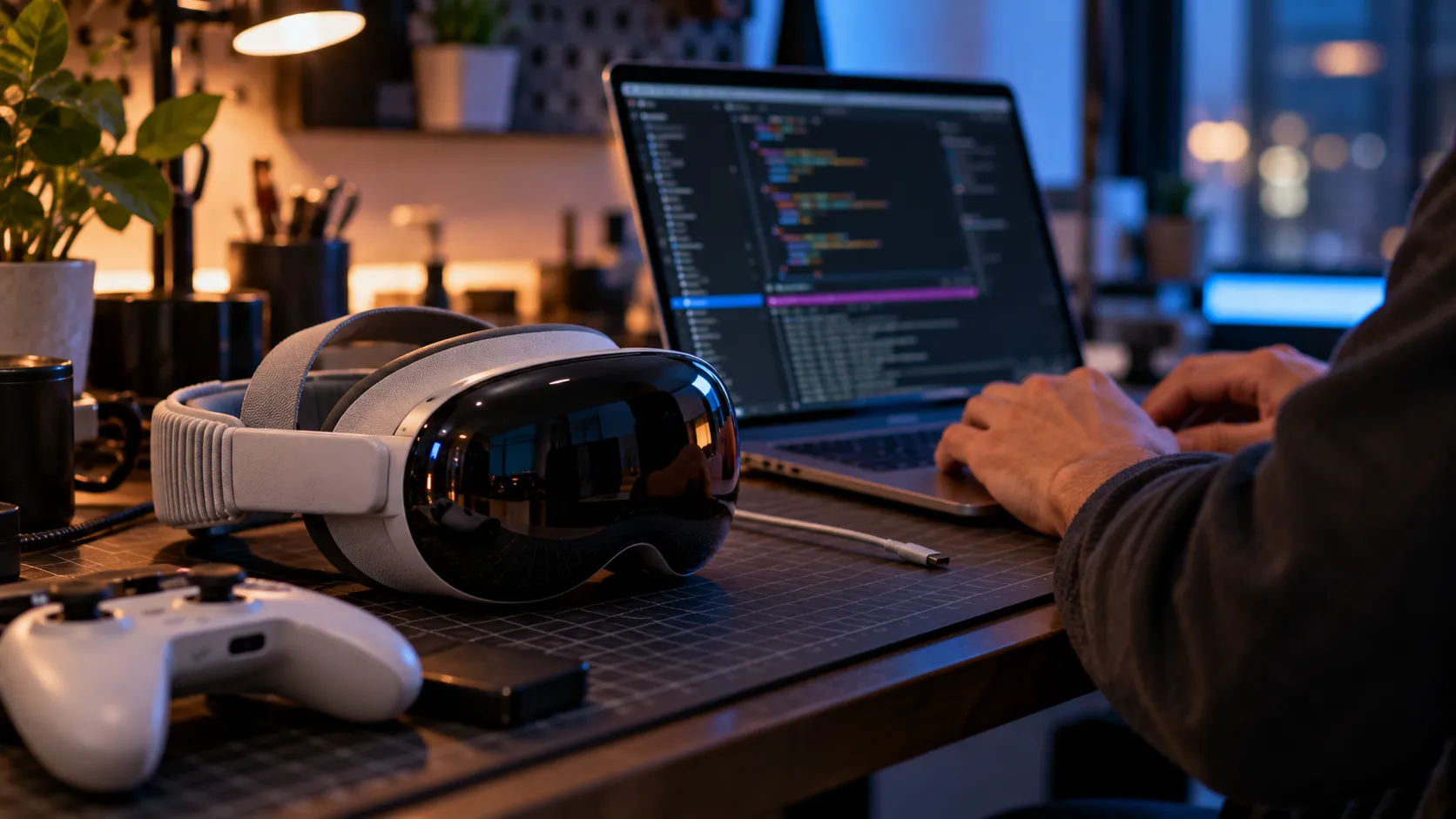
Display quality is more complicated. Vision Pro can run multiple virtual monitors, but resolution and text clarity fall short of high-end physical displays for detailed work, disappointing the professionals in creative and technical fields who bought the device expecting productivity gains. The underlying display hardware doesn't change, but rendering, window management, and text handling are all software levers.
Content depth is the most visible gap. Gaming remains particularly limited, and shared experiences require that other people also own a Vision Pro, creating a network-effect problem that slows adoption. Both gaps are addressable through software strategy, though neither closes with a single update.
The visionOS 27 update for Vision Pro: four areas to watch
PC streaming and content access
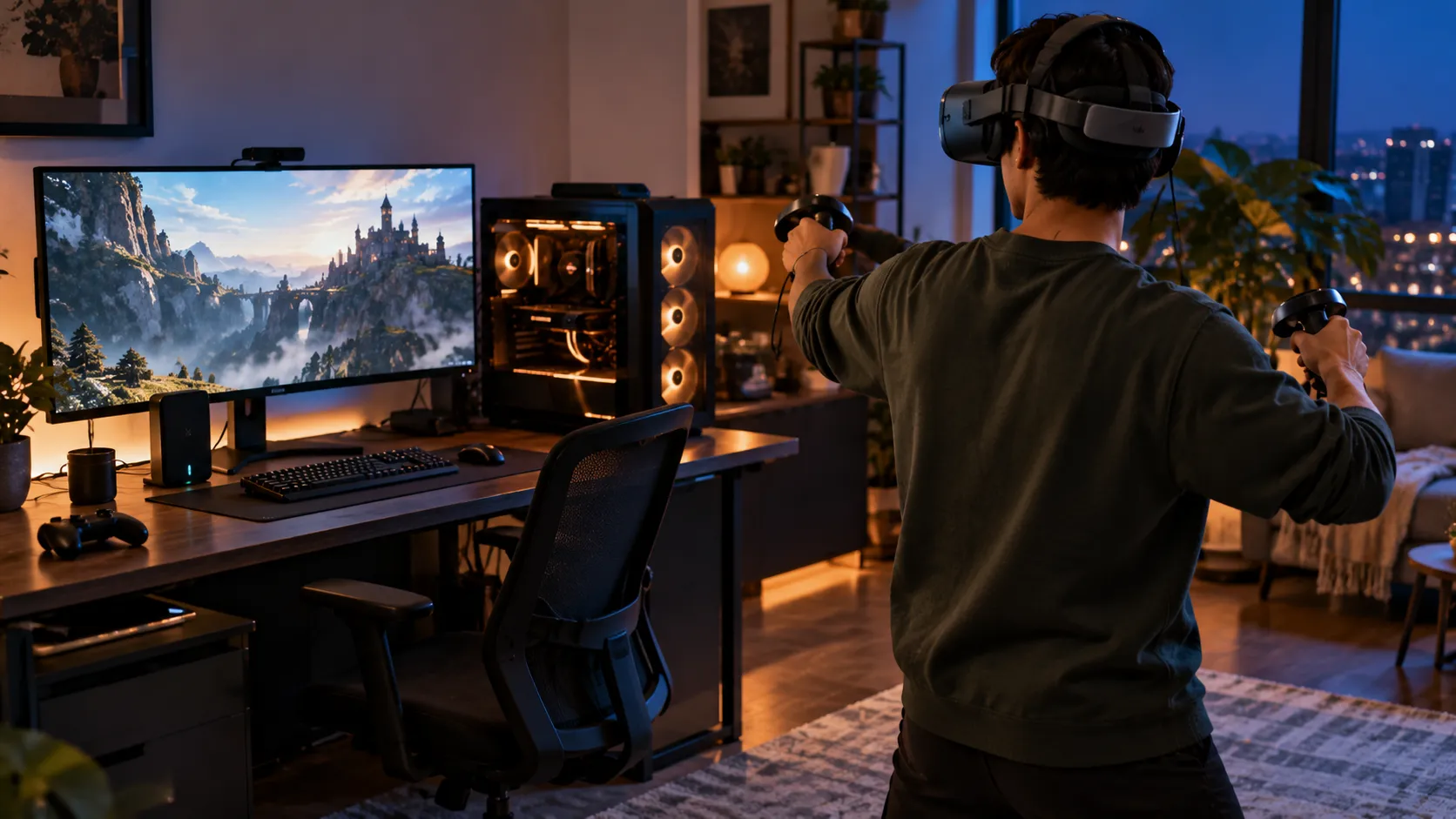
This is where the evidence is clearest. Foveated streaming from a PC, introduced in visionOS 26.4, already has real-world deployment: Autodesk VRED added immersive streaming support for Vision Pro, with Kia, BMW, Volvo, and Rivian using the feature, and simulation titles X-Plane and iRacing have announced PC-streaming visionOS clients, UploadVR reported. Expanding that infrastructure, particularly into gaming, could meaningfully widen the effective content library without requiring every developer to ship a native spatial app. This is the area with the strongest evidence trail pointing toward visionOS 27 action.
Sharing and social features
Apple explicitly named "advanced sharing capabilities" as a visionOS 26 priority, per the Apple Developer keynote. The network-effect problem won't be solved by software alone, but expanded shared viewing, ambient presence modes, or lower-friction cross-device experiences could reduce the social isolation complaints without a hardware redesign. That makes this a logical visionOS 27 continuation area, and one where software could visibly chip away at a documented adoption barrier.
Enterprise and developer tooling
Apple signaled "powerful enterprise features" and improved game development workflows at WWDC25, per the developer keynote, and the early deployment of PC streaming in professional design contexts, including the named automakers, points to enterprise as one of the clearer near-term use cases for the platform. Deeper tooling, MDM capabilities, or deployment features would strengthen the ROI case for a $3,500 device in ways that consumer use hasn't yet managed. For prospective buyers, enterprise momentum is a signal that the platform has a serious constituency even before mass-market adoption arrives.
Input and navigation refinement
The user pain here is well-documented. Whether Apple has specifically targeted visionOS 27 input improvements isn't something the available reporting confirms, so this is a logical area to watch rather than a probable announcement. Reduced eye-tracking latency, more forgiving gesture recognition, or smarter spatial input defaults would directly address the fatigue and precision complaints in the return data. The question on June 8 is whether Apple treats input friction as a priority rather than a background iteration item.
What a meaningful update looks like from here
A visionOS 27 that moves the needle would show concrete progress on at least two of the four software-addressable areas above. Cosmetic UI changes and minor feature additions don't answer the documented reasons buyers returned a $3,500 device. PC streaming expansion and sharing improvements are the two areas with the most direct evidence connecting Apple's stated direction to user complaints; input refinement and enterprise depth are the areas with clear motivation even if the specific visionOS 27 plans aren't yet visible.
The harder constraints, weight, battery life, and the social awkwardness of wearing a headset in a shared room, stay out of reach for any software team, as Recode's reporting on returns makes clear.
For current owners, the most consequential potential changes based on reported complaints are input refinement and productivity display improvements, the things that determine daily use versus shelf storage. For prospective buyers, PC streaming expansion and enterprise feature depth are the stronger signals, indicating whether the platform's content and use-case library is genuinely widening.
WWDC on June 8 is four weeks out. The return data is already a matter of record. What happens next is whether the software roadmap Apple announces shows it read the same report.

Comments
Be the first, drop a comment!