


Best XR Glasses Amazon Prime Day Deal: Is the RayNeo Air 4 Pro Worth It?
One of the clearer XR glasses Amazon Prime Day deals this week is the RayNeo Air 4 Pro, which drops to $239.20 through June 26, down from its regular $299 retail price, a 20% discount per PR Newswire this week. The limited Justice and Chaos editions fall from $319 to $255.20 over the same window. Select accessories are 15% off.
That is the story. Everything else is caveats.
RayNeo held a 23.7% share of the global AR glasses market in Q1 2026, according to Counterpoint Research data the company cited, which put it at the top of the category. The company describes this as the lowest price the Air 4 Pro has carried. Whether the price is worth it depends entirely on two things: whether your devices are compatible, and whether your use case actually fits.
This guide walks through both before June 26.
Step 1: Confirm compatibility before you do anything else
XR glasses connect to a source device and register as an external display. The single most common cause of returns in this category is buyers discovering their phone doesn't output video over USB-C after the fact. Resolve this now.
- Android phones: Your device must support DisplayPort Alt Mode over USB-C. A standard USB-C charging port is not sufficient. Many mid-range phones charge over USB-C but cannot output video. Search "[your phone model] DisplayPort Alt Mode" before ordering. If the spec sheet doesn't confirm it explicitly, assume it won't work without an adapter or dock.
- iPhone: Compatible with iPhone 15 or later, which uses USB-C. Earlier Lightning-port models are not compatible.
- Laptops and desktops: Any USB-C or Thunderbolt port with video output should work. Check which of your ports specifically support display output before ordering if you're not certain.
- Gaming devices: Witchdoctor confirmed this week that USB-C tethered XR glasses in this category connect to PC, Mac, PlayStation 5, Xbox Series X/S, Nintendo Switch, Steam Deck, ROG Ally, and iPhones from the 15 onwards. That compatibility confirmation applies to the category broadly. Verify RayNeo's specific device list on the Amazon product page before purchasing.
Once USB-C video output is confirmed, setup is plug-and-play. The glasses register as an external display. On a phone or console, content appears immediately. On a laptop, standard display settings handle mirroring or extended desktop. That's the full setup process.
Prescription lenses are a separate question. Check the Air 4 Pro product page for exactly how RayNeo handles vision accommodation before ordering. For context on why this matters: Witchdoctor noted this week that Viture replaced the built-in diopter dial on its flagship model with optional snap-in prescription inserts, and that prescription wearers miss the old dial. Whether RayNeo's solution works for you depends on their specific implementation, which may differ. If the product listing is unclear, contact RayNeo support before ordering.
Step 2: What RayNeo says the Air 4 Pro does
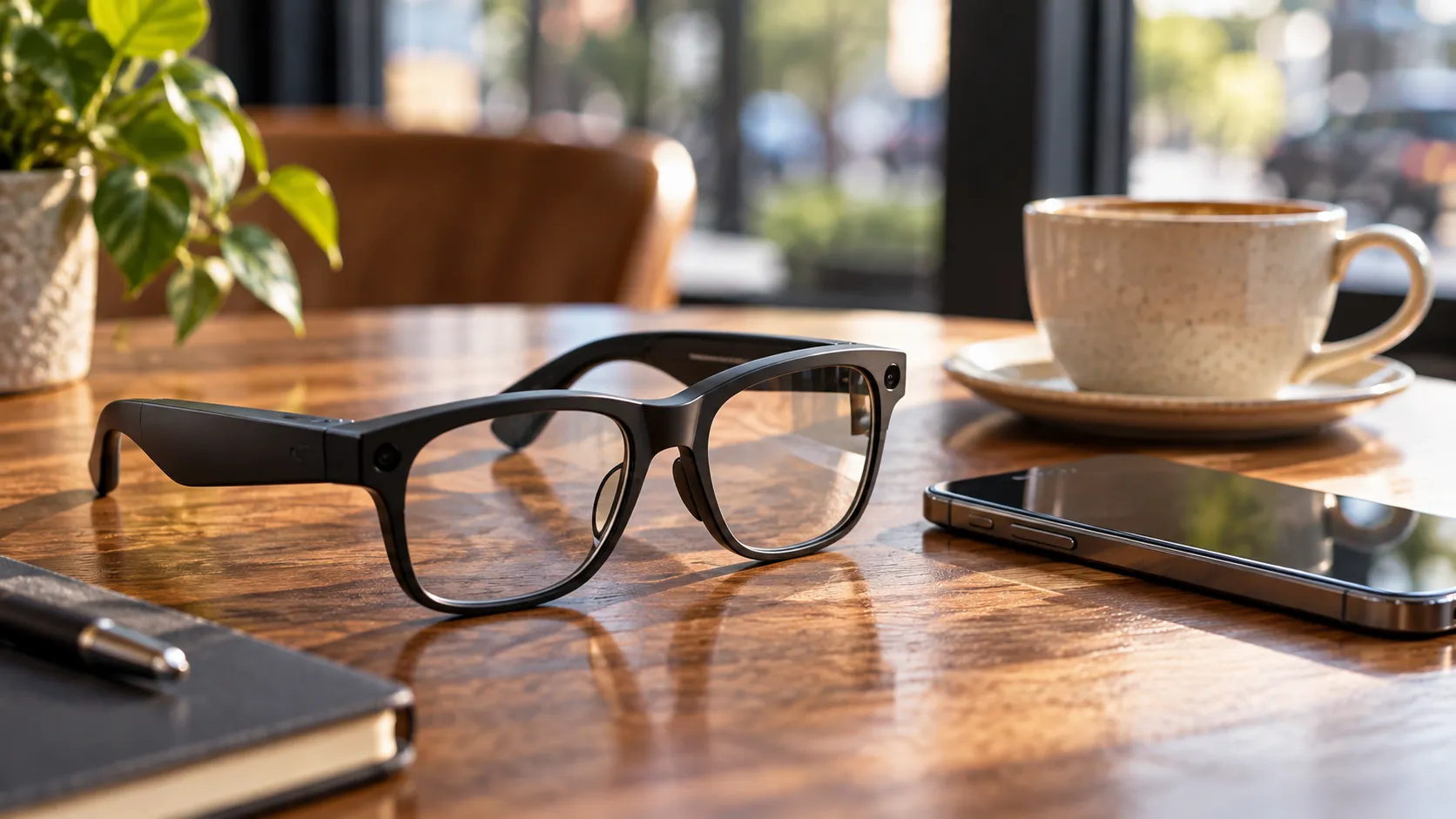
RayNeo claims the Air 4 Pro is the world's first AR glasses with HDR10 support. Per PR Newswire this week, the glasses use a custom Vision 4000 chip for real-time AI-powered SDR-to-HDR upscaling and 2D-to-3D conversion. The display carries TÜV SÜD certification for 3,840Hz PWM dimming, which RayNeo says keeps the picture flicker-free.
Those are manufacturer claims. Independent testing of how the upscaling performs in practice is not yet available. The TÜV SÜD certification is third-party verified; the HDR10 and upscaling performance claims are not.
Notebookcheck reviewed the product this week, framing it as "affordable HDR AR glasses with gaming perks." That's useful positioning. It tells you what category this product is competing in and roughly what the reviewer found it good at.
What the Air 4 Pro does not claim: no onboard tracking is described in the RayNeo release, no standalone compute, and no independent app operation. This is a display that requires a source device to drive it.
Step 3: What that means for a buyer
A fixed display with no positional tracking means the virtual screen stays in front of you wherever you point your head. It doesn't respond to physical movement through space.
For context on where the category sits: Witchdoctor explained this week that 3DoF head tracking, available on the Viture Beast, keeps the virtual screen locked in front of you as you tilt and pan, while 6DoF would add positional awareness, allowing the display to respond when you physically move through space. The Beast's 6DoF capability is promised via a future firmware update but has no confirmed timeline. The Air 4 Pro, based on RayNeo's own release, doesn't describe either tracking mode.
In practice, that's fine for the use cases this product targets. You put the glasses on, plug into your phone or laptop, and have a large private display in front of you. Streaming and handheld gaming are the natural fit. Watching a film on a long flight is the canonical use case for a reason: the format makes sense immediately when a physical screen isn't available and privacy matters.
Productivity on a laptop works but takes adjustment. A fixed virtual screen is different from a physical monitor you can glance away from. Most users who adapt to it do so within a few sessions; most who don't expect the adjustment find it frustrating.
Anyone expecting the glasses to run apps independently, function without a tethered source device, or overlay digital elements on the physical world will be disappointed. Those are reasonable things to want. They're just not what this product is, based on what RayNeo describes.
How this Amazon Prime Day XR glasses deal compares by use case
The hardware specs matter less here than whether the format fits your life. This is the actual decision.
Buy if: Travel entertainment, private gaming, or a portable screen for a small space are your primary goals. You've confirmed USB-C video output on your source device and resolved the prescription question. At $239, this Amazon Prime Day XR glasses deal represents a materially lower entry point than this category has historically offered, which reduces the cost of finding out whether the format works for you.
Wait or pass if: You haven't confirmed DisplayPort Alt Mode on your Android phone. The prescription accommodation doesn't work for you without added accessories. You want the glasses to operate standalone, run apps, or deliver true AR overlays on the physical world. Those are legitimate reasons to pass; none of them is a flaw in this specific product so much as a description of what it is.
For price context, the Viture Beast sits at the other end of the spectrum. Witchdoctor reviewed it this week at NZ$1,199, describing it as "the finest wearable display currently on the market" for movies, gaming, and long-haul travel. Its specs reflect that price: Sony micro-OLED panels at 1920×1200 per eye, 120Hz refresh, and 1,250 nits of peak brightness, with a 58-degree field of view projecting a virtual screen equivalent to 174 inches. The Air 4 Pro is not that product.
What it is: a substantially cheaper option for roughly the same core use cases. Travel, gaming, portable entertainment. If those use cases are your target, paying four to five times more for the Beast's display quality is a question of how much the improvement matters to you, not a question of category fit.
By user type:
- Frequent travelers and commuters: Strong fit. The format is purpose-built for private viewing in transit.
- Casual gamers with a compatible handheld or console: Worth considering. Private gaming without a TV setup is the second-strongest use case.
- Laptop users in small spaces: Reasonable for passive viewing. Productivity use is workable but requires adjustment to a fixed virtual screen.
- Anyone expecting standalone AR, spatial computing, or a simple prescription solution out of the box: Confirm the specifics with RayNeo before ordering, or look at a different product.
Conclusion
The Air 4 Pro at $239 is a competent wearable screen at a price that makes the category genuinely accessible. The HDR10 claim and the Vision 4000 chip are manufacturer positioning, per PR Newswire this week; the TÜV SÜD PWM certification is third-party verified; the "gaming perks" framing from Notebookcheck this week puts it in an honest category. This is not a spatial computing device or a preview of the next interface model. It's a portable private display with credible specs for its price tier.
If USB-C compatibility is confirmed and the use case is travel or gaming, the discount makes a trial reasonable. If the fit is uncertain, the glasses will still exist after June 26. They'll just cost $60 more.

Comments
Be the first, drop a comment!