


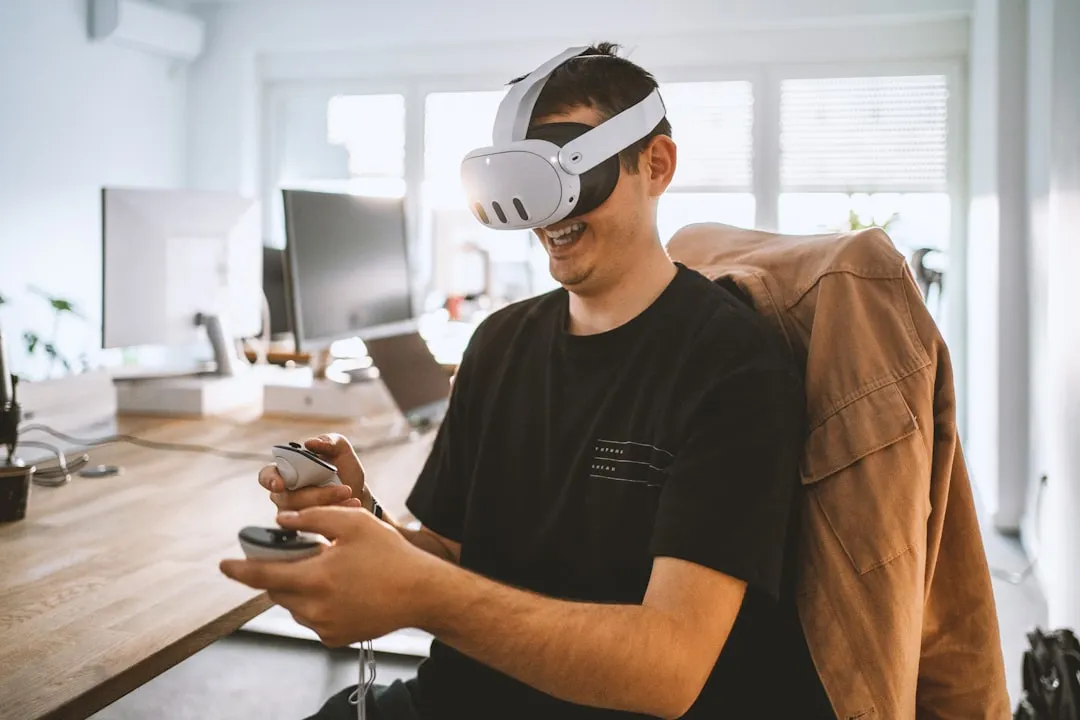
The Meta Quest 3 has genuinely surprised me with how well it handles sailing simulations. I'll be honest—when I first heard about virtual sailing in VR, I was skeptical. How could you possibly capture the nuanced feel of wind, water, and sail trim through a headset? But after spending considerable time with the Quest 3's sailing applications, I've discovered that this platform offers something pretty remarkable for both sailing enthusiasts and curious newcomers.
What really sets the Quest 3 apart for maritime simulation is how its core technical improvements directly address the challenges that made earlier VR sailing feel disconnected from reality. The enhanced processing power delivers smooth, responsive environments where you can actually read the subtle visual cues that matter in sailing—things like wind patterns rippling across the water surface or the way sails luff when you're sailing too close to the wind. Gone are the choppy water rendering and laggy sail physics that plagued earlier attempts.
What makes virtual sailing on Quest 3 actually compelling?
Here's what caught me off guard: the Quest 3's combination of 2064x2208 per-eye resolution and mixed reality capabilities creates a surprisingly authentic sailing environment that transcends simple gaming. When you're scanning the horizon across a virtual bay, that increased pixel density means you can actually spot navigation markers in the distance and identify the telltale signs of wind shifts on the water—details that were just blurry approximations on previous headsets.
The mixed reality integration proves transformative for extended sailing sessions. You maintain awareness of your physical space while staying fully engaged with your virtual boat, which dramatically reduces that disconnected feeling that made long VR sessions uncomfortable. I found myself naturally leaning into tacks and instinctively ducking under the boom during jibes, all while staying oriented in my actual room.
PRO TIP: The Quest 3's hand tracking technology improves rope handling and sail trim. When you're adjusting sheets or handling dock lines, the natural motions feel remarkably close to actual sailing techniques, helping build muscle memory that translates directly to real-world situations.
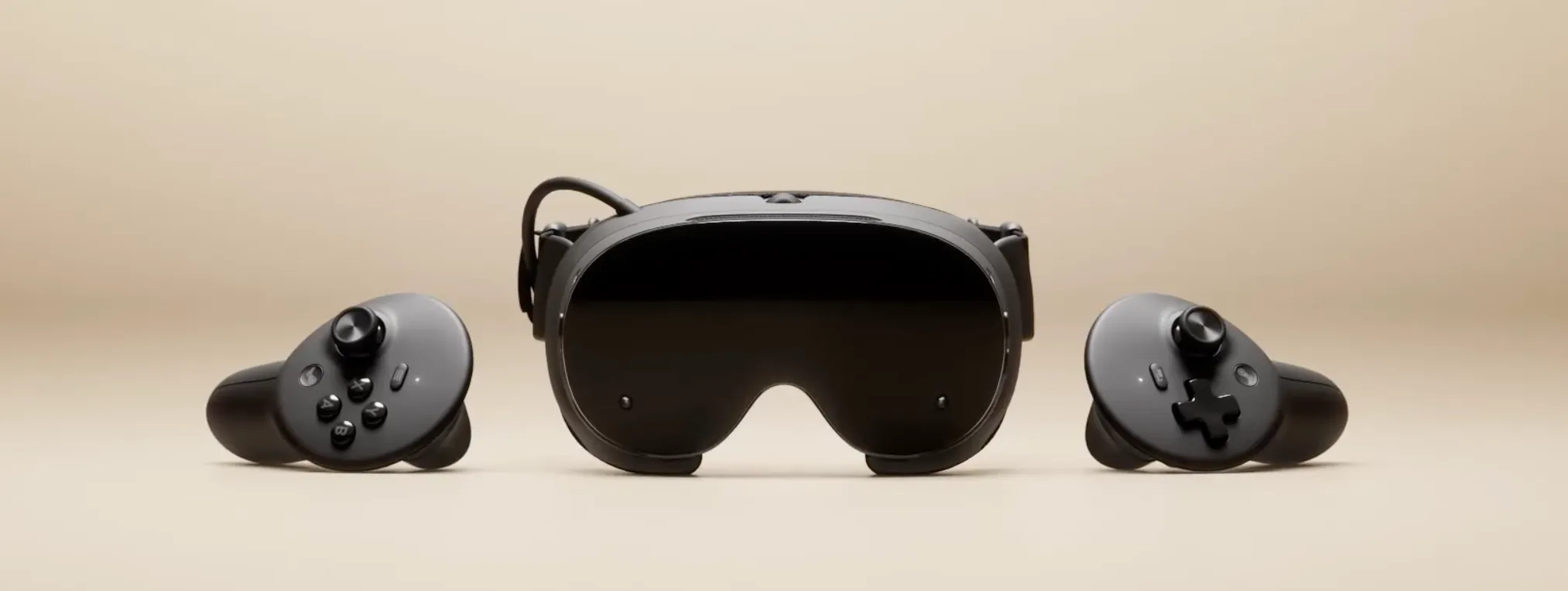
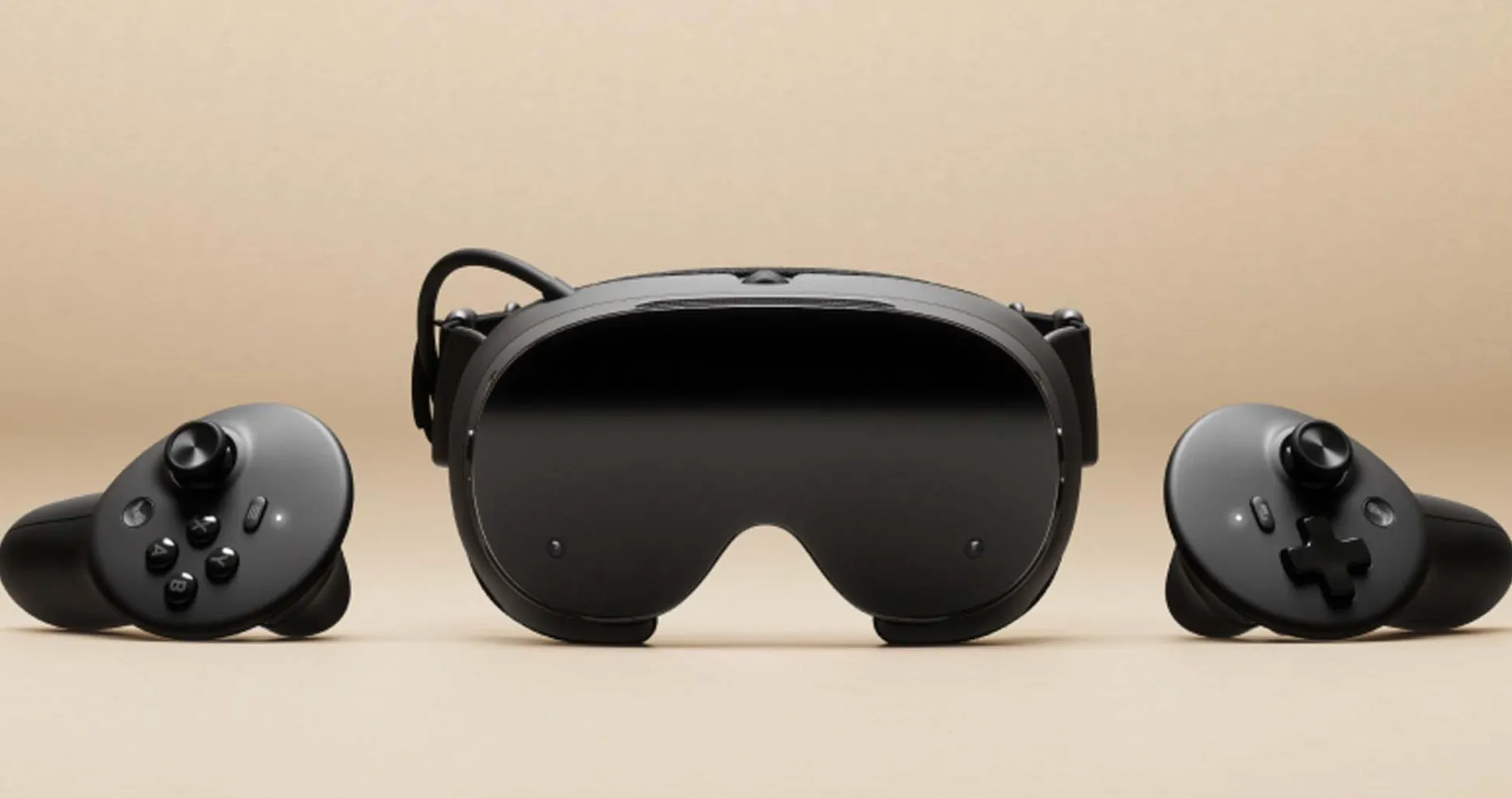
The controllers provide haptic feedback that can help signal interactions like tension changes or system responses, though it doesn't fully replicate real-world forces. You can actually feel when you're sailing too close to the wind or when your sails need trimming—sensations that help develop intuitive boat handling skills.
Many modern VR simulations now use more advanced physics, where you can't just point the boat where you want to go. You need to understand wind angles, plan your tacks, and manage sail trim exactly like you would on a real boat.
Setting up your virtual marina: essential apps and optimization
The virtual sailing landscape has evolved into a surprisingly mature ecosystem, with applications designed for different skill levels and sailing interests. For example, the MarineVerse Cup has become my go-to for competitive racing experiences, offering multiplayer functionality that lets you test tactical skills against virtual sailors worldwide. The racing scenarios demand genuine sailing knowledge—reading wind shifts, executing strategic moves, and performing complex maneuvers under pressure.
For newcomers to sailing, VR Regatta provides a more structured learning environment. The comprehensive tutorial system systematically introduces sailing fundamentals through progressively challenging scenarios, functioning like a patient instructor who never gets frustrated when you accidentally jibe in heavy weather for the third time.
Optimizing your Quest 3 setup for sailing requires thoughtful physical space planning. A roughly 6x6-foot play area is recommended for comfortable movement—when executing a proper tack or reaching across your body for winch controls during competitive racing, you need room for natural sailing movements. I learned this lesson during an intense regatta session that ended with an unfortunate encounter with my coffee table.
PRO TIP: Take time to properly calibrate your interpupillary distance settings. Clear visibility of distant navigation markers and wind indicators becomes crucial for spotting wind shifts early and maintaining competitive positioning.
Battery management deserves special attention for sailing applications, which typically involve longer sessions than standard VR gaming. Extended maritime adventures benefit significantly from external battery packs or charging cables—there's nothing worse than losing power during a crucial race finish.
Navigating motion sickness and comfort challenges
Virtual sailing presents unique comfort challenges due to constant boat motion on water, creating a significant disconnect between visual movement and physical stillness. The Quest 3 supports refresh rates up to 90Hz, and reduced latency helps minimize motion sensitivity, but additional comfort strategies prove essential for extended sailing sessions.
Start with 15-minute sessions and gradually build tolerance—your vestibular system needs time to adapt to this new reality where you're visually rocking on waves while physically stationary. This isn't about enduring discomfort; your brain requires time to recalibrate its motion expectations.
Most sailing applications include comfort settings that significantly impact your experience. Reducing horizon sway, adding static reference points, or implementing teleportation-style movement instead of smooth locomotion can dramatically help with motion sensitivity. I discovered that using a swivel chair or maintaining a standing position that allows natural body movement improved comfort levels substantially during longer sailing sessions.
Environmental factors matter more than you might expect. Proper ventilation and regular breaks prevent heat buildup and fatigue that compound motion sensitivity issues, making sailing sessions considerably more enjoyable.
Controller precision vs. hand tracking: finding your sailing style
The Quest 3 offers two distinct interaction methods for virtual sailing, each with specific advantages depending on your goals and experience level. Controllers deliver reliable, precise input with haptic feedback that clearly communicates rope tension, apparent wind changes, and boat response during critical maneuvers. When you're in tight racing situations requiring quick sail trim adjustments, the button layouts provide immediate access to essential sailing functions without hunting for virtual interface elements.
Hand tracking creates a more naturalistic sailing experience where you grab lines, adjust sails, and operate boat controls using familiar gestures and movements. This approach proves particularly valuable for learning proper sailing techniques, encouraging muscle memory development that translates directly to real-world sailing situations.
PRO TIP: Use controllers for competitive racing where precision and speed matter most, and hand tracking for skill-building sessions focused on learning proper sailing techniques and developing natural boat-handling instincts.
The trade-off with hand tracking involves more deliberate movements and reduced reliability in challenging lighting conditions or during rapid maneuvering sequences. Understanding when to employ each method enhances both your virtual sailing performance and real-world skill development.
Essential accessories and hardware considerations
Several accessories can significantly enhance your Quest 3 virtual sailing experience beyond the standard configuration. A high-quality head strap with integrated battery provides extended play time and improved weight distribution during longer sailing sessions—particularly important for multi-hour racing events or extended cruising scenarios.
Prescription lens inserts prove almost essential for glasses wearers, eliminating discomfort and potential damage risks while maintaining clear vision for navigation and sail trim—both critical aspects of successful virtual sailing.
Cooling solutions deserve serious consideration, given that sailing simulations involve more physical movement and longer wear times than typical VR applications. Heat buildup and fogging can significantly impact performance during intense racing or extended sailing sessions. Aftermarket facial interfaces with improved ventilation or moisture-wicking materials help maintain comfort and visual clarity.
One unexpectedly useful accessory is a dedicated play mat or textured flooring. Tactile feedback for your physical position while maintaining safety during dynamic sailing maneuvers proves surprisingly valuable, especially during competitive racing involving quick, instinctive movements.
Where virtual sailing takes us next
Virtual sailing on the Quest 3 represents the beginning of what's possible when advanced VR technology meets sophisticated maritime simulation. The combination of improved visual fidelity, intuitive controls, and realistic physics creates learning and practice opportunities previously impossible without boat access and suitable sailing conditions.
The implications extend beyond entertainment or casual learning. As technology evolves, we can expect more sophisticated weather modeling, expanded multiplayer experiences, and integration with real-world sailing data that could revolutionize sailing education and recreational practice. Imagine training in historically accurate wind conditions from famous regattas, or practicing specific sailing scenarios you might encounter in particular geographical regions.
Whether you're preparing for your first real sailing adventure, maintaining skills during off-season months, or exploring what life on the water might offer, the Quest 3 provides a compelling portal into virtual seamanship that's both accessible and surprisingly authentic. It won't replace actual sailing, but it's proven to be a valuable complement to real-world sailing that I didn't expect to find as engaging and educational as it has become.






Comments
Be the first, drop a comment!