



The promise of Android XR smart glasses has me genuinely excited—even though I've made no secret of my frustration with Gemini. Google's AI assistant has consistently disappointed me with verbose responses, inconsistent accuracy, and a tendency to overcomplicate simple tasks. Yet here I am, cautiously optimistic about a platform that will likely lean heavily on that very same technology. Why? Because the potential of ambient, hands-free augmented reality is too compelling to dismiss over AI assistant grievances alone.
The tension is real: smart glasses represent one of the most promising form factors in wearable tech, offering seamless information overlay, navigation assistance, and contextual computing without the constant phone-checking that dominates our daily routines. But if Gemini becomes the primary interface—the voice and intelligence layer mediating every interaction—will my enthusiasm survive first contact with reality? This piece explores why I'm willing to give Android XR glasses a chance despite my AI assistant skepticism, examining what Google and its hardware partners need to get right, where Gemini's weaknesses matter most (and least), and what successful AR wearables will actually require beyond conversational AI.
Why smart glasses matter more than the assistant running them
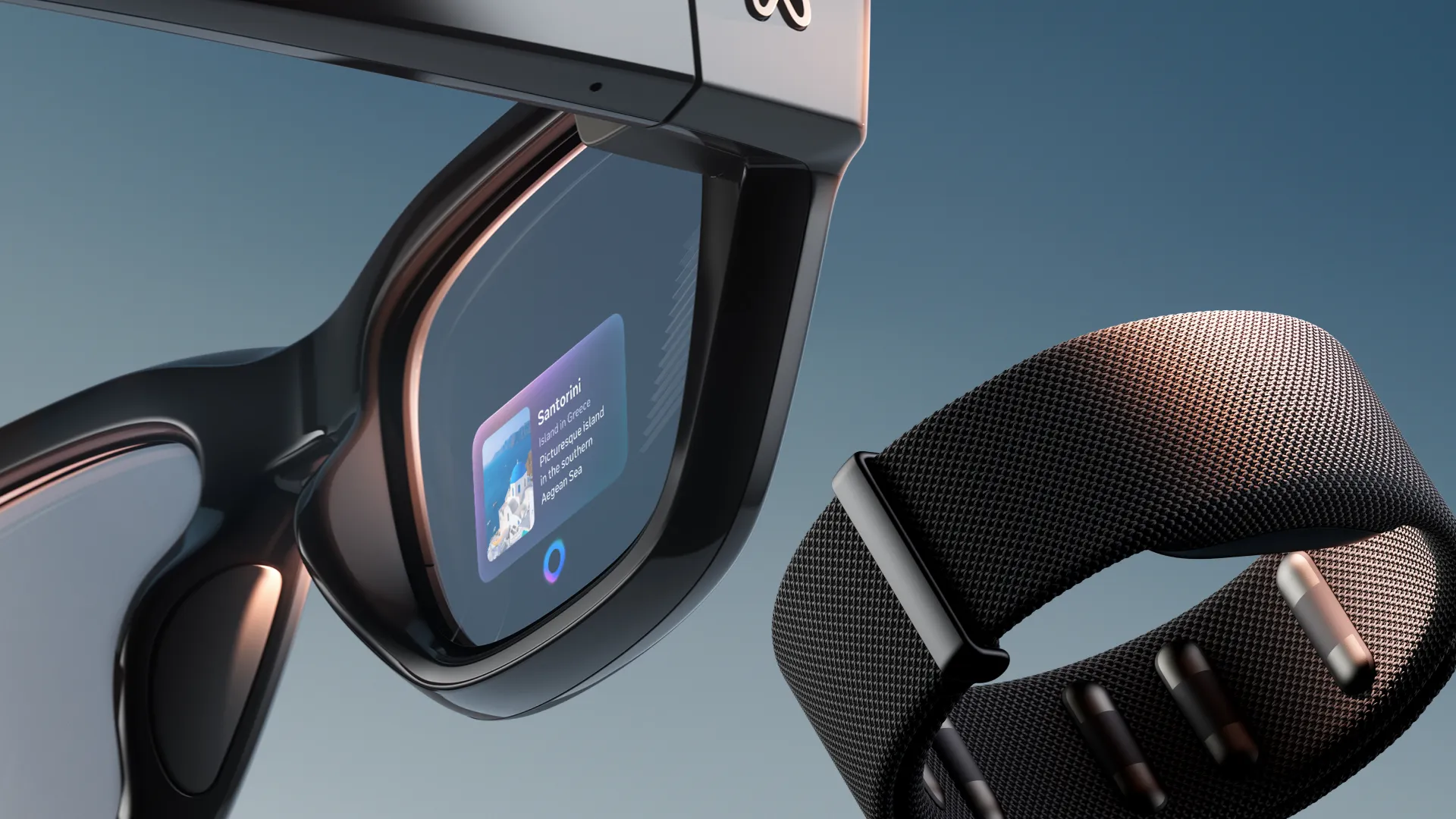
The fundamental appeal of AR glasses lies in their form factor, not their software intelligence. Unlike smartphones that demand we pull a device from our pocket, unlock it, and shift our attention away from the physical world, glasses-based AR promises persistent, glanceable information that integrates with rather than interrupts our environment. Navigation directions floating in your field of view, real-time translation overlays during conversations, contextual information about landmarks or products as you encounter them—these experiences depend more on display technology, optical engineering, and sensor integration than on whether your AI assistant gives concise or rambling answers.
The hardware challenges are substantial: battery life constrained by a lightweight form factor, thermal management in a device worn on your face, optical systems that balance field of view with aesthetics, and sensor arrays sophisticated enough for accurate spatial tracking and environment mapping. These engineering problems will determine whether Android XR glasses succeed or fail far more than Gemini's conversational quirks. Even a mediocre AI assistant becomes tolerable when the core experience—seeing digital information naturally integrated with your physical surroundings—works seamlessly.
Consider the imaging pipeline requirements alone. Real-time computer vision for object recognition, spatial mapping for accurate AR anchoring, hand tracking for gesture controls, and potentially eye tracking for foveated rendering—a technique that renders high detail only where you're looking to conserve processing power—all demand sophisticated on-device processing. The computational architecture supporting these functions will shape the user experience more profoundly than whether Gemini occasionally misunderstands voice commands or provides unnecessarily detailed responses to simple questions.
Think of it this way: if the display is fuzzy, the battery dies after an hour, or the spatial tracking drifts constantly, no amount of AI brilliance will save the experience. But if those fundamentals work well—if the optics are crisp, the battery lasts through a full day, and digital objects stay precisely anchored to the physical world—I can live with an assistant that occasionally rambles. The hardware is the foundation; the AI assistant is just one application running on top of it.
Where Gemini's weaknesses actually hurt (and where they don't)
My frustrations with Gemini center primarily on conversational interactions: the assistant's tendency toward verbose explanations when I want quick facts, inconsistent performance across different query types, and occasional failures to understand context that competing assistants handle gracefully. These weaknesses matter significantly for extended voice interactions—the kind where you're having a back-and-forth dialogue with your assistant, refining queries and building on previous responses.
But smart glasses usage patterns differ fundamentally from smartphone or smart speaker interactions. Most AR queries will likely be brief, contextual, and action-oriented: "What building is that?" "Navigate to the nearest coffee shop." "Translate this menu." "Remind me to call Sarah when I get home." These are precisely the types of simple, direct requests where Gemini performs adequately—even if it occasionally provides more context than necessary. When you're walking down a street and want quick information, you're not engaging in the kind of complex, multi-turn conversations where Gemini's weaknesses become most apparent. The verbose responses that frustrate me during desk-based research queries become less problematic when I'm simply asking for directions or basic information lookup while on the move.
PRO TIP: When evaluating AR glasses, test the AI assistant with rapid-fire, contextual queries rather than complex conversations. Ask "What's that building?" five times in quick succession while walking—this reveals both recognition accuracy and response latency, the metrics that actually matter for glasses-based interaction patterns.
The privacy implications of always-on AI assistants do concern me more in a glasses context than Gemini's conversational shortcomings. A device with cameras and microphones constantly worn on your face raises legitimate questions about data collection, processing location (on-device versus cloud), and consent from people around you. Google's track record on privacy has been mixed, and the company's business model fundamentally relies on data collection and targeted advertising. Whether Android XR glasses process AI requests locally or stream data to cloud servers will significantly impact both privacy and latency—and this architectural decision matters far more than Gemini's personality quirks. Local processing could actually improve Gemini's performance by reducing the latency that sometimes makes cloud-based AI interactions feel sluggish, potentially addressing one of my frustrations with the assistant in its current form.
What Google and partners must get right beyond AI
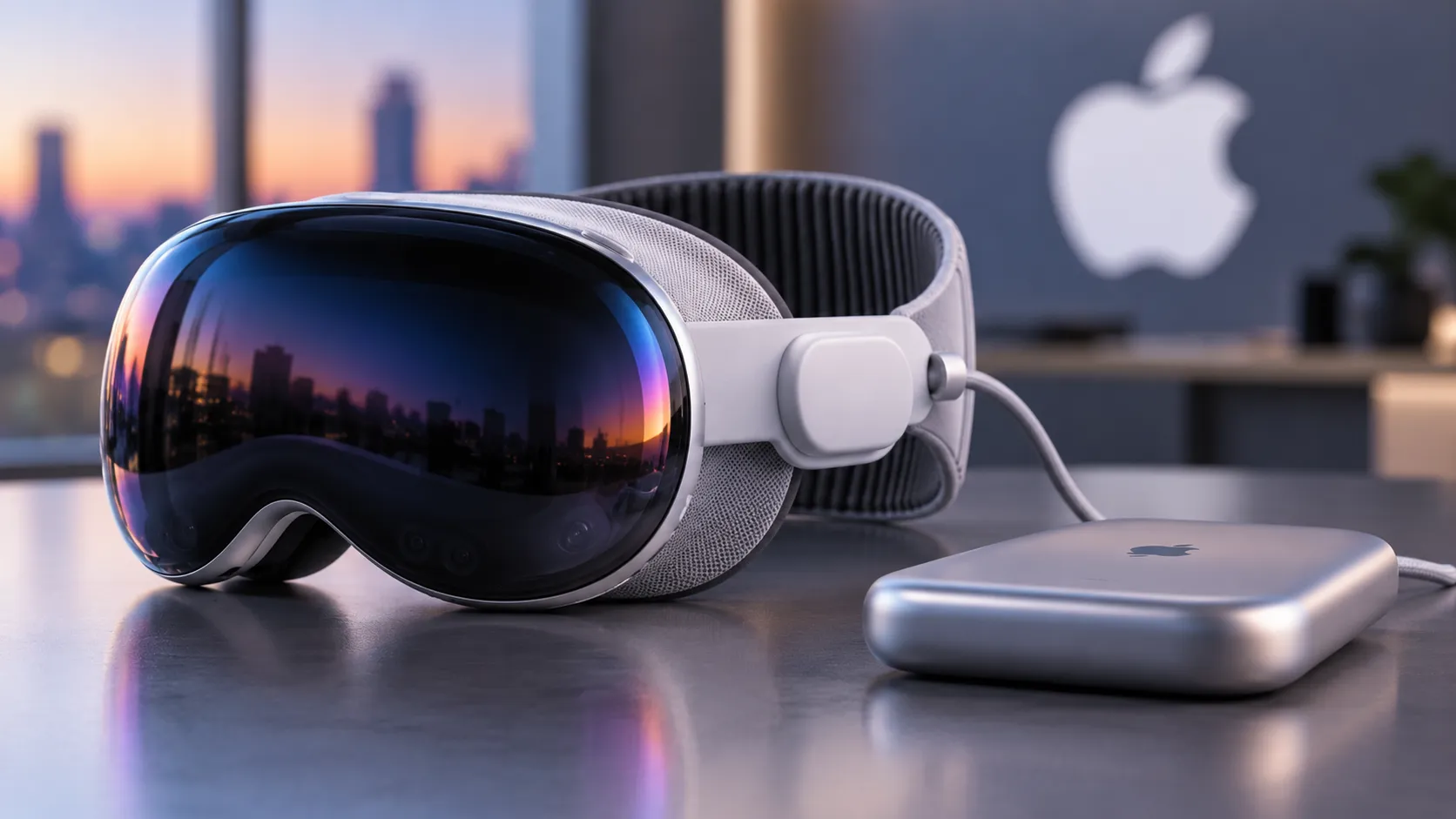
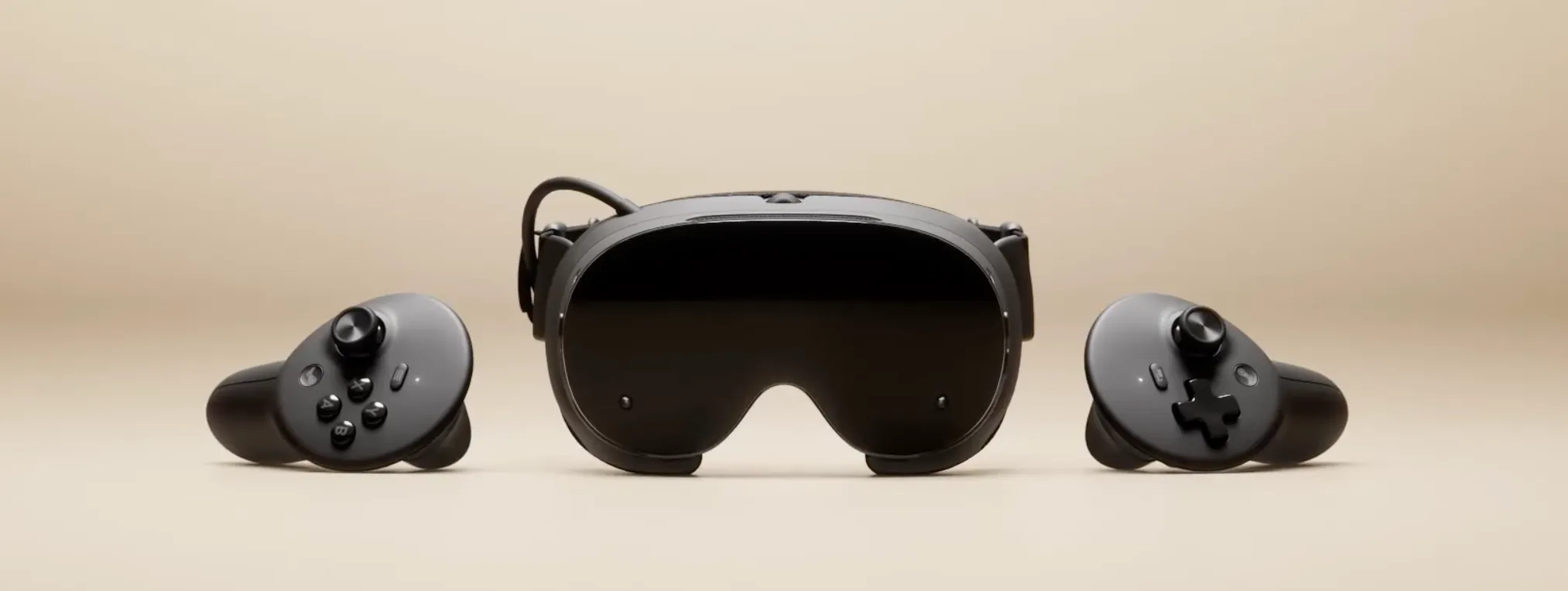
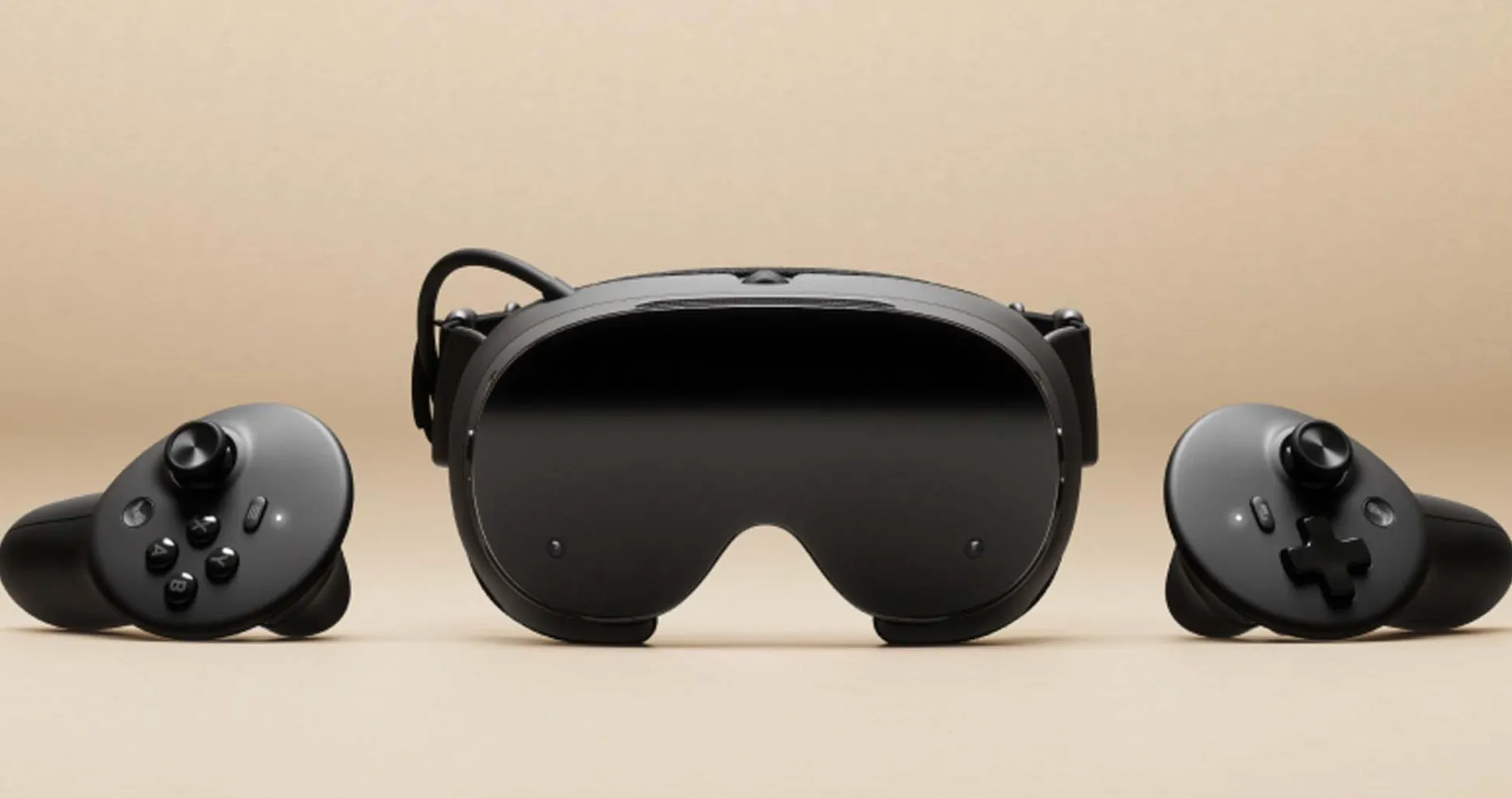
The Android XR ecosystem's success depends on hardware partnerships, developer tools, and platform openness more than Google's first-party AI assistant. Samsung's role as an Android XR launch partner (e.g., Galaxy XR) brings manufacturing expertise, display technology, and an established consumer electronics distribution network. The broader Android ecosystem—with multiple hardware manufacturers potentially creating diverse form factors at different price points—could provide the variety and competition that's been largely absent from the smart glasses market since Google Glass failed to gain mainstream traction over a decade ago.
This diversity matters because different users have different needs. Some might prioritize lightweight, discreet glasses for all-day wear with basic functionality. Others might accept bulkier frames in exchange for extended battery life and more powerful processing. Still others might want specialized variants optimized for specific use cases—cycling, professional applications, accessibility features. A healthy ecosystem with multiple manufacturers experimenting with different approaches increases the likelihood that someone produces a device that resonates with mainstream users rather than just early adopters.
Developer adoption will prove critical. Without compelling applications beyond basic navigation and information lookup, even technically excellent glasses will struggle to justify their cost and the social awkwardness of wearing face-mounted computers. Google's developer tools, documentation quality, and platform APIs will determine whether third-party creators can build experiences that showcase AR's unique capabilities rather than just replicating smartphone functionality with worse ergonomics. We need applications that make sense specifically because you're wearing the interface—experiences like hands-free cooking instructions that advance as you complete each step, real-time equipment repair guidance overlaid on the actual machinery, or architectural visualization that lets you see building plans superimposed on construction sites. These AR-native experiences would demonstrate value that justifies the form factor's compromises.
The platform's openness to alternative AI assistants could actually solve my Gemini concerns entirely. If Android XR allows users to substitute different voice assistants—whether Amazon Alexa, a privacy-focused local alternative, or specialized AI tools for specific use cases—then Google's first-party assistant quality becomes less critical to the platform's overall viability. This flexibility would align with Android's historical approach of offering choice and customization, differentiating the ecosystem from more locked-down competitors. Android's track record of allowing users to change default applications and customize core system behaviors suggests this kind of flexibility is at least technically feasible, though implementation details will matter significantly.
Why I'm willing to take the bet despite my reservations
Technology platforms often succeed or fail based on factors beyond any single component, however prominent. The iPhone revolutionized smartphones despite early Siri limitations—the assistant couldn't even handle basic tasks that Google's voice search managed years earlier—because the overall experience of a responsive touchscreen interface, intuitive app ecosystem, and refined industrial design was compelling enough to overcome voice assistant weaknesses. Similarly, Android XR glasses could succeed even if Gemini remains my least favorite AI assistant, provided the core AR experience, hardware quality, and developer ecosystem deliver on the technology's promise.
What's interesting is that my excitement isn't based on speculation that Gemini will suddenly improve. I'm operating under the assumption it'll be roughly as frustrating as it is today—verbose when I want brevity, occasionally missing context, sometimes overcomplicating simple requests. But even with that expectation, the value proposition of well-executed AR glasses seems worth it. For someone who cycles to work daily, having navigation directions in my field of view instead of glancing at a handlebar-mounted phone represents a genuine safety improvement—one that justifies tolerating Gemini's verbosity. For international travel, real-time translation overlays on signs and menus offer practical utility that outweighs occasional AI assistant frustrations. For hands-free photography during hiking or climbing, the form factor enables capture opportunities that would be impossible with a handheld device. These specific use cases demonstrate scenarios where the hardware capability matters so much more than the AI assistant's conversational style.
My enthusiasm also reflects pragmatic acceptance that perfect products rarely exist, especially in emerging categories. Every technology involves tradeoffs, and the question isn't whether Android XR glasses will be flawless but whether their strengths sufficiently outweigh their weaknesses. The potential for hands-free, contextual computing integrated naturally into daily life represents a significant enough advancement that I'm willing to tolerate an AI assistant I find frustrating—at least initially, and at least if the platform allows eventual alternatives.
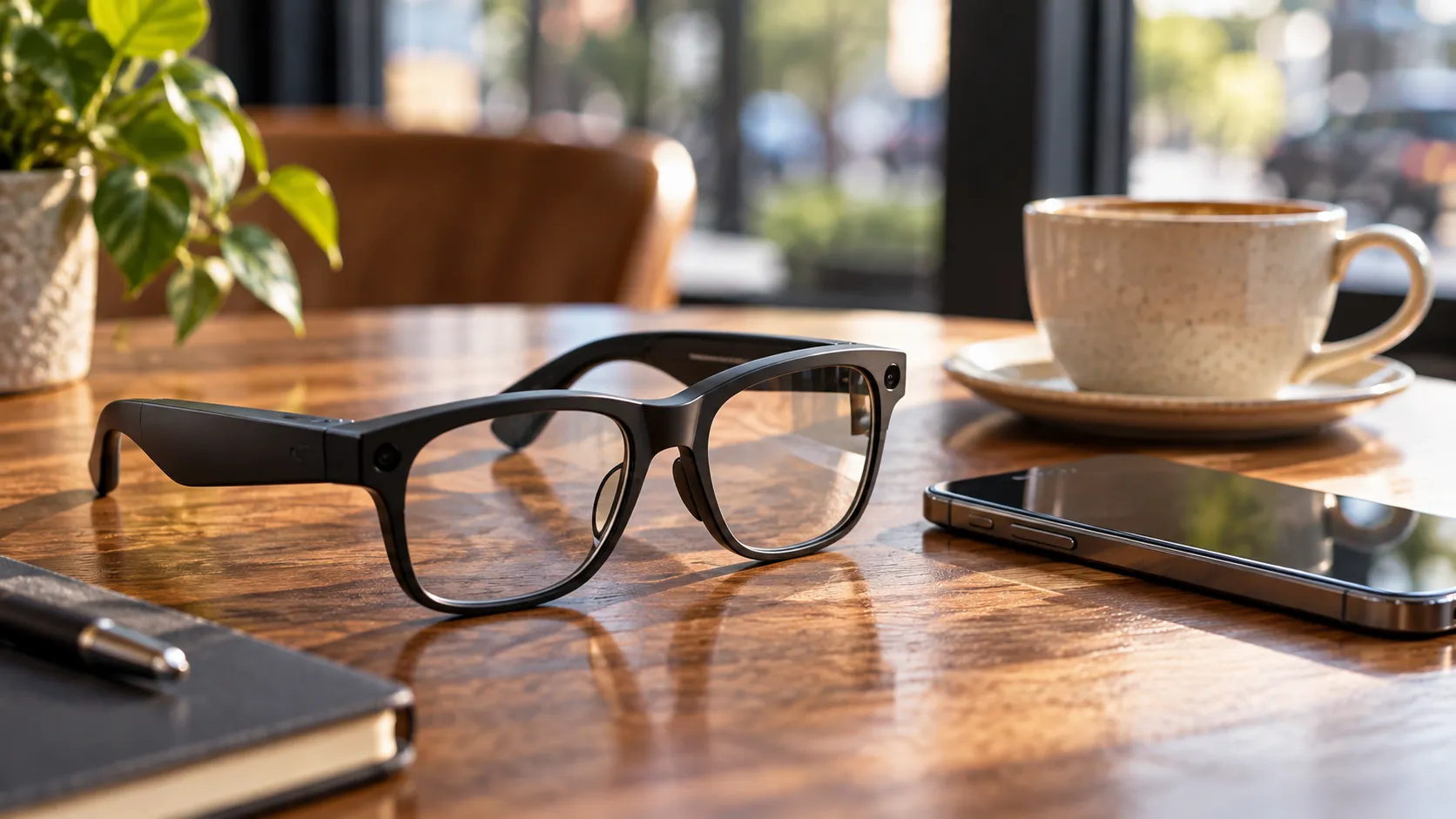
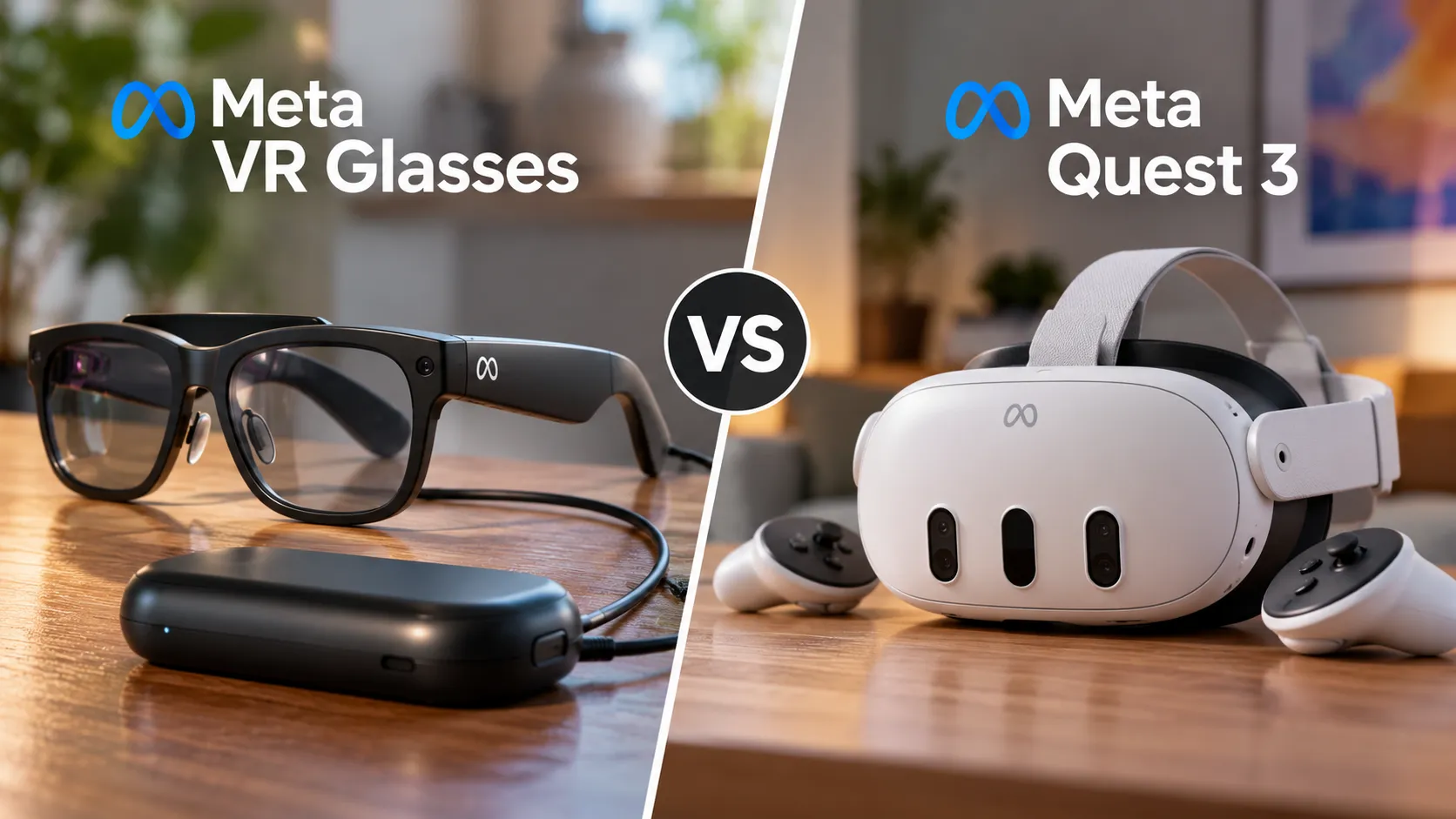
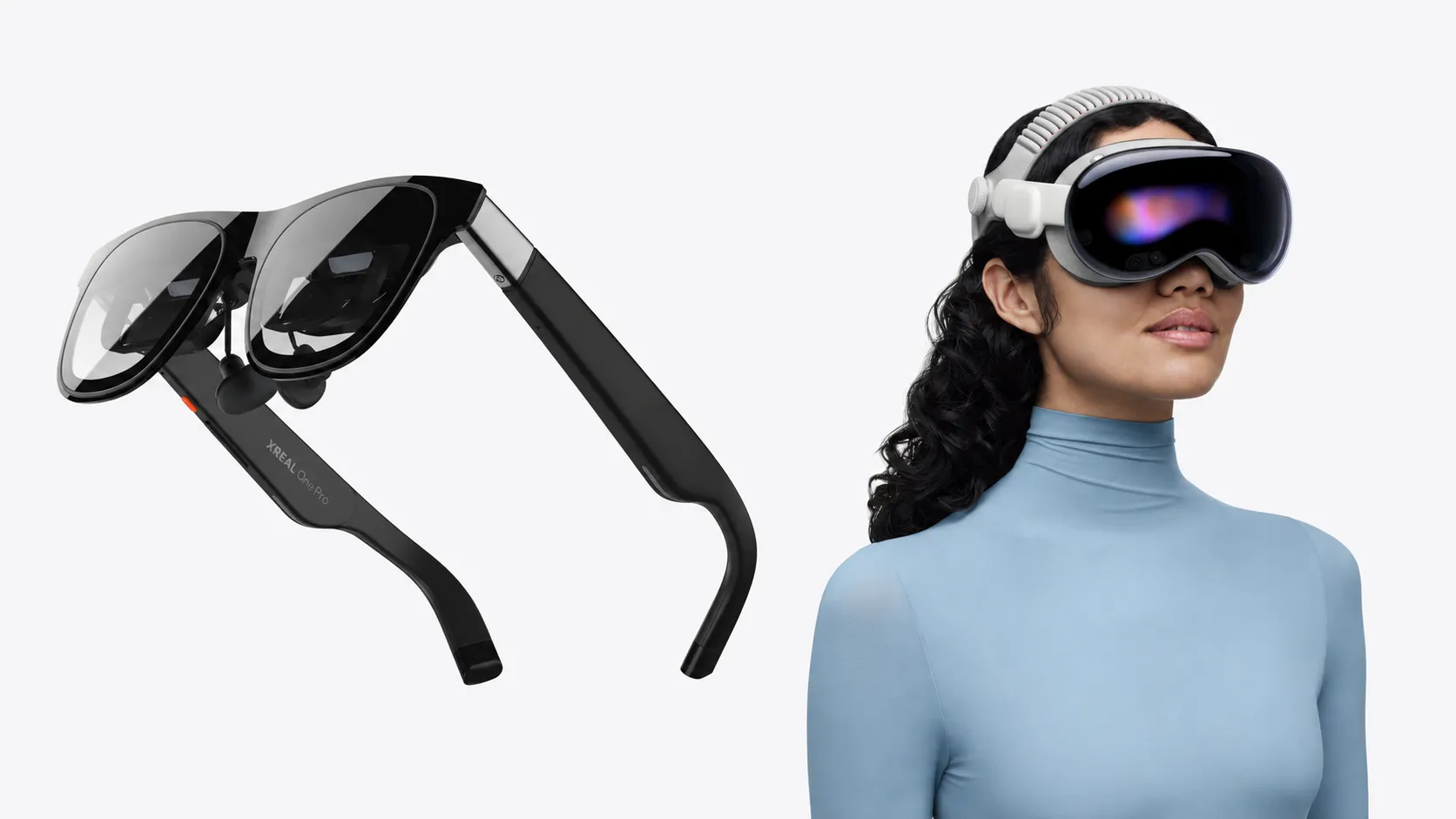
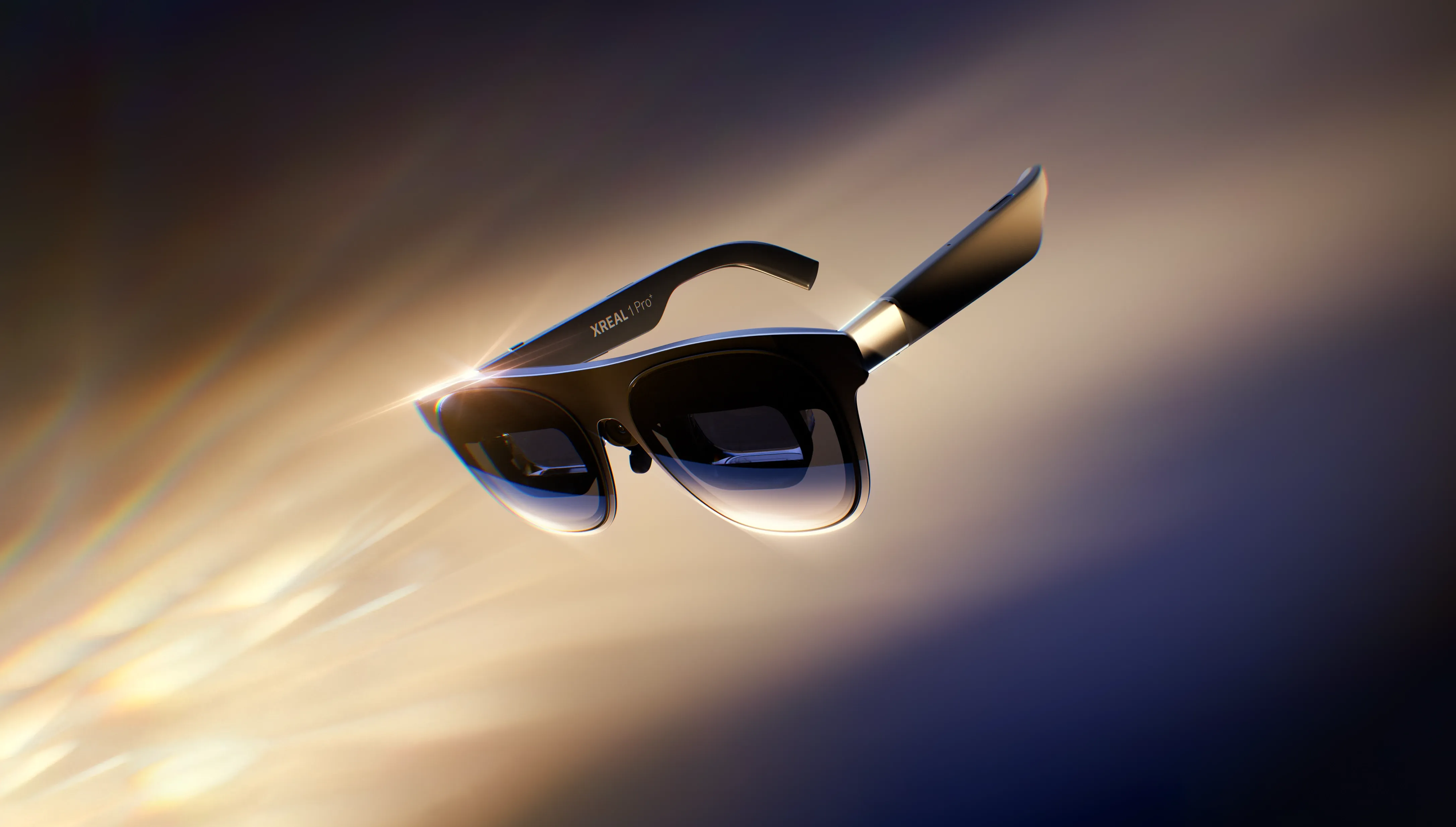
The competitive landscape matters too. Current AR glasses options remain limited: Meta's earlier Ray-Ban Stories focused on audio and camera capture; Meta/Ray-Ban's newer Ray-Ban Meta / Meta AI glasses add expanded AI features rather than visual AR overlays, while display-focused glasses like Xreal and Viture function mainly as external monitors for connected devices rather than standalone AR computers. If the choice is between Android XR glasses with Gemini or no accessible, full-featured AR glasses at all, then accepting Gemini becomes the price of admission to a technology category I believe has genuine transformative potential. Sometimes enthusiasm for a platform's possibilities outweighs skepticism about specific implementation details—especially when those details might evolve over time through software updates, third-party alternatives, or competitive pressure pushing Google to improve Gemini's performance.
The path forward: measuring success beyond AI assistant quality
Rather than rehashing why I'm willing to accept Android XR despite Gemini frustrations, let's establish what success actually looks like. I'll consider Android XR glasses a meaningful platform if they achieve three specific outcomes within their first generation: hardware fundamentals that enable all-day wear, a developer ecosystem that produces at least a dozen AR-native applications demonstrating genuine utility beyond smartphone replication, and platform openness that provides pathways away from Gemini if the assistant remains frustrating.
The hardware threshold is concrete: battery life exceeding six hours of intermittent use, display clarity approaching smartphone screen quality for readability, and thermal management that prevents uncomfortable heat during normal operation. Weight and comfort matter too—if the glasses cause headaches after an hour or feel conspicuously awkward to wear in public, they've failed regardless of technical capabilities. These represent solvable engineering challenges rather than moonshot requirements, but executing them well within a consumer-friendly price point will separate serious products from prototype-quality attempts.
The developer ecosystem metric matters because it determines whether AR glasses become genuinely useful tools or expensive tech curiosities. If we see applications like detailed maintenance and repair guidance, accessibility tools for vision or hearing impairment, professional applications for architecture or medical fields, and creative tools for artists and designers—all built specifically for the AR form factor—then the platform has achieved critical mass. These wouldn't be possible or practical on smartphones, demonstrating that the glasses enable new capabilities rather than just offering alternative access to existing smartphone functions.
Platform openness provides the escape hatch that makes my bet on Android XR rational despite Gemini concerns. If Google allows alternative AI assistants, supports sideloading of applications, and permits customization of core system behaviors consistent with Android's broader philosophy, then users aren't locked into tolerating frustrating software indefinitely. This flexibility transforms my current acceptance of Gemini from a permanent compromise into a temporary tradeoff while the ecosystem matures and alternatives emerge.
This framework—hardware competence, ecosystem vitality, platform openness—represents a more useful evaluation approach than fixating on whether Gemini improves. AI assistants will continue evolving, competitors will push each other toward better performance, and users will develop preferences for different interaction styles. But if Android XR delivers on the foundational elements that make AR glasses compelling, the specific AI assistant becomes just one choice among many rather than a make-or-break factor. That's the bet I'm making: that the promise of ambient, contextual computing integrated naturally into daily life is compelling enough to overcome software frustrations, at least when the platform provides sufficient flexibility to address those frustrations over time.






Comments
Be the first, drop a comment!