


Google's recent design documentation for Android XR-powered AI glasses offers a rare, detailed look at how the company envisions wearable augmented reality integrating into everyday life. While the tech world has watched Apple and Meta dominate XR headlines, Google has quietly published comprehensive guidelines that reveal its strategic approach to making smart glasses practical, power-efficient, and genuinely useful. This isn't vaporware or concept art—it's a blueprint for developers showing how Android XR will handle everything from physical button layouts to battery-conscious UI patterns, signaling Google's serious intent to establish UX conventions before hardware floods the market.
The timing matters enormously for the XR ecosystem. According to Google's developer documentation, the company is establishing design standards while the AI glasses category remains relatively nascent, potentially positioning Android XR as the default platform for third-party manufacturers. The guidelines emphasize that successful AR wearables must balance computational capability with thermal management and battery constraints—challenges that have plagued previous smart glasses attempts. By codifying these principles now, Google aims to help developers avoid the pitfalls that doomed earlier products like Google Glass, creating a more sustainable foundation for the technology's second act.
Physical controls: Why buttons still matter in a gesture-first world
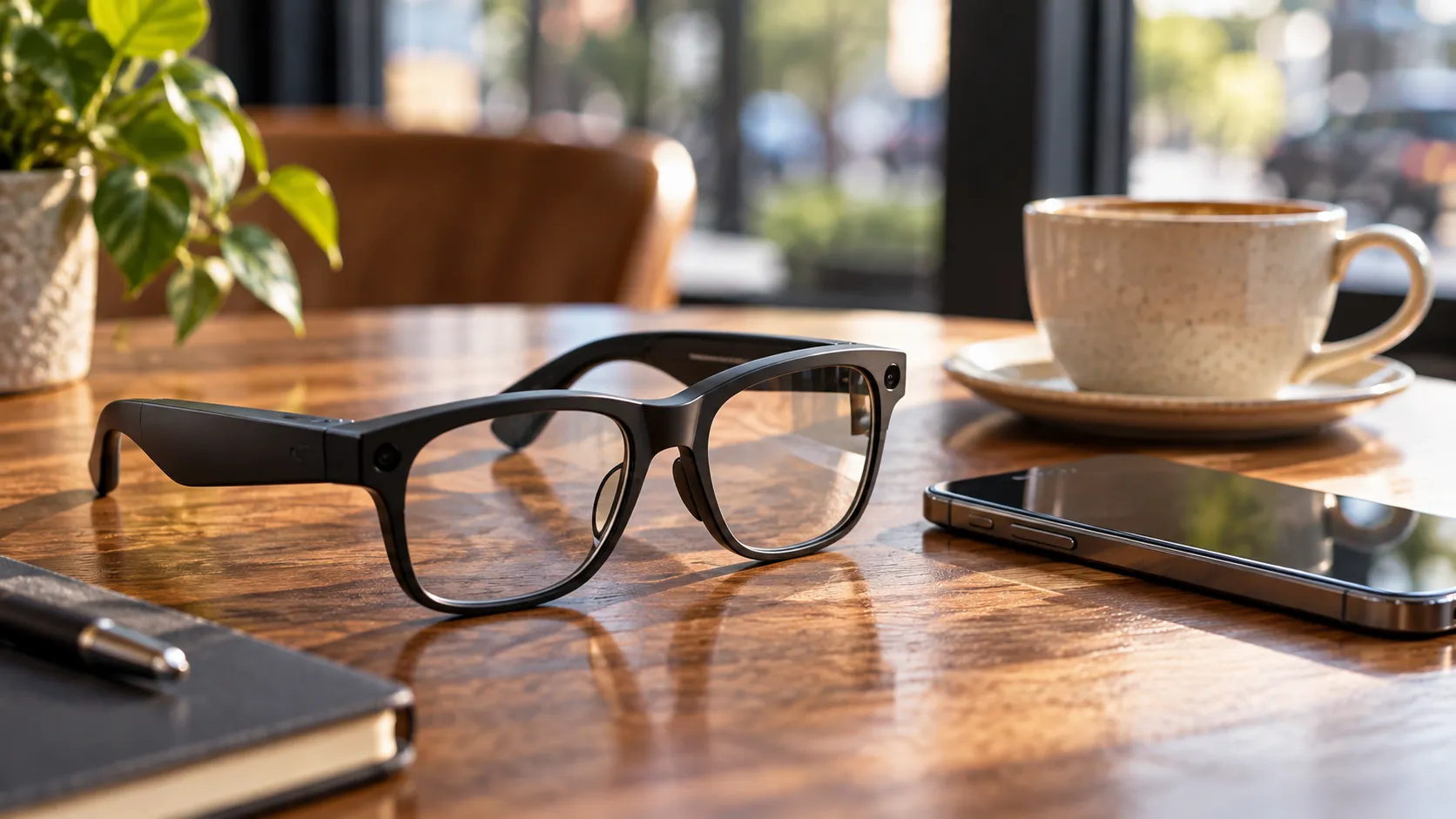
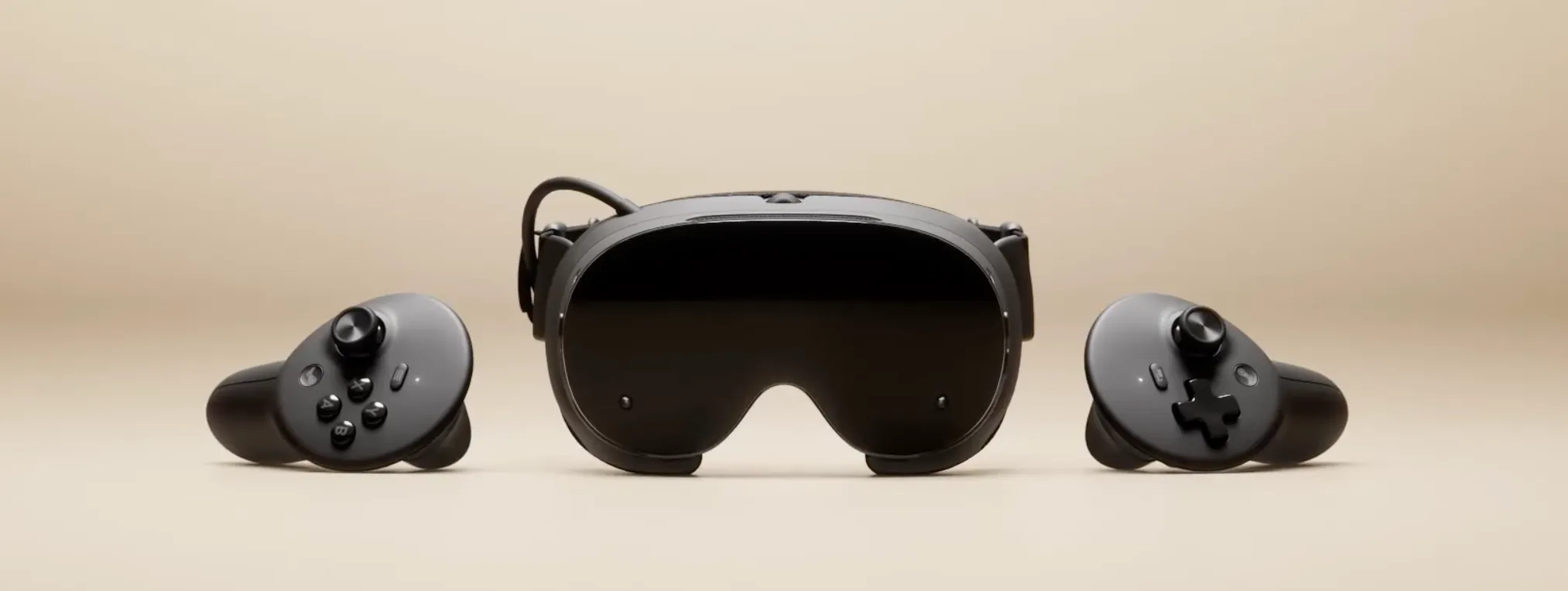
The design guidance reveals Google's pragmatic stance on input methods, acknowledging that physical controls remain essential even as voice and gesture interactions advance. The documentation specifies that AI glasses should incorporate tactile buttons for core functions like power, volume, and capture—actions users need to perform reliably without visual confirmation. This approach contrasts sharply with purely gesture-based systems, recognizing that real-world usage scenarios often involve situations where users can't or won't want to wave their hands or speak commands aloud.
Google's guidelines emphasize that button placement must account for one-handed operation while wearing the device, with particular attention to accessibility for users with different hand sizes and dexterity levels. These placement considerations directly address real-world friction points. Consider a common scenario: you're on a crowded subway, and you need to quickly capture something you're seeing. The last thing you want to do is start talking to your glasses or performing elaborate hand gestures while strangers watch. A simple button press solves that immediately.
The documentation also addresses haptic feedback requirements, noting that tactile confirmation becomes crucial when users can't see their hands interacting with the device. When you're wearing glasses, your hands often operate in your peripheral vision or completely out of sight. That little vibration confirming you actually pressed the button prevents the frustrating "did I press it or not?" uncertainty that could plague buttonless designs.
Perhaps most tellingly, the design standards acknowledge that physical controls serve as fallback mechanisms when AI misinterprets voice commands or gesture recognition fails—a refreshingly honest admission of technology's limitations. It's the kind of practical thinking that suggests Google has learned from past overconfidence in emerging input methods.
UI patterns built for peripheral vision and power efficiency
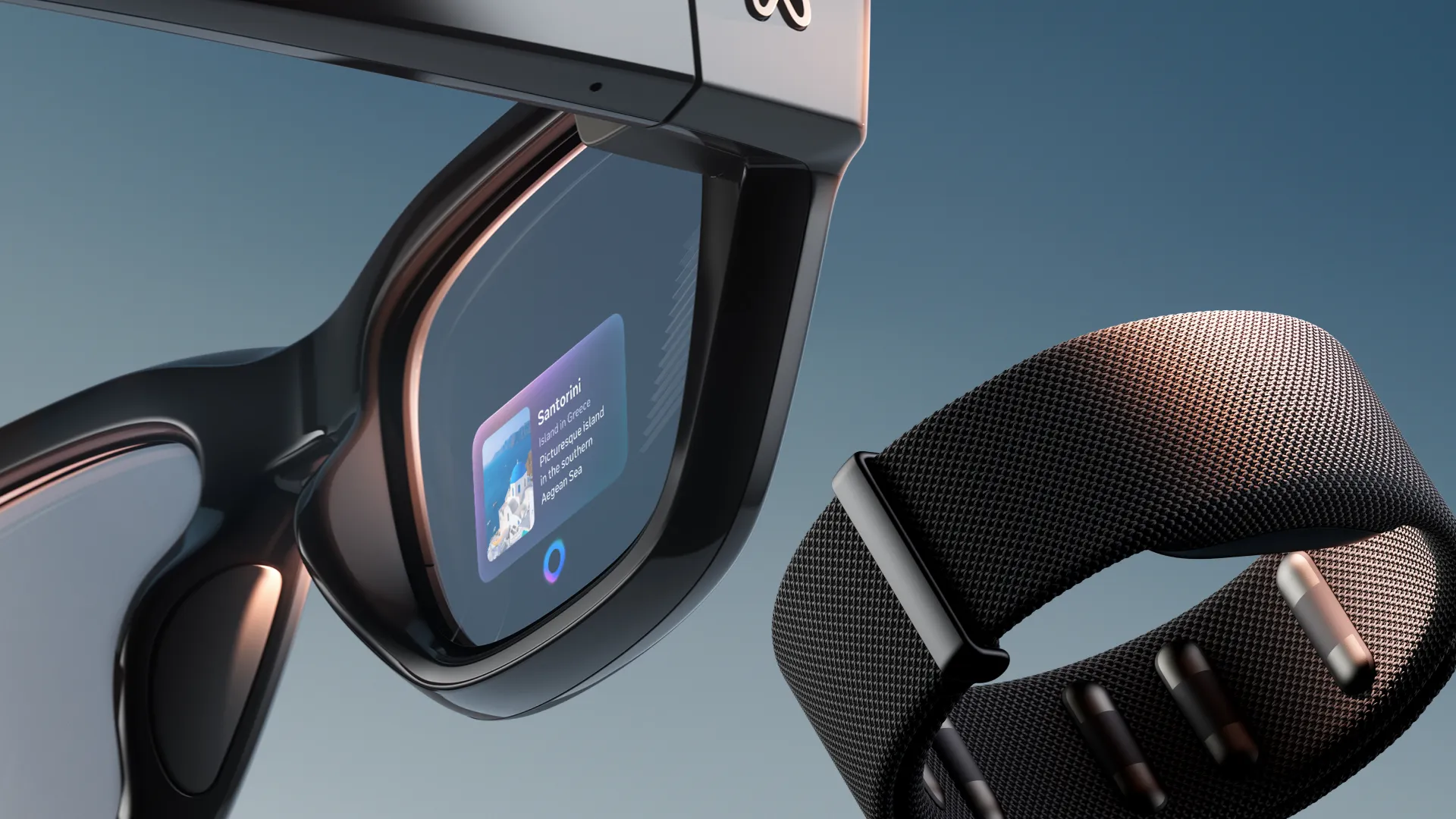
Google's interface design philosophy for Android XR glasses centers on a fundamental constraint: the display occupies peripheral rather than central vision, requiring entirely different UI conventions than smartphones or VR headsets. The guidelines recommend that critical information should appear in brief, glanceable formats rather than requiring sustained attention, with suggested maximum reading times of just 2-3 seconds for most notifications. This approach reflects lessons learned from Google Glass's failure—remember how early Glass adopters quickly became known as "Glassholes," partly because they were constantly glancing up at their displays during conversations? The new guidelines essentially codify the opposite approach: design interfaces that enhance awareness without hijacking attention.
Power management drives many of the UI decisions outlined in the documentation. Google specifies that developers should minimize always-on display elements, instead relying on contextual triggers that activate the interface only when needed. The design standards emphasize that battery life remains the primary constraint for wearable AR adoption, with recommendations for aggressive display dimming and content prioritization to extend usage time.
Battery life in wearables isn't just a technical specification—it's the difference between a device people actually use versus one that sits in a drawer after the first week. Google seems acutely aware of this reality. Interestingly, the guidelines suggest that developers should design for "intermittent engagement" rather than continuous use—acknowledging that successful AI glasses will supplement rather than replace smartphone interactions.
This represents a fundamental shift in thinking. Instead of trying to create an all-encompassing computing platform that does everything your phone does (but on your face), Google's vision accepts that glasses and phones will coexist, each handling the tasks they're best suited for. This more modest vision than Apple's spatial computing ambitions might also be more realistic for daily wear scenarios.
PRO TIP: The intermittent engagement model favors specific app categories: navigation overlays, contextual translations, notification triage, and quick information lookups—experiences where 2-3 second glances provide clear advantages over pulling out your phone.
Positioning Android XR against Apple and Meta's ecosystems
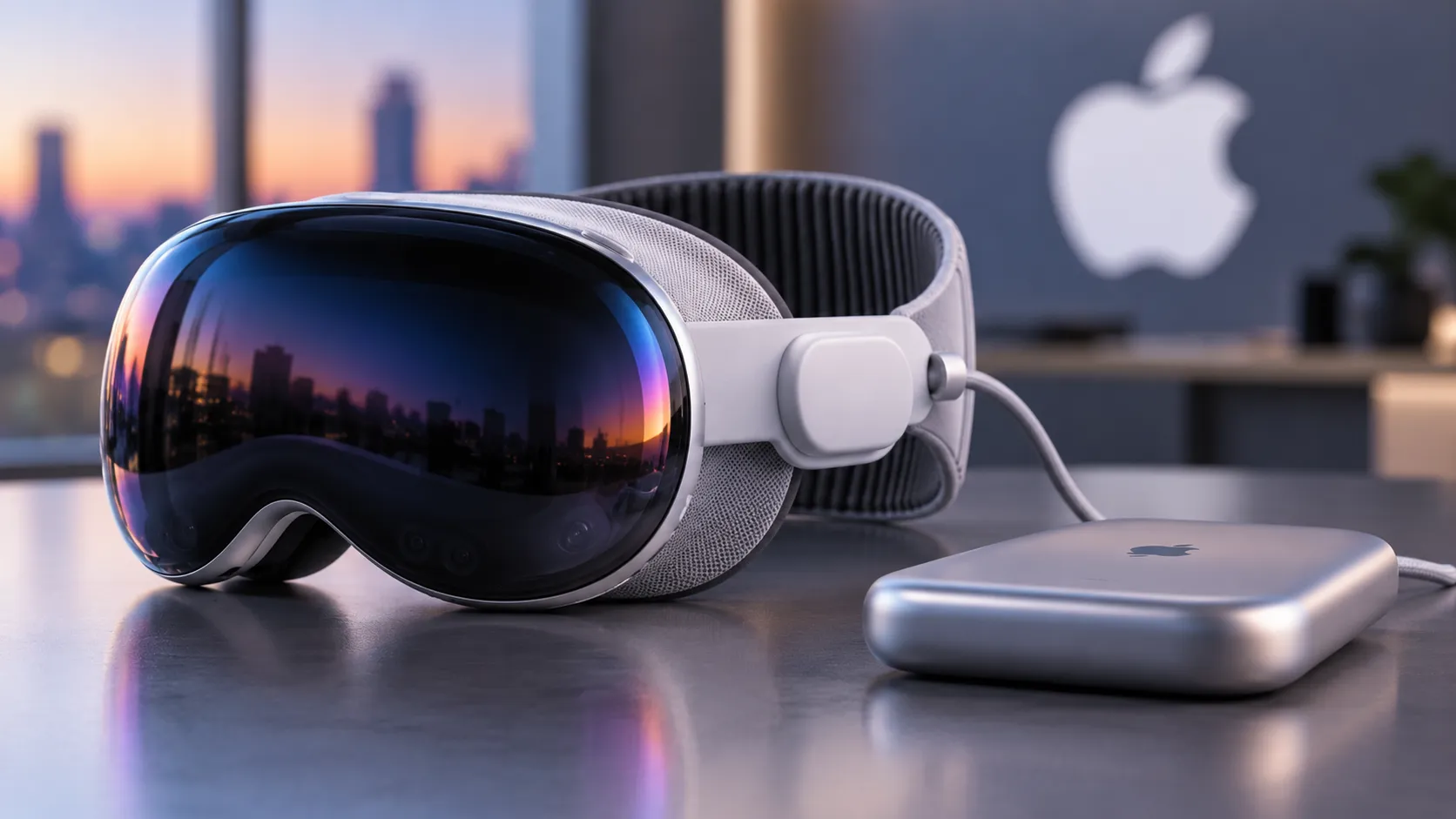
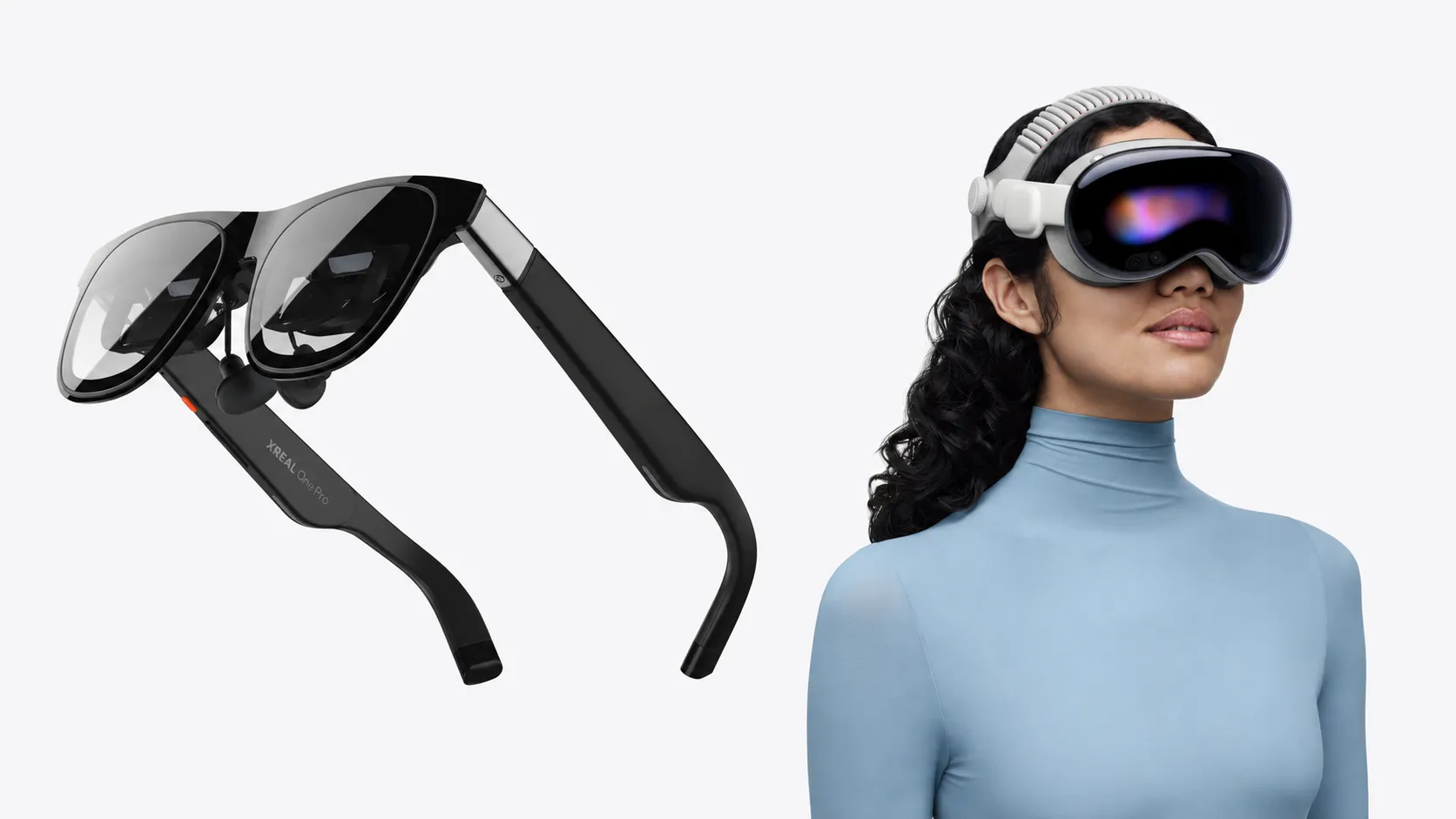
The design documentation reveals strategic differences in how Google envisions AR glasses compared to competitors' approaches. While Apple's Vision Pro prioritizes immersive spatial computing and Meta focuses on social presence, Google's guidelines emphasize ambient intelligence and contextual assistance that fade into the background of daily life. The documentation explicitly states that Android XR glasses should enhance rather than dominate user attention, suggesting a more conservative integration philosophy than Apple's transformative spatial computing vision.
These divergent approaches create distinct developer opportunities and constraints:
- Apple's approach: Replace your computing environment entirely with spatial interfaces—requires sustained attention, benefits from powerful processing
- Meta's approach: Connect you with other people in virtual spaces—prioritizes social features, avatar systems, and shared experiences
- Google's approach: Quietly augment your existing reality with helpful information when you need it—emphasizes efficiency, contextual awareness, and background intelligence
None of these philosophies is inherently superior—they're targeting different use cases and different visions of how technology should integrate into daily life.
Google's open platform strategy contrasts with Apple's tightly controlled ecosystem, potentially enabling faster hardware iteration across multiple manufacturers. The design standards specify baseline requirements for processing power, display quality, and sensor arrays while allowing flexibility in form factor and feature differentiation—the Android playbook applied to XR. This could enable specialized glasses for specific industries—construction, healthcare, logistics—each optimized for distinct use cases while maintaining app compatibility.
However, the guidelines also acknowledge fragmentation risks, recommending that developers test across different hardware configurations and establish graceful degradation patterns for lower-spec devices. Unlike smartphones where screen size and processor speed are primary variables, AR glasses introduce optical variations, field-of-view differences, and sensor array configurations that complicate development significantly. Anyone who's developed for Android knows this challenge intimately—the endless device matrix, the varying capabilities, the need to optimize for both high-end flagships and budget devices. That same complexity will inevitably come to Android XR.
What this means for developers and the XR industry's trajectory
Google's comprehensive design guidance signals confidence that AI glasses will transition from niche curiosity to mainstream product category within the next few years. The documentation's existence suggests that Google and its hardware partners are closer to commercial launches than public announcements indicate, with the detailed specifications implying that reference designs and developer kits are already circulating among select partners.
The documentation includes detailed thermal management specifications and battery optimization patterns—the kind of granular technical requirements that only emerge from extensive hardware testing. Companies avoid creating documentation this specific for vaporware—it's too much work for something that might never materialize. The level of detail here suggests Google has working prototypes, has encountered real implementation challenges, and has developed solutions worth codifying for third-party developers.
For developers, these guidelines provide the first concrete framework for building Android XR applications, reducing uncertainty about platform capabilities and constraints. That certainty matters enormously when deciding whether to invest engineering resources in a new platform. Developers who've been burned by betting on failed platforms naturally approach new ecosystems with skepticism. Comprehensive documentation like this helps reduce perceived risk.
The standards also reveal Google's learning from past failures. The emphasis on power efficiency, restrained UI design, and physical control redundancy directly addresses criticisms that plagued Google Glass and other early smart glasses attempts.
By publishing these guidelines before hardware launches, Google aims to cultivate a developer ecosystem that understands the medium's constraints, potentially avoiding the app quality issues that hampered previous AR platforms. The logic is straightforward: if developers understand the limitations and best practices from day one, they'll build better apps that work with the technology's strengths rather than fighting against its weaknesses.
Whether this proactive approach succeeds in establishing Android XR as the dominant AR glasses platform remains to be seen, but the design documentation demonstrates that Google has carefully studied both its own mistakes and competitors' strategies in preparing for wearable AR's next chapter. This appears to be Google's most thoughtful approach to a new product category in years—less hubris, more pragmatism, and a genuine effort to build sustainable foundations rather than chasing flashy headlines.
If Google succeeds in establishing these conventions as industry standards, we're likely to see a wave of specialized AR applications emerge within 18-24 months of first hardware launches: industrial maintenance overlays, medical imaging assistants, real-time language translation for travelers, and accessibility tools for visual or hearing impairments. The platform that gets the foundational experience right—balancing capability with wearability, power with efficiency—will define how hundreds of millions of people eventually experience augmented reality in their daily lives.



Comments
Be the first, drop a comment!