


iRacing Apple Vision Pro App: Requirements, Features, and Limitations
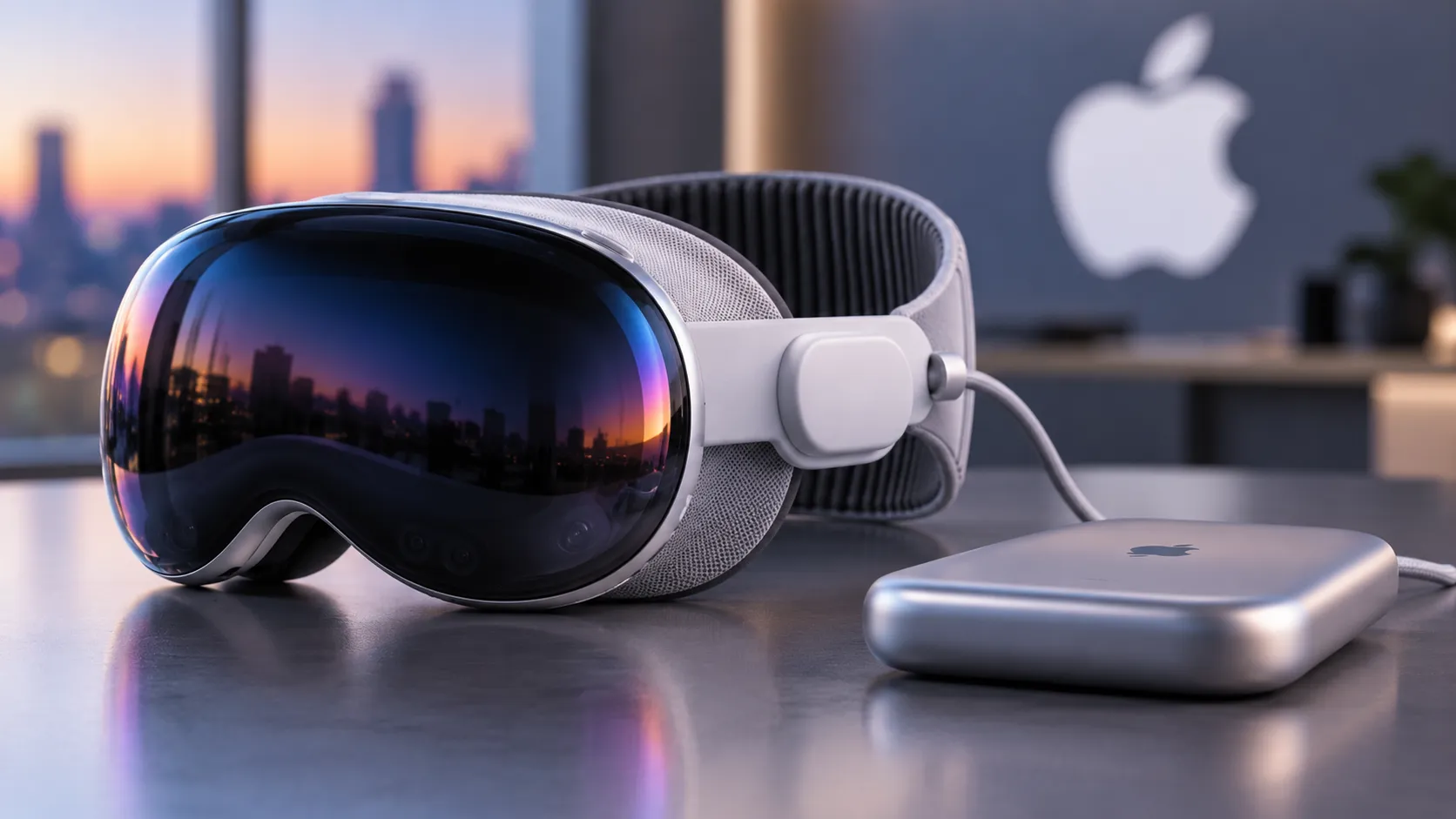
The free iRacing Connect app landed on the App Store this week, making iRacing Apple Vision Pro support official and available to anyone running visionOS 26.4 or later. The catch is baked into the architecture: the simulation runs entirely on a Windows PC, with frames encoded and transmitted wirelessly to the headset via NVIDIA CloudXR 6.0, per iRacing's support documentation published the same day. The Vision Pro receives the stream; it doesn't generate it.
That distinction matters for understanding who this launch actually reaches. The hardware and networking requirements stack up fast, and the target audience is narrower than a headline like "iRacing on Apple Vision Pro" might suggest.
Despite the "Cloud" in CloudXR, no remote server is involved. UploadVR clarified two months ago that users stream from their own local gaming PC the technology is borrowed from cloud gaming infrastructure but pointed at hardware already sitting under your desk.
What's actually new: official support, not just a workaround
Streaming iRacing to a Vision Pro was already possible before this week. The open-source tool ALVR has made local PC-to-headset streaming viable for some time, as UploadVR noted in March. The official CloudXR integration adds three things ALVR cannot provide.
First, mixed reality passthrough: Vision Pro's cameras blend the driver's physical environment into the virtual cockpit, so the actual steering wheel and pedals remain visible inside the sim, per the support guide. Second, active accessory tracking uses that same camera data to align the virtual cockpit position automatically, eliminating the manual recentering that conventional PC VR requires, UploadVR reported. Third, native OS-level foveated streaming built into visionOS 26.4 a feature Apple introduced specifically for CloudXR compatibility renders the sharpest content in the driver's direct line of sight, according to both iRacing's announcement and the support documentation.
There's also a separate, in-sim foveated rendering option inside iRacing itself, found under Graphics Settings > Display > VR > VR Mode. It's off by default. The support guide recommends enabling it manually for better VR performance. The two optimizations are related but operate at different layers: one at the OS and transport level, one inside the sim's own rendering pipeline.
The partnership behind all of this was announced at GDC 2026 in March as a three-way collaboration between iRacing, Apple, and NVIDIA a coordinated platform push timed to the visionOS 26.4 release, not a hasty port.
iRacing Vision Pro requirements: what you need to run it
The complete requirements list is longer than most VR setups. Every layer has a threshold.
PC and GPU:
- A Windows PC meeting iRacing's "high-end" specification tier, an NVIDIA RTX 4070 Ti or 5070 Ti or better, and driver version 580 or later, per the support guide
- An active iRacing subscription; the platform operates on a subscription-plus-content-purchase model, so the Connect app being free on the App Store is not the full cost picture
Networking the part most people underestimate:
- A router sustaining at least 1,000 Mbps on the 5GHz or 6GHz band; Wi-Fi 6 or 6E is the minimum, per iRacing's documentation
- The Vision Pro doesn't support Wi-Fi 7, but the same documentation notes that a Wi-Fi 7 router citing models like the Asus RT-BE86U and TP-Link Archer BE6500 still provides a more capable chipset for handling high-bandwidth traffic, then states plainly that standard ISP-provided routers are generally insufficient
- The headset must connect on 5GHz or 6GHz; 2.4GHz lacks the necessary throughput and is prone to interference. The PC should use Gigabit Ethernet: running both devices wirelessly doubles the load on the wireless spectrum and causes latency spikes, the guide states
- In households with heavy shared network traffic, iRacing recommends a dedicated router used only for the PC-to-headset connection, with the rig in the same room; walls and furniture significantly degrade high-frequency signals, per the same guide
Setup details worth knowing before you start:
Port 55000 (UDP/TCP) must be open in Windows Firewall and any third-party security software. Windows must also classify the network connection as Private rather than Public a Public setting silently blocks the headset's discovery requests entirely, per iRacing's troubleshooting documentation. Stutters, visual artifacts, or high latency almost always point to a network bottleneck rather than a GPU or headset issue, the same guide notes.
One router callout worth flagging: iRacing's documentation specifically advises against the Puppis S1, a router that gets recommended in some mobile VR circles, on the grounds that it can't sustain the bitrates this setup demands.
This configuration is built for existing sim racers who already have a serious wheel-and-pedal rig and a high-end gaming PC, and who are willing to upgrade their networking stack to match. Someone picking up iRacing for the first time because they own a Vision Pro is not who this was designed for.
Mixed reality cockpit integration: the genuine differentiator
The mixed reality feature is worth dwelling on, because it addresses a real frustration in sim racing VR setups.
In conventional PC VR, the physical steering wheel and pedals are invisible inside the headset. Drivers reach for hardware they can't see, learn to trust their hands through repetition, and occasionally miss a button or knock a shifter because there's no visual reference. The Vision Pro integration changes that. The headset's passthrough cameras keep the physical rig visible inside the virtual cockpit, so the wheel in your hands and the wheel on screen are one and the same.
Calibration works by placing hands on the wheel and rotating it so the cameras can lock in the position, per the support guide. That data then drives automatic cockpit alignment no manual recentering required. iRacing recommends an adjustable seating position that approximates the virtual driver's geometry in the sim, so the physical and virtual views line up cleanly.
Tracking isn't foolproof. Low contrast between hands and wheel, or strongly contrasting patterns on the rim, can cause the cameras to lose their lock, the documentation notes. It's a solvable problem for most setups, but worth knowing before assuming calibration will just work on first attempt.
This is the piece that no workaround solution like ALVR offers at the same level. The hardware passthrough quality of the Vision Pro's camera system is the enabling factor, and iRacing's integration is built specifically around it.
What remains unconfirmed
The mixed reality cockpit integration is concrete and documented. Most other claims about the experience are still unverified.
UploadVR reported in March that the M5 Vision Pro may run the stream at up to 120 frames per second but that figure comes from pre-launch coverage, not independent testing under real race conditions. Actual latency after wireless compression, sustained image quality over a full-length race session, battery life, and thermal comfort during extended use are all still open questions. No hands-on reviews exist yet.
iRacing president Tony Gardner described the experience as delivering "a level of immersion and fidelity never before seen in sim racing" in the company's March announcement. That's a marketing claim from a launch press release, not a tested result from an independent source.
What's also unconfirmed: whether all iRacing content and competitive modes function equally well over the streaming pipeline, and whether the setup complexity discourages enough users to keep this in niche territory regardless of how good the core experience turns out to be.
The bottom line on this launch
The full hardware checklist: Apple Vision Pro running visionOS 26.4, a high-end Windows PC, an NVIDIA RTX 4070 Ti or 5070 Ti or better with driver 580 or later, a Wi-Fi 6/6E-capable router sustaining 1,000 Mbps (not the box your ISP shipped you), Gigabit Ethernet for the PC, an active iRacing subscription, and an existing sim racing rig. The iRacing Connect app is free. Everything surrounding it carries a cost, financial or otherwise.
The mixed reality cockpit integration represents a genuine step forward that cheaper or older VR solutions don't replicate. Whether iRacing, Apple, and NVIDIA simplify the setup path enough to extend this beyond a narrow slice of committed sim racers or whether the technical bar stays where it is will determine whether this week's launch was the beginning of something or a very sophisticated proof of concept. Right now, no one outside the development team has driven a full lap to say which.



Comments
Be the first, drop a comment!