


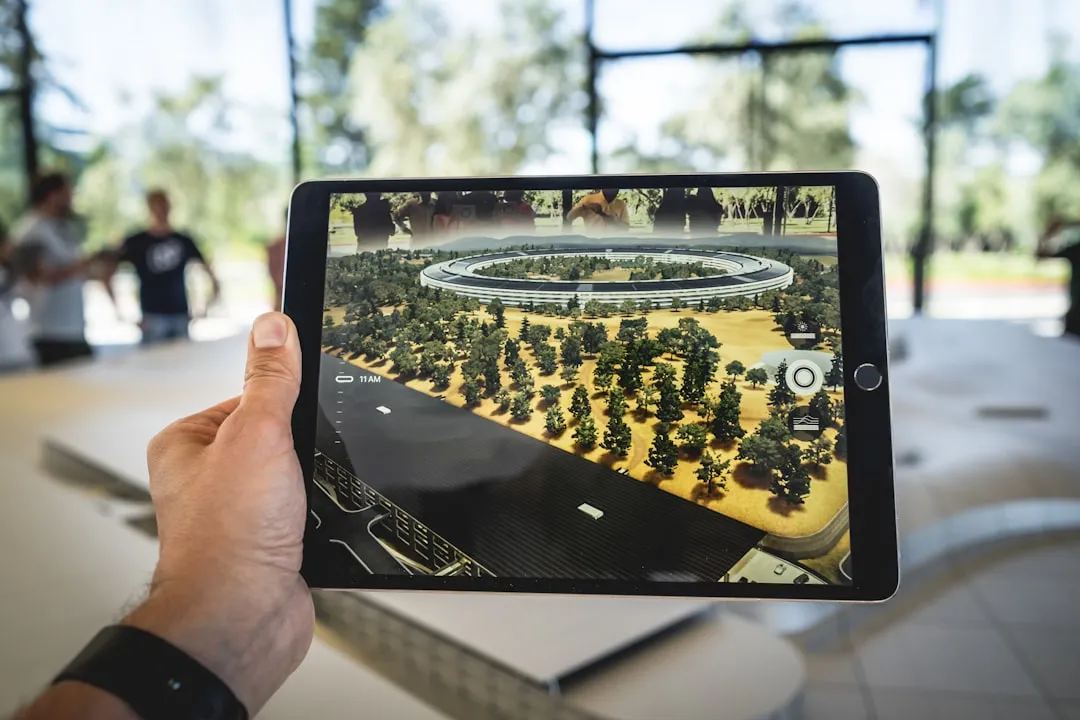
New AR Research Turns Any Flat Surface Into a Touch Interface
AR headsets still lack a comfortable, precise way to accept input. That single problem, more than display resolution or processing power, is what IDC has consistently flagged as the ceiling on AR's move into sustained daily use. A newly demonstrated research system may have found a path around it, at least for enterprise settings.
Researchers have built an AR interaction system that lets users tap and swipe on ordinary flat surfaces, a desk, a workbench, a tabletop, and have the AR environment respond in real time. No controllers, no gloves, no sensors embedded in the surface. Detection runs entirely through the outward-facing cameras already built into current-generation headsets. The research team reports input latency of 15 to 20 milliseconds in controlled tests, well under the approximately 50ms threshold that ACM CHI research has established as the ceiling for touch to feel responsive rather than lagged.
This is a lab result, not a shipping product. It works reliably on a well-lit desk with moderate surface contrast. That is enough to matter for enterprise deployment. Getting it into a living room is a different problem entirely.
What the system does and how it was tested
The system uses computer vision and on-device machine learning to map a flat surface and infer finger contact by reading finger position, shadow, and micro-movement through the existing camera array. Nothing about the environment needs to change. A user at a desk could tap to select an AR control floating above the surface, or swipe to scroll through a panel, the same physical actions as operating a phone screen, executed on whatever surface is already in front of them.
The research team conducted evaluation under controlled laboratory conditions, with participants performing standard interaction tasks including tapping, swiping, and selecting targets on flat surfaces with moderate texture and consistent overhead lighting. The 15 to 20ms latency figures come from that setting. What the published work has not yet addressed in full detail is false-tap rates under realistic conditions, performance across a wider range of surface types, or results from multi-user sessions. Those gaps are worth naming plainly, because any serious deployment evaluation will ask for them first.
Highly reflective materials, heavy patterns, and moving surfaces all degrade detection reliability, according to the research team's own disclosures. That is not a fatal flaw for the use cases described below. It is a hard constraint on which environments are viable now.
Why tapping a surface beats pinching air
The comparison that matters here is not touchscreen versus AR. It is surface-grounded input versus mid-air gesture. A finger tapping a desk has a stopping point. That physical reference improves precision, reduces the muscular load of holding a sustained position in open space, and activates fine-motor habits built over years of phone and keyboard use. Mid-air pinch gestures require deliberate learning and sustained effort that surface contact sidesteps.
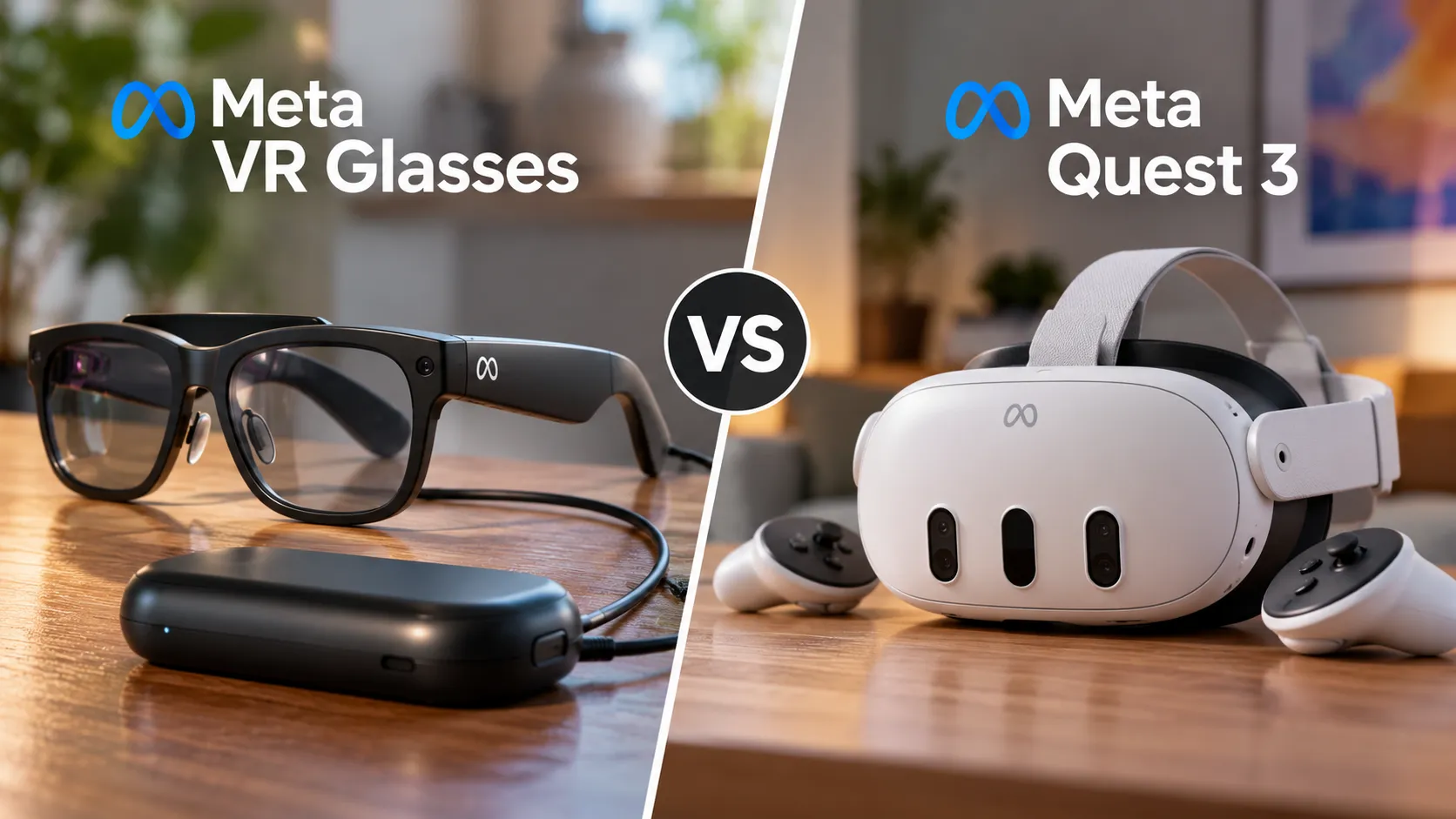
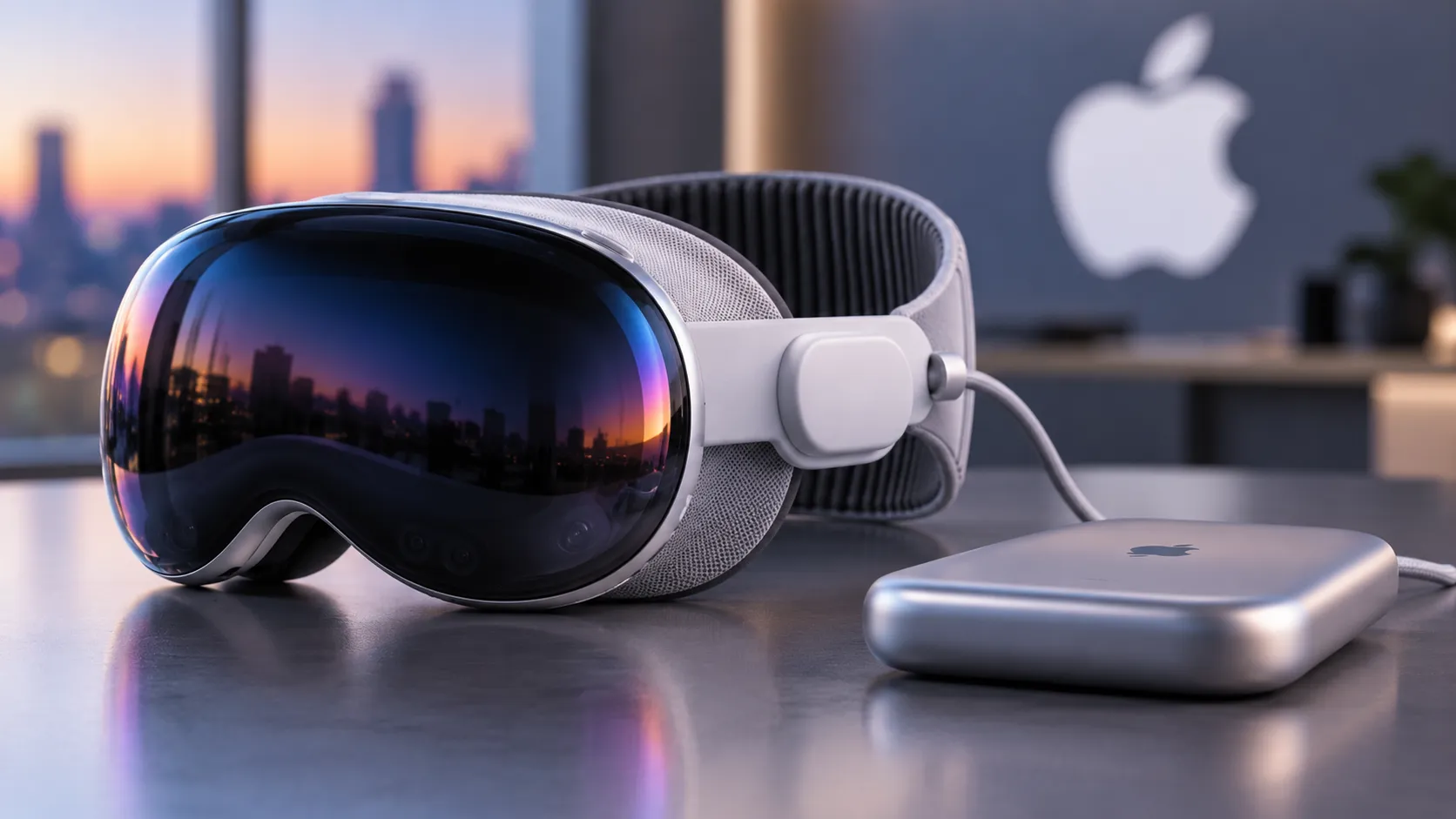
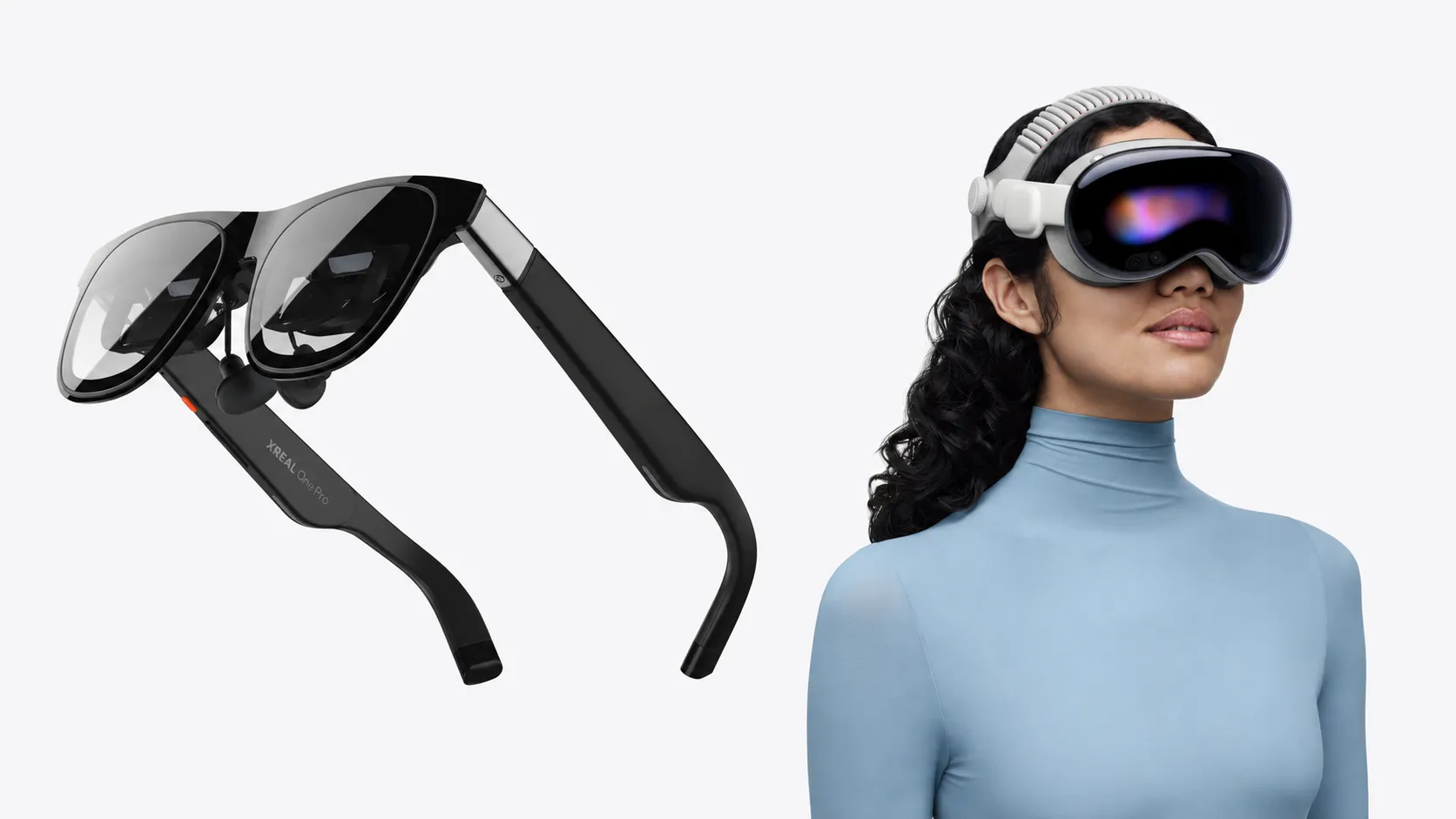
Current headsets, including the Meta Quest 3 and Apple Vision Pro, support hand-tracking, but they treat the physical world as a spatial boundary rather than something you can push against. The hand moves through space and the system infers intent from shape and trajectory. It works, but Prior HCI research has documented has documented the cognitive and motor costs of that approach: input patterns that do not match existing motor habits slow adoption and increase fatigue over extended sessions.
Microsoft's OmniTouch research, published more than a decade ago, demonstrated projected touch interfaces on arbitrary surfaces. The catch was a separate depth-sensor rig worn alongside the display, which made it a research curiosity rather than a deployable system. The current approach folds detection into the headset's existing sensor array, removing that dependency entirely. Fewer components, no separate hardware, nothing strapped to the user's shoulder.
"Tap the table beside your keyboard" instead of "pinch in space above your keyboard." One requires no new habits, no calibration, no tolerance for muscle fatigue. The other requires all three.
What breaks it
Surface quality is the first constraint. The camera array needs enough visual texture to distinguish actual finger contact from a finger hovering just above the surface. Glossy desks create glare. Glass is nearly featureless to a camera. Heavily patterned materials introduce noise the current model does not reliably resolve.
Lighting is almost as critical, because the system depends on shadow and micro-movement cues. Those cues degrade under shifting overhead lighting, near windows with variable sunlight, or outdoors.
The failure modes worth picturing concretely: a palm resting flat on the desk while thinking should not register as a cluster of taps. A sleeve brushing the surface during a reach should not trigger a selection. A patch of sunlight moving across the desk as clouds shift should not produce phantom inputs. The research has not yet published systematic false-tap data under those conditions, and for any deployment where accidental input carries a cost, that number is not a footnote. It is a prerequisite.
Open questions also include performance on angled surfaces like a tilted keyboard tray, multi-finger support for pinch-to-zoom gestures, and whether accuracy holds when either the user or the surface is in motion.
Where it could ship first
Because the system depends on stable contrast and controlled lighting, enterprise environments are the first realistic use case. Warehouse workbenches, operating tables, vehicle dashboards, field service stations. These settings share two properties: defined physical surfaces and predictable lighting. The surface already in front of the worker becomes the input device without any change to the environment.
A warehouse technician pulling up AR overlays on a workbench. A field engineer annotating schematics on a fixed table. A surgeon confirming a procedure checklist without reaching for a peripheral. ACM CHI proceedings have documented over several years how open-air gestural input increases fatigue and error rates in sustained work contexts. For enterprise AR, where sessions run for hours and precision matters, surface-contact input addresses that problem directly rather than asking workers to adapt around it.
Consumer deployment is a separate problem. Home environments are full of glass tables, patterned surfaces visible in peripheral camera view, shifting window light, and incidental hand contact on every available surface. The research team has not announced a timeline for tackling that variability. Reading this as "every desk becomes an AR touchscreen soon" misreads what the current result demonstrates.
The interface design problem nobody has solved yet
If any visible surface can potentially accept input, AR applications face a question current headset UI does not have to answer: how does a user know which surfaces are active right now?
Early touchscreen design hit a structurally similar wall. Nothing about a glass rectangle inherently signals "press here." The solution was a visual convention set, borders, highlights, button affordances, that took years to stabilize into something users absorbed without thinking. AR needs equivalent solutions. A projected boundary showing the active input zone. A visible highlight when the surface is being tracked. Some equivalent of a stable visual anchor that tells the user where deliberate input is expected versus where incidental contact is ignored.
Without that grammar, surface input becomes ambiguous in practice even when it works technically. Users will not know whether to tap the desk or gesture in the air, and hesitation is its own kind of failure. That design layer does not yet exist in any systematic form, and it is likely the next blocking problem after surface and lighting constraints are resolved.
What this actually signals
The demonstrated result is technically credible: surface-touch AR input at responsive latencies, using only sensors already present in current headsets, without modifying the environment. That may address limitations seen in existing hand-tracking systems.
For enterprise buyers, the path is now shorter. Industries with stable, defined workspaces can pursue AR input that does not require workers to learn open-air gestural interfaces or carry additional accessories. Fewer accessories and a shorter learning curve are not marginal improvements; they are the two factors that most often kill enterprise AR pilots before they reach scale.
The narrower signal from this research is the more interesting one. It suggests AR input might work by borrowing the physical world the user is already touching, rather than building dedicated input hardware and asking users to adapt to it. Every controller and data glove shipped in the past decade started from the opposite assumption. Whether this alternative survives contact with the full range of real environments is the question the next phase of this work has to answer. The current evidence does not tell us yet.

Comments
Be the first, drop a comment!